1.
Access the download page
Click the button below to reach the official download section on this website.
Cybet offers a dedicated desktop application that brings live casino tables, roulette wheels, slot machines, and sports betting directly to your computer. The app runs on Windows and macOS systems at no cost and delivers the same functionality as the web platform. You get faster load times, full-screen gameplay, and a stable connection designed for uninterrupted betting sessions.
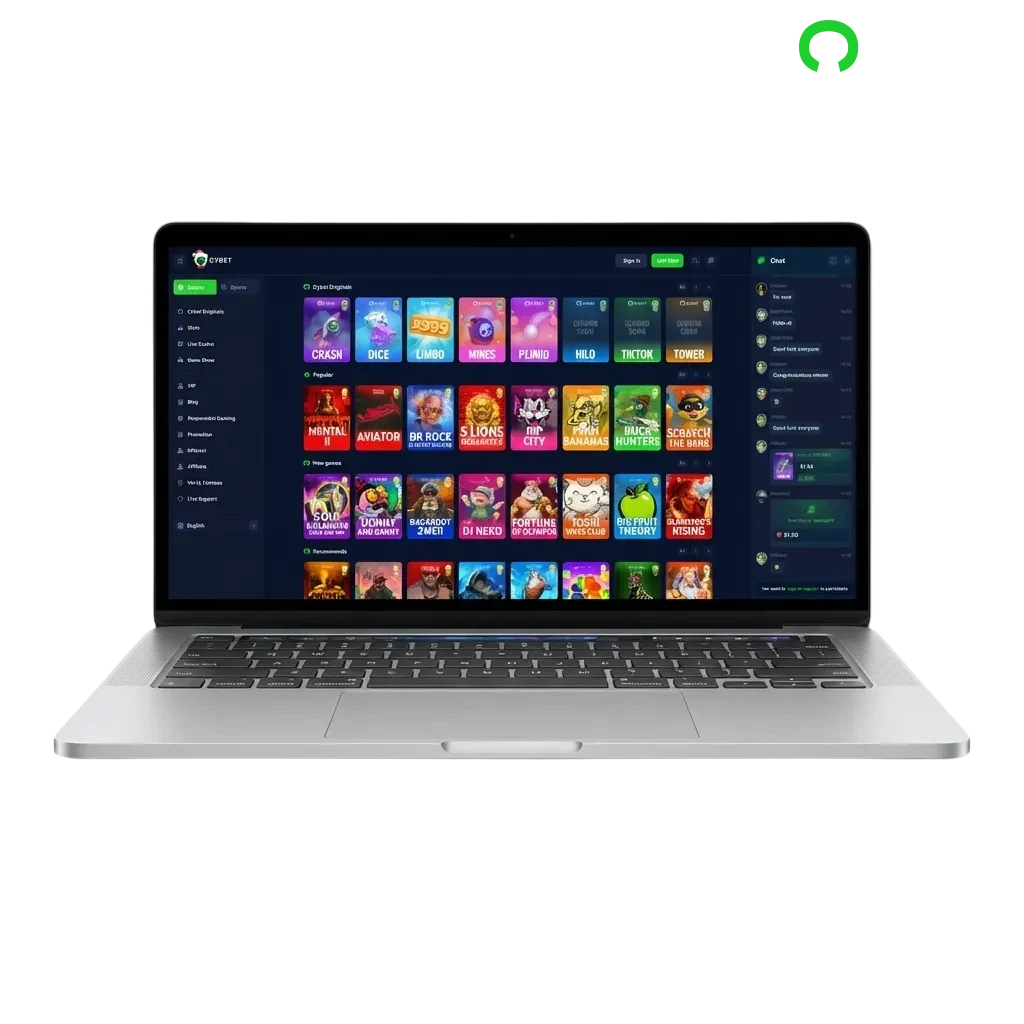
The desktop client gives you direct access to betting markets and casino games without opening a browser. You benefit from reduced lag during live events, smoother animations in slots, and a consistent interface that stays fullscreen. The table below summarizes key details of the application.
| PC Client Size | 85 MB |
| Available Languages | English, Spanish, Portuguese, French, German |
| Category | Sports Betting, Online Casino, Live Dealer Games, Slots, Table Games, Game Shows |
| Compatible with Windows | Windows 7, Windows 8, Windows 10, Windows 11 |
| Compatible with macOS | macOS 10.13 and newer |
Installing the desktop version brings performance advantages and a few trade-offs worth considering. The comparison below highlights the main benefits and limitations you can expect from the application.
| Pros | Cons |
|---|---|
| Faster game loading and smoother graphics rendering | Requires disk space on your computer |
| Fullscreen mode eliminates browser distractions | Manual updates needed when new versions release |
| Direct login saves time on repeated sessions | Not portable across devices like mobile apps |
| Stable connection reduces disconnections during live betting | |
| Dedicated shortcut for quick access from your desktop | |
| Lower memory usage compared to multiple browser tabs | |
| Optimized for high-resolution displays |
The Windows version runs on systems with at least 2 GB of RAM and 100 MB of free disk space. It supports Windows 7 through Windows 11, so most computers can handle the installation without issues.
Click the button below to reach the official download section on this website.
Select the Windows installer file and wait for the download to finish.
Open the downloaded file and follow the on-screen prompts to complete setup.
Find the Cybet icon on your desktop or start menu and open it to begin betting.
Mac users running macOS 10.13 or later can install the application on MacBook, iMac, and Mac Mini devices. The installer adapts to both Intel and Apple Silicon processors automatically.
Click the button below to open the download section on this website.
Select the Mac installer and let it save to your downloads folder.
Double-click the downloaded file and drag the Cybet icon to your Applications folder.
Open the application from Launchpad or your Applications folder to access your account.
Regular updates bring security patches, new features, and performance improvements to the desktop app. Keeping your version current ensures compatibility with the latest betting markets and casino releases.
Click the Cybet icon on your computer to launch the app.
Navigate to the settings menu and select the update option to see if a new version is available.
Follow the prompts to download and apply the update automatically.
Close and reopen the application to complete the update process.
Creating an account through the desktop application gives you immediate access to welcome bonuses, deposit options, and the full game library. The registration process takes less than five minutes and requires basic contact information.
Open the Cybet application on your computer.
Click the sign-up button and choose your preferred method: email, phone number, or social media login.
Enter your name, date of birth, address, and create a secure password.
Confirm your email or phone number, then make your first deposit to unlock betting features.
You do not need to install software to enjoy betting and casino games on this platform. The official website offers the same sports markets, live dealer tables, and slot titles as the desktop app. Open any modern browser on your computer, log in, and start playing without downloading files. This option works well if you prefer not to use disk space or want to try the service before committing to an installation.
Customer service teams assist desktop app users with technical questions, account issues, and payment inquiries around the clock. You can reach support through multiple channels depending on your preference.
| Contact Method | Details |
|---|---|
| Live Chat | Available 24/7 through the app or website |
| Email Support | [email protected] — Responses within 24 hours |
| Phone Line | +1-800-CYBET-01 — Available daily from 8 AM to midnight EST |
| Social Media | Twitter and Facebook messenger for quick questions |
The live chat button appears in the bottom-right corner of the application interface for instant assistance during your session.
Yes. Your account works across the desktop application, mobile app, and web browser without creating separate profiles.
The app accepts US dollars, euros, British pounds, and several cryptocurrencies. You select your preferred currency during account setup.
The installer needs approximately 85 MB. After installation, the app occupies around 150 MB including cached game data.
No. The minimum supported version is Windows 7. Systems running Vista or XP cannot install the current release.
You receive push notifications for new bonuses, tournament invitations, and special events if you enable notifications during the first launch.
Updated: