
Cybet India Support and Customer Service
The Cybet support team is available around the clock to help you with account queries, payments, technical issues, and anything else you need. You can reach the customer service team via live chat, phone, email, Telegram, and WhatsApp, with support available in English and Hindi. Most queries are resolved within minutes through live chat, while email responses typically arrive within 24 hours.
Live Chat Support
Live chat is the fastest way to get an answer from the Cybet support team. It is available directly on the website and is the recommended option for most account-related queries.
How to Access Live Chat
Look for the chat icon at the bottom right corner of any page on the website. Click it, enter your name and query, and a support agent will connect with you in moments.
When to Use Live Chat
Live chat works best for:
- Login issues or password resets
- Deposit and withdrawal queries
- Bonus and promotion questions
- KYC verification status
- General account questions
Contact Details and Hours
- Availability: 24 hours a day, 7 days a week
- Languages: English and Hindi
- Average response time: Under 2 minutes during standard hours
Tips for Faster Support
- Log in to your account before opening chat so the agent can verify you quickly
- Have your transaction ID or bonus code ready if your question relates to payments or offers
- Describe your issue in one clear sentence at the start of the chat
- Avoid vague descriptions like “something is wrong” and instead explain the exact problem
Email Support
Email is the right channel for detailed queries or issues that require documentation, such as identity verification, dispute resolution, or formal complaints. The customer support team reviews every email and responds thoroughly.
How to Contact by Email
Send your message to the support email address listed on the official Cybet website contact page. Include your registered email address, account username, and a clear description of the issue.
When to Use Email
Email is best suited for:
- KYC document submissions
- Account suspension or restriction queries
- Formal complaints or dispute follow-ups
- Requests that require screenshots or attachments
- Issues that need a written record for reference
Contact Details
- Support email: Available on the official website contact section
- Response time: Within 24 hours on business days
- Languages supported: English and Hindi
Tips for a Faster Email Response
- Use a specific subject line, such as “Withdrawal Pending – Account [Your Username]”
- Include your account details in the first line of the email
- Attach screenshots if you are reporting a technical or payment issue
- Send only one email per issue to avoid delays caused by duplicate tickets
- Check your spam folder if you have not received a reply within 24 hours
Phone Support
For players who prefer to speak with someone directly, phone support gives you immediate access to a live agent. This channel is ideal when you need a fast, verbal walkthrough of a complex issue.
How Phone Support Works
Dial the helpline number listed on the official Cybet website. You will be connected to an agent who can verify your account and assist you in real time. No automated loop, no long hold times.
When to Use Phone Support
Phone is the best choice for:
- Urgent account access issues
- Time-sensitive withdrawal problems
- Situations where you need step-by-step guidance
- Queries that are difficult to explain in writing
Contact Details
- Helpline number: Listed on the official website under the Contact Us section
- Toll-free option: Check the website for the current free number available for Indian users
- Operating hours: Available during extended support hours, check the website for the latest schedule
- Languages: English and Hindi
- Average call wait time: Under 5 minutes during off-peak hours
Tips for Faster Phone Support
- Have your registered mobile number and account username ready before calling
- Call during morning hours (8 AM to 11 AM IST) for shorter wait times
- Note down the agent’s name and case reference number for follow-up
- Keep your device nearby if the agent needs to guide you through steps on the website or app
Technical Support
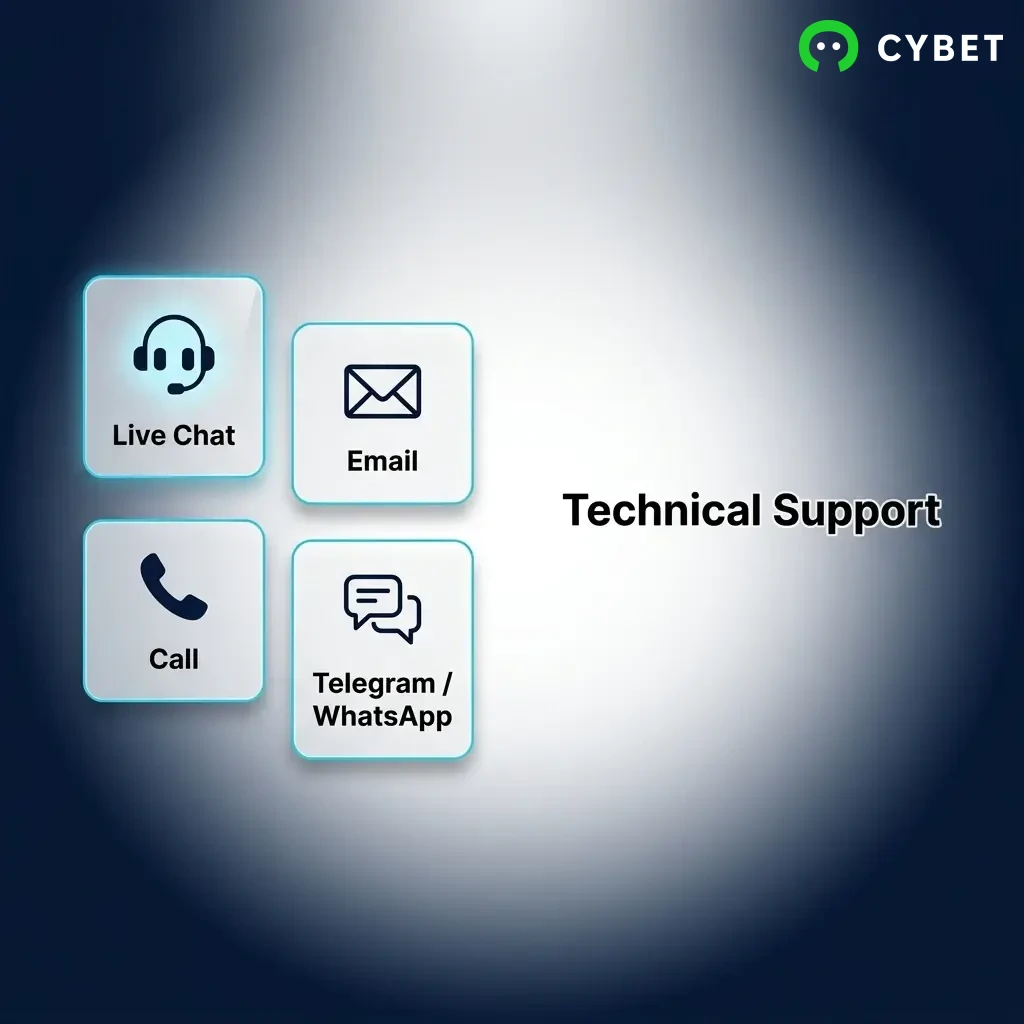
If you are experiencing a technical problem, a dedicated technical support path is available to help you resolve it quickly. This covers issues with the website, app, games, and payment processing.
What Technical Support Covers
The technical support team handles:
- Login failures or account access errors
- Payment not reflecting after a deposit
- Game not loading or freezing mid-session
- App crashes or installation problems
- Two-factor authentication issues
- Errors during KYC document upload
How to Reach Technical Support
- Live chat: Select “Technical Issue” as your query type when starting a chat session
- Email: Use the support email and include “Technical Issue” in the subject line
- Phone: Call the helpline number and ask to be directed to the technical support team
Expected Resolution Times
- Simple issues (login, page not loading): Resolved during the same chat session
- Payment-related technical issues: 1 to 3 business days depending on the payment provider
- App or game bugs: May take longer if the issue requires a development fix, you will be updated via email
Tips for Faster Technical Resolution
- Take a screenshot or screen recording of the error before contacting support
- Note the exact time the issue occurred
- Mention your device type (Android, iOS, desktop) and browser version if applicable
- Include any error codes or messages shown on screen
- Try basic troubleshooting first: clear cache, restart the app, or switch networks
VIP and Priority Support
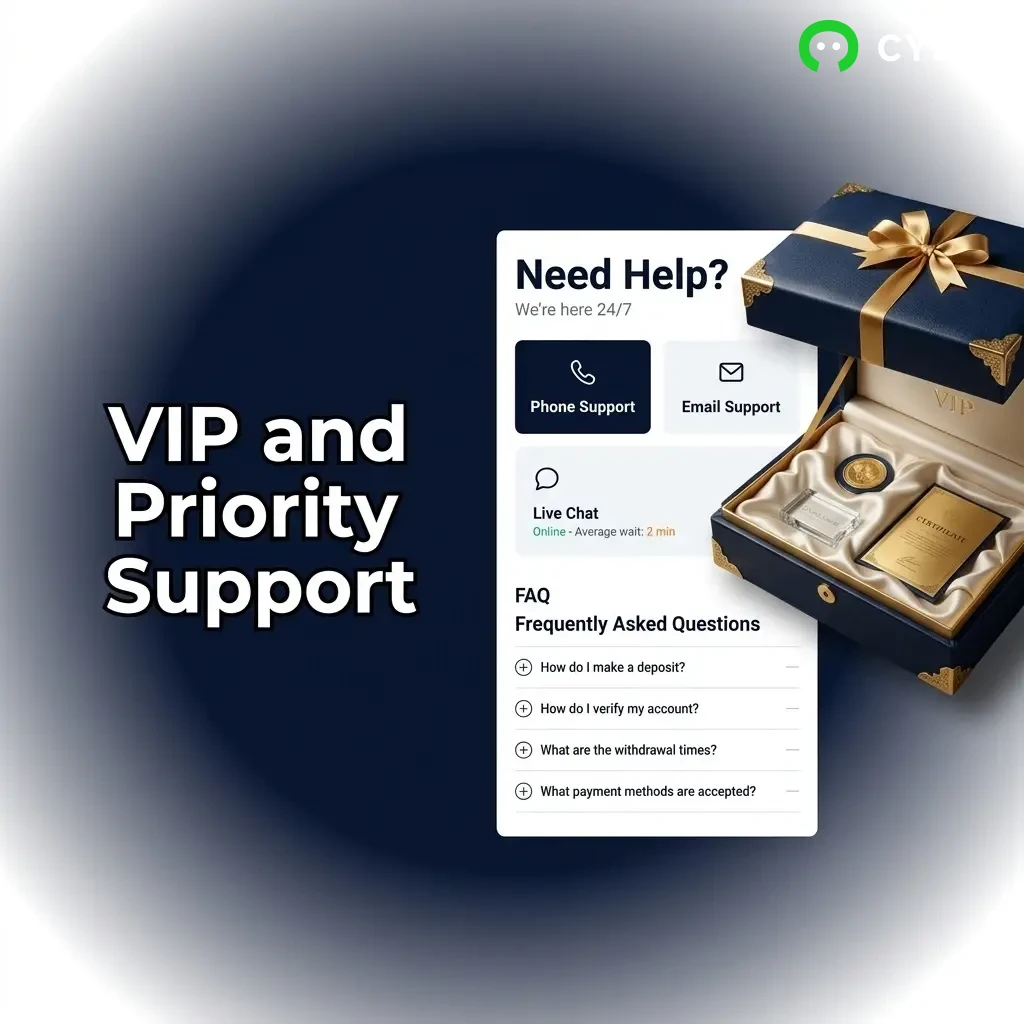
High-tier and VIP players have access to a dedicated support path that offers faster response times, a personal account manager, and priority handling across all contact channels.
Who Qualifies for Priority Support
- Players who have reached VIP or loyalty tier status on the platform
- High-volume players identified by the Cybet support team
- Players who have been invited to the VIP programme
What Priority Support Includes
- Dedicated account manager: A named contact for all queries
- Priority live chat: Skip the standard queue for faster access to agents
- Direct phone line: A private support number for VIP members
- Faster resolution: Most VIP queries are handled within 1 hour
- Personalised assistance: Support tailored to your account history and preferences
How to Access VIP Support
- If you are already in the VIP programme, your account manager’s contact details will be shared with you directly
- For priority chat, log in and start a chat session; VIP status is detected automatically
- If you believe you qualify but have not been contacted, reach out via the standard support email and ask about VIP eligibility
Tips to Get the Most from Priority Support
- Maintain regular activity on your account to retain VIP status
- Always contact your account manager first for account-specific issues
- Use the dedicated phone line for urgent situations rather than standard channels
- Keep your profile details updated so the team can reach you quickly
Updated:
Social Media and Messaging Support
Messaging platforms like Telegram and WhatsApp offer a quick and convenient way to get in touch with the support team without opening the website. These channels are popular among Indian players who prefer mobile-first communication.
Available Platforms
When to Use Messaging Platforms
These channels are best for:
Expected Response Times
Tips for Effective Communication