1.
Visit the Download Page
Click the button on this page to go to the official download section.

The Cybet desktop application brings the full range of betting and casino entertainment directly to your computer, covering live casino, roulette, slots, table games, and sports betting across both Windows and MacOS. The app is free to download and delivers the same complete functionality as the official website, so you never miss any option or feature. Running the app on your PC gives you a stable, full-screen experience with faster load times and fewer interruptions compared to playing through a browser.
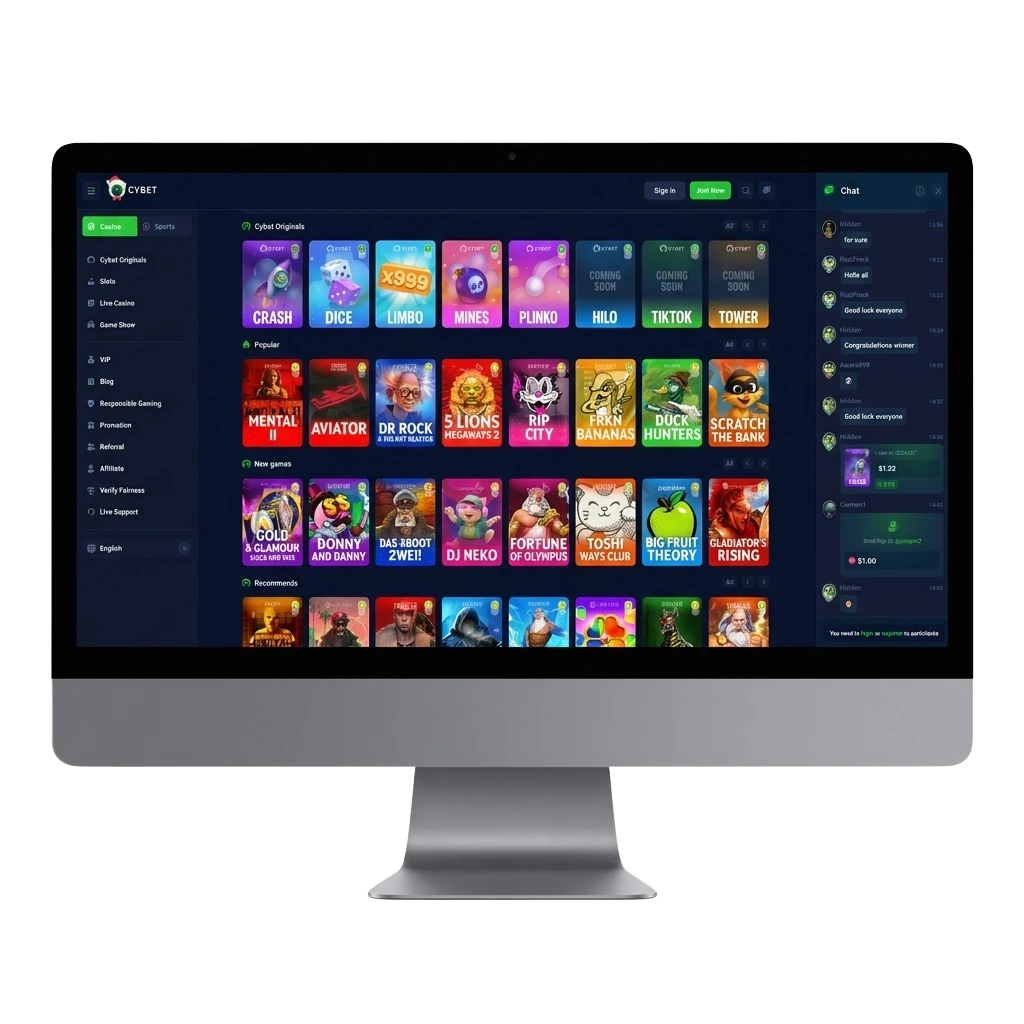
The Cybet PC client is a dedicated desktop application built to give you a faster, more reliable betting and casino experience than a standard browser tab. Key advantages include a distraction-free full-screen interface, reduced page loading times, and direct access to your account without relying on browser settings or extensions.
| PC Client Size | Approx. 85 MB |
| Available Languages | English, Hindi, Bengali, Tamil, Telugu |
| Category | Sports Betting, Online Casino, Live Casino, Instant Games, Game Shows, Table Games |
| Compatible with Windows | Windows 7, Windows 8, Windows 10, Windows 11 |
| Compatible with macOS | macOS 10.13 (High Sierra) and above |
Installing the desktop client on your computer offers some real advantages over using a browser, though there are a few minor points to keep in mind before you begin the download process.
| Pros | Cons |
|---|---|
| Full-screen interface designed for desktop use | Requires a one-time installation on your system |
| Faster load times compared to browser play | Takes up storage space on your computer |
| Stable connection with fewer interruptions | Manual updates may be needed from time to time |
| Direct login access without browser sign-in steps | |
| All casino and betting options available in one place | |
| No browser extensions or pop-ups interfering with play | |
| Better performance on lower-speed internet connections |
The app for Windows is compatible with a wide range of system versions, from Windows 7 through to Windows 11, and requires only modest hardware to run smoothly on your computer. The installation process is straightforward and takes just a few minutes.
Click the button on this page to go to the official download section.
On the download page, choose the Windows option to start downloading the installation file to your computer.
Once the download is complete, open your Downloads folder and find the Cybet setup file (.exe).
Double-click the setup file and follow the on-screen instructions. Accept the terms if prompted.
Wait for the installation process to finish. The Cybet icon will appear on your desktop.
Open the app using the desktop icon, then log in to your account or complete registration to start betting.
The Mac version of the desktop app is compatible with all Apple computers running macOS 10.13 (High Sierra) or later, covering both Intel-based and Apple Silicon devices.
Click the button on this page to reach the official download section.
On the download page, choose the Mac option and save the installation file to your computer.
Navigate to your Downloads folder and locate the Cybet .dmg file.
Open the .dmg file and drag the Cybet icon into your Applications folder as instructed.
If macOS prompts a security warning, go to System Preferences > Security and Privacy, then click “Open Anyway” to continue.
Open the app from your Applications folder, log in to your account, and begin the betting or casino session.
Keeping the desktop app updated ensures you have access to the latest features, improved system performance, and important security fixes. Regular updates also keep your account information and betting options in sync.
Double-click the Cybet icon on your desktop to launch the application.
If an update is available, a notification or prompt will appear on the home screen after you log in. Click on it to begin the update process.
Follow the on-screen instructions to download and install the latest version. The app may restart automatically once the update is complete.
After restarting, log back in to your account and verify that the updated version is running correctly by checking the version information in the app settings.
Creating an account through the Cybet desktop app takes only a few minutes and gives you immediate access to all betting and casino options, including any welcome offers available to new users. The registration process on the app mirrors the official website, so the steps are simple and familiar.
Launch the desktop application from your computer using the Cybet icon.
On the home screen, locate and click the “Register” or “Sign Up” button to open the account creation form.
Enter your personal information as required, including your name, email address or mobile number, and a secure password. You may also have the option to register using your mobile number or email, so choose whichever method suits you.
Submit the registration form, verify your account if prompted via email or SMS, then log in to your new account to start exploring all available betting and casino options.
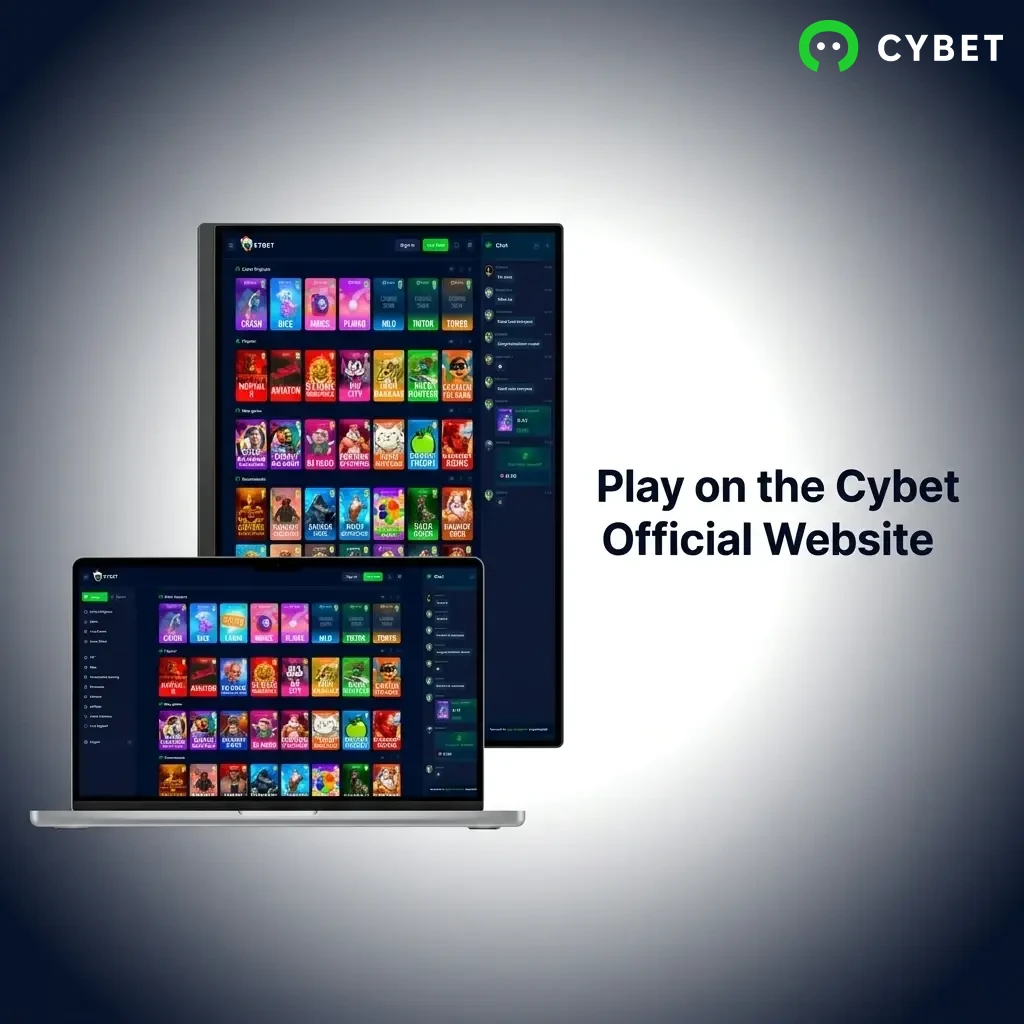
Installing the desktop application on your computer is entirely optional. If you prefer not to download anything, you can access the complete Cybet platform directly through any modern web browser on your computer without losing any functionality. The official website offers the same full range of sports betting, live casino, slots, and table games that you would find in the app. Simply visit the website, log in to your account, and start playing without any additional setup.
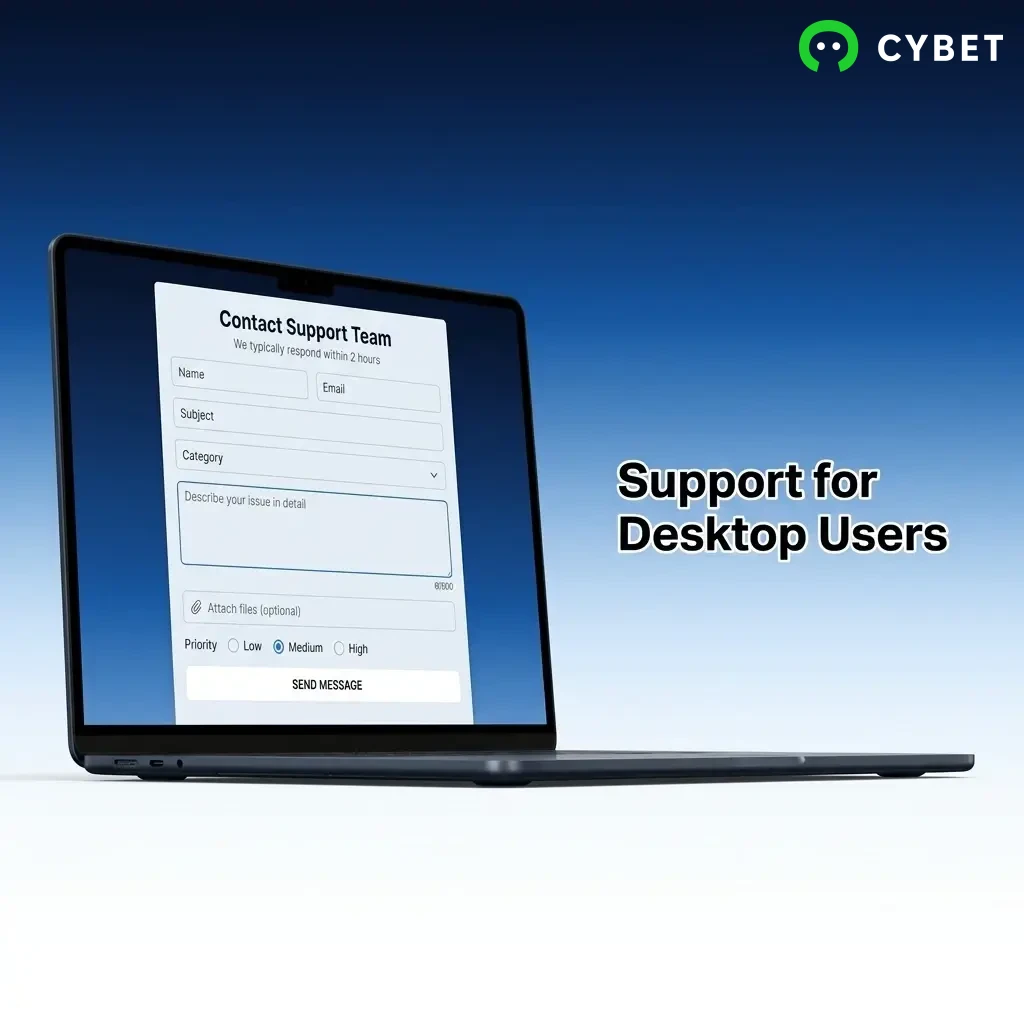
If you encounter any issue while using the desktop app on your computer, the Cybet support team is available through several contact methods to help you quickly.
| Support Method | Contact Details |
|---|---|
| Live Chat | Available directly on the official website and within the desktop app |
| [email protected] | |
| Phone | Check the official website for the current support number |
| Social Media | Reach out via the official Cybet social media accounts listed on the website |
Yes. The download is available exclusively through the official website, and the installation file is verified and secure. Always make sure you are downloading from this official page to protect your account information.
Yes. Your login details work across both the desktop app and the official website. Your account balance, betting history, and settings remain consistent across both platforms.
Yes. The app provides access to the same payment options available on the official website, which include popular methods used in India. You can deposit and withdraw without any difference in the process.
The system requirements for the desktop app are minimal, and it is built to run on a broad range of hardware. As long as your computer meets the basic specifications and runs a compatible version of Windows or macOS, the app should function without any issues.
Bonuses and offers are tied to your account rather than the platform you use. Any offer available on the official website is also accessible when you log in through the desktop app.
Updated: