Download Cybet for PC Windows and MacOS

The desktop application brings live casino action, roulette, slots, and table games directly to your Windows or MacOS computer. The PC version runs faster than browser tabs and delivers the same full functionality as the web platform. Download the app at no cost and experience smoother gameplay with dedicated software built for serious players.

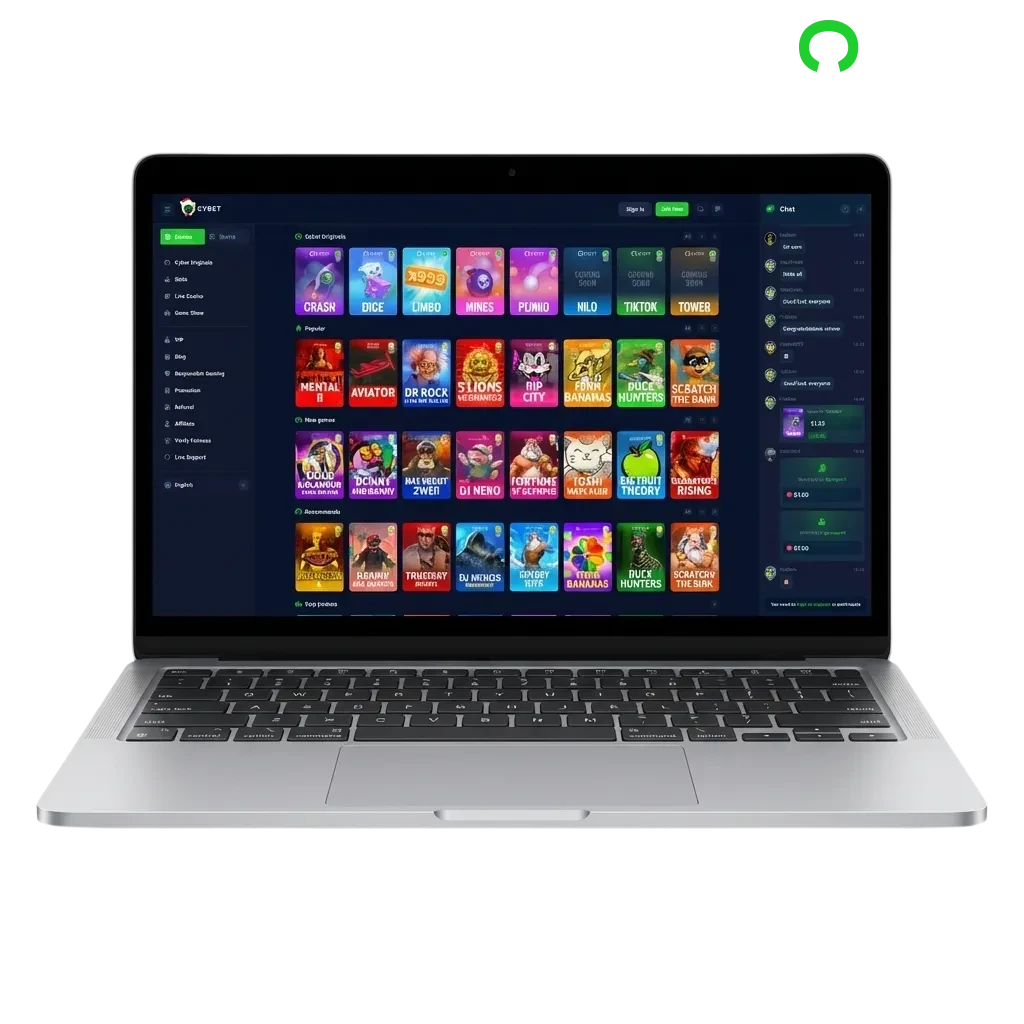
Cybet casino software interface on desktop computer showing slots, roulette, and table games for Windows and MacOS

Cybet PC Client Review

The desktop client provides stable performance during long sessions, reduces browser lag, and gives you full-screen immersive gameplay.

PC Client Size 85 MB
Available Languages English, Hindi, Bengali, Telugu, Marathi
Category Sports Betting, Online Casino, Live Dealer Games, Instant Games, Slots, Table Games
Compatible with Windows Windows 7, 8, 10, 11
Compatible with macOS macOS 10.12 and above

Pros and Cons of Using Cybet PC

Installing the desktop client comes with clear advantages and a few trade-offs worth considering before you download.

Pros Cons
Faster game loading and smoother performance Requires installation space on your hard drive
Full-screen mode for immersive gameplay Updates need manual installation
Dedicated software reduces browser crashes Not portable like mobile apps
Better resource management for multi-table play
Stable connection during high-traffic periods
Instant access from desktop without opening browser
Reduced RAM usage compared to browser tabs

Download and Install the Cybet App on Windows

1.

Access the download section

Click the registration option on this page and navigate to the desktop app section.
2.

Start the download

Select the Windows version and save the installer file to your computer.

3.

Run the installer

Open the downloaded file and follow the on-screen prompts to complete installation.

4.

Launch the app

Find the desktop icon and double-click to open your new betting software.

5.

Log in or register

Enter your existing credentials or create a new profile to start playing.

Start using!

Download and Install the Cybet App on Mac

1.

Navigate to the download page

Click the registration option on this page and select the Mac app section.

2.

Download the Mac installer

Choose the macOS version and save the .dmg file to your Downloads folder.

3.

Install the application

Open the .dmg file, drag the app icon to your Applications folder, and wait for the copy to finish.

4.

Open the app

Go to Applications, find the software, and launch it from there.

5.

Sign in or create an account

Use your existing login details or register a new profile to access all features.

Start using!

Update the PC Client

1.

Open the application

Double-click the desktop icon to launch the betting platform.

2.

Check for updates

Navigate to the settings menu and select the update checker option.

3.

Download and install

If a new version is available, click the update option and wait for the download to complete.

4.

Restart the app

Close and reopen the software to apply the changes and start using the updated version.

Register and Start Betting with the PC App

1.

Launch the desktop software

Open the app on your computer and locate the sign-up option on the home screen.

2.

Choose your registration method

Enter your mobile number, email address, or use one-click social media registration through Google or Facebook.

3.

Complete your profile

Fill in the required information including your name, date of birth, and preferred currency.

4.

Make your first deposit

Add funds using any supported payment method and claim your welcome offer to start betting.

Play on the Cybet Official Website

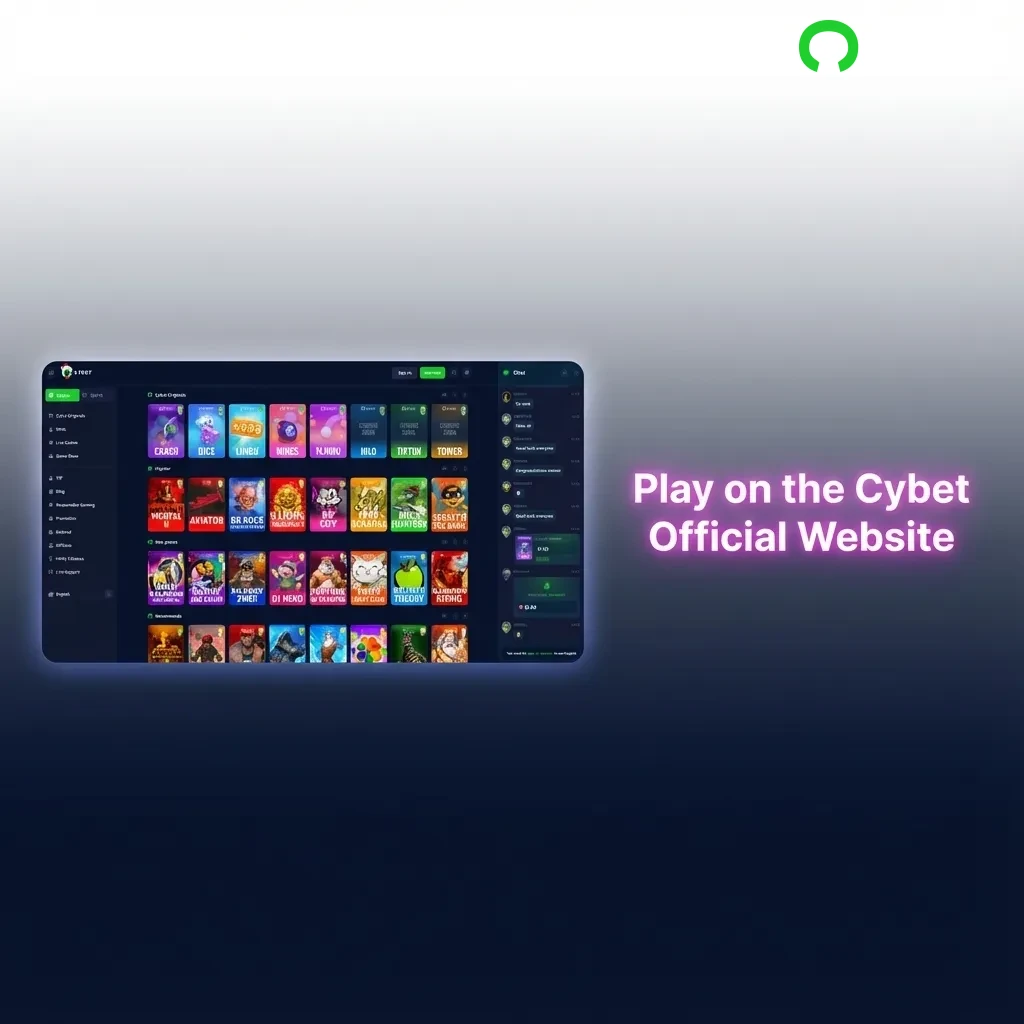
You can enjoy the complete betting experience without installing any software on your computer. The official website offers the same markets, live casino tables, and payment methods as the desktop app. Browser-based play works on any device with an internet connection and requires no downloads. If you prefer not to install dedicated software, simply visit the website and log in to access your profile and start placing bets immediately.

Browser-based betting interface showing live casino tables and betting markets accessible without downloads

Support for Desktop Users

The customer support team helps desktop users resolve technical issues, answer questions about features, and assist with account-related matters. Contact support through multiple channels based on your preference.

Contact Method Details
Live Chat Available 24/7 through the app interface
Email [email protected] (response within 24 hours)
Phone +91 22 1234 5678 (9 AM to 11 PM IST)
Telegram @CybetSupport
WhatsApp +91 98765 43210
Customer support contact methods including live chat, email, phone, Telegram, and WhatsApp for desktop users

FAQ

Can I use the desktop app on multiple computers?

You can install the software on as many devices as you want and log in with the same credentials. Your profile, balance, and betting history sync across all installations automatically.

Does the PC version offer better odds than the website?

The odds remain identical across all platforms. The desktop client simply provides faster loading times and more stable performance during gameplay.

How much storage space does the application require?

The installer file is 85 MB, and the installed app uses approximately 150 MB of hard drive space. Most modern computers have sufficient room for installation.

Will I receive notifications for bonuses and promotions?

The desktop software sends push notifications for new offers, deposit bonuses, and exclusive promotions when you enable alerts in settings.

Can I play casino games offline after downloading?

An active internet connection is required to place bets and play casino games. The software connects to live servers to ensure fair gameplay and real-time results.

Updated: