Cybet App for Android & iOS Devices Latest Version for United States

The Cybet native app is currently in development. No APK download is available yet. However, you can access the full platform through the Progressive Web App (PWA) version right now. The PWA gives you instant access to all betting markets, casino games, and account features without waiting for app store approval. Get started today and claim 100% up to 500 USDT + 50 Free Spins when you register and make your first deposit.

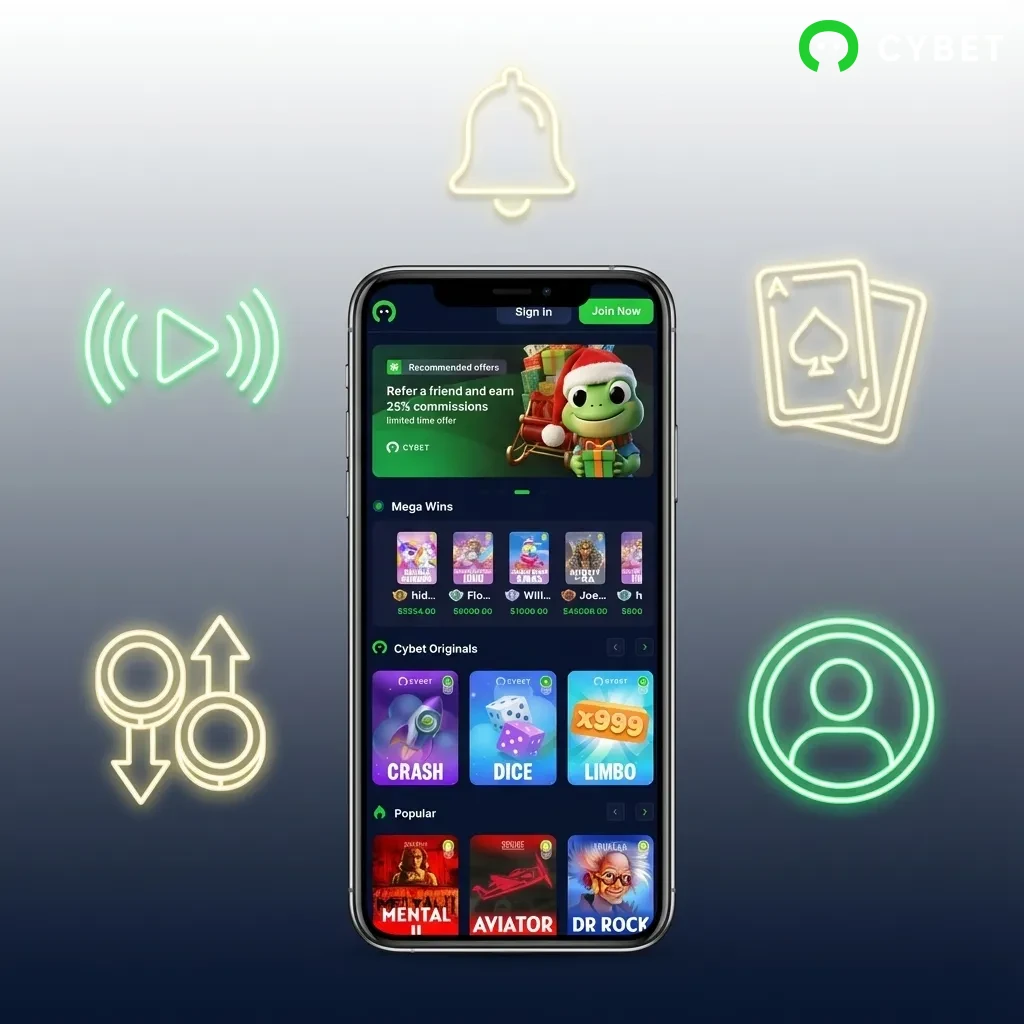
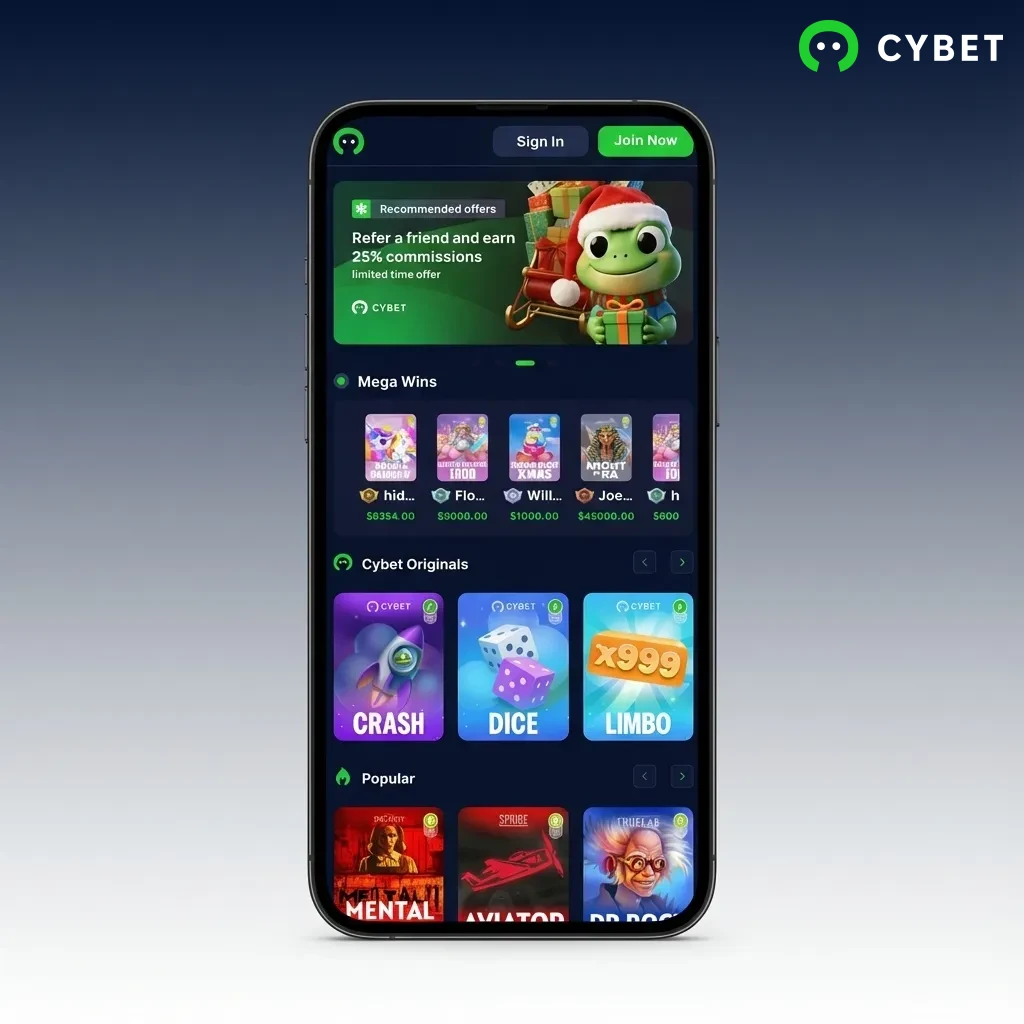
Cybet mobile betting app interface showing sports markets and casino games on smartphone screen

Cybet App Overview

The Cybet PWA delivers a complete mobile betting and casino experience without requiring storage space or manual updates. You can bet on sports, play live dealer games, and manage your account directly from your browser. Below are the key specifications:

App Size 0 MB (browser-based PWA)
Last Update Automatic (real-time updates)
Casino Bonus 100% up to 500 USDT + 50 Free Spins
Betting Bonus 100% up to 500 USDT
Supported Languages English, Spanish, Portuguese, German, French
Payment Methods USDT (ERC20/TRC20/BEP-20/SOL), BTC, ETH, BNB, TRX, DOGE, XLM, XRP
Promo Code No
License Curacao eGaming
Min Deposit 10 USDT
Min Withdrawal 20 USDT

Cybet App Interface

The Cybet interface uses a clean, dark theme that reduces eye strain during long betting sessions. Navigation is organized into four main tabs: Sports, Live Casino, Slots, and Account. All betting markets and game categories load in under two seconds on standard mobile connections.

Cybet app showing dark-themed interface with four navigation tabs: Sports, Live Casino, Slots, and Account

Download Cybet App for Android (PWA)

The Cybet PWA works directly through your Android browser. No APK file is needed. Follow these steps to get started:

1.

Click the Download for Android Button

Tap the “Download Android App” button on this page. Your default browser will open the Cybet mobile site. The page loads the full platform interface optimized for Android devices.
2.

Register an Account

Tap the “Sign Up” button in the top right corner. Enter your email address, create a password, and select USDT as your currency. Confirm your email through the verification link sent to your inbox.

3.

Use the Web Version of the Website

Bookmark the Cybet site in your browser for quick access. You can also add it to your home screen by opening your browser menu and selecting “Add to Home Screen.” This creates an app-like icon that launches the site instantly.

Start using!

System Requirements for Using Android App

The Cybet PWA runs on most Android devices released after 2018. Check the minimum requirements below:

Requirement Specification
Minimum OS Version Android 8.0 (Oreo)
CPU Frequency 1.5 GHz (dual-core)
RAM 2 GB
Browser Chrome 90+ or Firefox 88+
Internet Connection 3G or higher (4G/5G recommended)

Supported Android Devices

The following Android devices meet or exceed the system requirements for optimal performance:

  • Samsung Galaxy S21, S20, S10, A52, A72
  • Google Pixel 6, Pixel 5, Pixel 4a
  • OnePlus 9, OnePlus 8T, OnePlus Nord 2
  • Xiaomi Mi 11, Redmi Note 10 Pro, Poco F3
  • Motorola Moto G Power, Moto G Stylus
  • Oppo Find X3, Reno 6 Pro
  • Realme GT, Realme 8 Pro
  • Huawei P40, Mate 30 Pro (with Google services)
  • Sony Xperia 5 III, Xperia 10 III
  • LG Velvet, LG Wing
List of compatible Android phone models including Samsung Galaxy, Google Pixel, OnePlus, Xiaomi, and other brands

Download Cybet App for iOS (PWA)

The Cybet PWA installs on iOS devices through Safari. No App Store download is required. Follow these steps:

1.

Click the Download for iOS Button

Tap the “Start using!” button on this page. Safari will open the Cybet mobile site. The interface adjusts automatically to fit your iPhone or iPad screen.

2.

Register an Account

Tap “Sign Up” in the top right corner. Enter your email, create a password, and choose USDT as your account currency. Verify your email address through the confirmation link.

3.

Tap Share Button

Open Safari’s share menu by tapping the share icon at the bottom of the screen (a square with an upward arrow). Scroll through the menu options until you find “Add to Home Screen.”

4.

Tap Add to Home Screen

Select “Add to Home Screen” from the share menu. Name the shortcut “Cybet” and tap “Add” in the top right corner. The Cybet icon now appears on your home screen like a native app.

Start using!

System Requirements for Using iOS App

The Cybet PWA supports most iOS devices from 2017 onward. Review the minimum requirements:

Requirement Specification
Minimum iOS Version iOS 13.0
Processor A10 Fusion chip or newer
RAM 2 GB
Browser Safari 13+
Internet Connection 3G or higher (4G/5G recommended)

Supported iOS Devices

These iOS devices deliver smooth performance on the Cybet PWA:

  • iPhone 14 Pro Max, iPhone 14 Pro, iPhone 14 Plus, iPhone 14
  • iPhone 13 Pro Max, iPhone 13 Pro, iPhone 13, iPhone 13 mini
  • iPhone 12 Pro Max, iPhone 12 Pro, iPhone 12, iPhone 12 mini
  • iPhone 11 Pro Max, iPhone 11 Pro, iPhone 11
  • iPhone XS Max, iPhone XS, iPhone XR
  • iPhone SE (2nd generation, 2020)
  • iPad Pro (12.9-inch, 5th generation)
  • iPad Air (4th generation)
  • iPad mini (6th generation)
List of compatible iPhone and iPad models for Cybet PWA, ranging from iPhone XR to iPhone 14 Pro Max and various iPads

Welcome Bonuses after Installing the Cybet App

Cybet rewards new players who register through the mobile platform. Here’s what you can claim:

  • Casino Welcome Bonus: 100% match up to 500 USDT on your first deposit
  • 50 Free Spins: Available on selected slots from Pragmatic Play and NetEnt after making your first deposit of 50 USDT or more
  • Sports Betting Bonus: 100% match up to 500 USDT on your first sportsbook deposit
  • Wagering Requirements: 35x for casino bonuses, 5x for sportsbook bonuses
  • Minimum Deposit: 10 USDT to qualify for all welcome offers
  • Bonus Validity: 30 days from activation

You can claim either the casino or sports bonus, but not both. Choose the offer that matches your preferred betting style.

Get a bonus
Cybet app welcome bonuses: 100% match up to 500 USDT for casino or sports betting, plus 50 free spins for new players

Sports Betting Options Available in App

Cybet covers major sports leagues and niche markets. You can bet on pre-match and live events across these sports:

  • Football (NFL, NCAA, international leagues)
  • Basketball (NBA, EuroLeague, FIBA competitions)
  • Baseball (MLB, international tournaments)
  • Ice Hockey (NHL, KHL, IIHF championships)
  • Tennis (ATP, WTA, Grand Slams)
  • American Football (NFL, college football)
  • Mixed Martial Arts (UFC, Bellator, ONE Championship)
  • Boxing (world title fights, regional promotions)
  • Esports (CS:GO, Dota 2, League of Legends)
  • Soccer (Premier League, La Liga, Champions League)
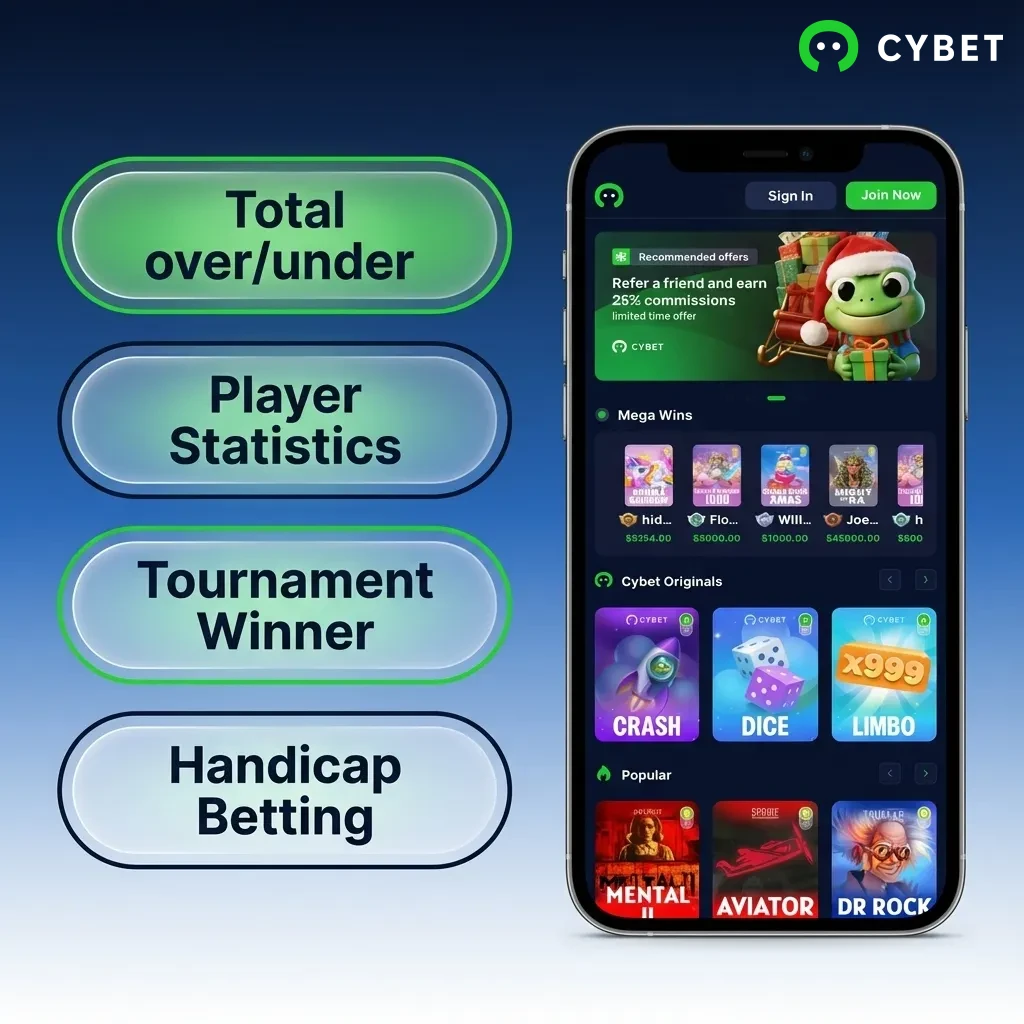
Cybet app interface showing sports betting options including football, basketball, baseball, tennis, MMA, and esports markets

Types of Bets Available at Cybet’s App

Cybet offers standard and advanced betting options. Here are the most popular types:

  • Single Bet: A wager on one outcome in a single event. Your winnings depend solely on that selection.
  • Accumulator (Parlay): Combines multiple selections into one bet. All picks must win for the bet to pay out, but odds multiply for higher potential returns.
  • System Bet: Places multiple accumulators from a set of selections. Some picks can lose while you still collect winnings from successful combinations.
  • Handicap Bet: Adjusts the scoreline to balance odds between favorites and underdogs. Common in basketball and football betting.
  • Over/Under (Totals): Predicts whether the total score, goals, or points will exceed or fall below a specified number set by the bookmaker.
Cybet app betting options including single bets, accumulators, system bets, handicap bets, and over/under totals displayed

How to Start Betting via Mobile App

Placing your first bet on Cybet takes less than three minutes. Follow these steps:

1.

Step 1: Open the Sports Section

Tap the “Sports” tab at the bottom of the screen. Browse through available sports or use the search bar to find specific leagues or teams.

2.

Step 2: Select Your Market

Choose an event from the list. Tap on it to view all available betting markets such as moneyline, spread, or totals. Select your preferred outcome by tapping the odds.

3.

Step 3: Enter Your Stake

Your selection appears in the bet slip at the bottom of the screen. Enter the amount you want to wager. The potential payout calculates automatically.

4.

Step 4: Confirm Your Bet

Review your selection and stake amount. Tap “Place Bet” to confirm. The bet processes instantly, and you can track it in the “My Bets” section.

Casino Games Available in App

Cybet hosts over 3,000 casino titles from leading providers. You can play slots, table games, and live dealer options. Popular games include:

  • Book of Dead (Play’n GO) – Egyptian-themed slot with expanding symbols
  • Sweet Bonanza (Pragmatic Play) – High-volatility fruit slot with multipliers
  • Gonzo’s Quest (NetEnt) – Adventure slot featuring avalanche mechanics
  • Lightning Roulette (Evolution Gaming) – Live roulette with random multipliers up to 500x
  • Blackjack Classic (NetEnt) – Standard blackjack with side bet options
  • Mega Moolah (Microgaming) – Progressive jackpot slot with animal safari theme
  • Starburst (NetEnt) – Low-volatility slot with expanding wilds
  • Crazy Time (Evolution Gaming) – Live game show with bonus rounds
  • Baccarat Squeeze (Evolution Gaming) – Live baccarat with card reveal feature
  • Wolf Gold (Pragmatic Play) – Western-themed slot with money respin feature
Cybet casino app interface showing slots, table games, and live dealer options from top gaming providers

How to Register an Account via Cybet Mobile App

Creating a Cybet account takes under two minutes. Here’s the exact process:

1.

Step 1: Tap Sign Up

Open the Cybet mobile site and tap the “Sign Up” button in the top right corner of the home screen.

2.

Step 2: Enter Your Details

Fill in your email address, create a password with at least eight characters, and select USDT as your account currency. Check the box to confirm you are 18 years or older.

3.

Step 3: Verify Your Email

Check your inbox for the verification email from Cybet. Tap the confirmation link inside to activate your account.

4.

Step 4: Complete Your Profile

Log in and navigate to your account settings. Add your phone number and date of birth. These details are required before making your first withdrawal.

How to Login via Mobile App

Accessing your Cybet account is quick once you’ve registered. Follow these steps:

1.

Step 1: Open Cybet Site

Tap the Cybet icon on your home screen or open your browser and navigate to the Cybet mobile site.

2.

Step 2: Enter Your Credentials

Tap “Login” in the top right corner. Enter your registered email address and password in the login form.

3.

Step 3: Access Your Account

Tap the “Login” button to access your account. You land on the main page where you can start betting or playing casino games immediately.

How to Update the Cybet App to the Latest Version

You never need to manually update the Cybet PWA. The platform runs through your browser, which means all updates deploy automatically on the server side. When Cybet adds new features, games, or betting markets, they become available the next time you open the site. Your browser cache may store some elements locally for faster loading, but core functionality updates instantly without any action from you. If you ever notice outdated content, simply refresh the page by pulling down on the screen or tapping the refresh icon in your browser.

Smartphone displaying Cybet PWA interface with browser refresh icon, illustrating automatic update process

Payment Methods for Mobile App Users of Cybet in United States

Cybet processes deposits and withdrawals exclusively in cryptocurrency. The minimum deposit is 10 USDT, and the minimum withdrawal is 20 USDT. Maximum limits depend on your account verification level. Available payment methods include:

  • USDT (ERC20) – Ethereum-based Tether
  • USDT (TRC20) – Tron-based Tether
  • USDT (BEP-20) – Binance Smart Chain Tether
  • USDT (SOL) – Solana-based Tether
  • Bitcoin (BTC) – Original cryptocurrency
  • Ethereum (ETH) – Smart contract platform token
  • Binance Coin (BNB) – Binance exchange token
  • Tron (TRX) – Delegated proof-of-stake blockchain token
  • Dogecoin (DOGE) – Meme-based cryptocurrency
  • Stellar (XLM) – Cross-border payment token
  • Solana (SOL) – High-speed blockchain token
  • Ripple (XRP) – Enterprise payment solution token
Cybet mobile app cryptocurrency payment options including Bitcoin, Ethereum, USDT, and other digital currencies for US users

How to Make a Deposit via Mobile App

Funding your account through crypto is straightforward. Follow these steps:

1.

Step 1: Open Deposit Section

Tap the “Deposit” button in your account menu. Select your preferred cryptocurrency from the list of available options.

2.

Step 2: Copy Deposit Address

Cybet generates a unique wallet address for your selected cryptocurrency. Tap “Copy Address” to save it to your clipboard.

3.

Step 3: Send Crypto from Your Wallet

Open your external crypto wallet app. Paste the Cybet deposit address, enter the amount you want to send, and confirm the transaction. Deposits appear in your account after network confirmations (typically 1-10 minutes).

How to Withdraw your Winnings on Mobile

Cybet processes crypto withdrawals within 24 hours after approval. Here’s how to request a withdrawal:

1.

Step 1: Navigate to Withdrawals

Tap your account balance at the top of the screen and select “Withdraw” from the dropdown menu.

2.

Step 2: Enter Withdrawal Details

Choose your cryptocurrency and enter the amount you want to withdraw (minimum 20 USDT). Paste your external wallet address in the designated field.

3.

Step 3: Confirm the Request

Review your withdrawal details and tap “Submit.” You may need to verify the request through a confirmation email. Cybet processes most withdrawals within 12-24 hours.

Key Features of Cybet Mobile App

Cybet delivers a complete betting experience optimized for mobile users. Here’s what sets it apart:

  • Crypto-Only Payments: Fast deposits and withdrawals using USDT, Bitcoin, Ethereum, and nine other cryptocurrencies
  • No App Store Restrictions: The PWA bypasses app store gambling restrictions in the United States
  • Instant Updates: New games and features deploy automatically without manual updates
  • Live Betting Interface: In-play odds update in real time during sports events
  • 3,000+ Casino Games: Slots, live dealers, and table games from Pragmatic Play, NetEnt, Evolution Gaming, and 40+ providers
  • 100% Welcome Bonus: Up to 500 USDT plus 50 free spins for new players
  • 24/7 Support: Live chat and email support available around the clock
  • Mobile-First Design: Interface built specifically for smartphone screens and touch navigation
  • Multi-Language Support: Platform available in English, Spanish, Portuguese, German, and French
  • Curacao Licensed: Operates under legitimate offshore gambling license
Cybet mobile betting app interface showing crypto payment options, live sports betting, and casino games on smartphone

Customer Support

Cybet offers multiple ways to contact the support team:

Contact Method Availability Response Time
Live Chat 24/7 Under 3 minutes
Email Support 24/7 Within 24 hours
FAQ Section Always available Instant answers

Live chat is the fastest option for urgent issues like deposit problems or account access. Email support handles complex questions about bonuses, verification, or payment processing. The FAQ section covers common topics including registration, deposits, withdrawals, and responsible gambling.

Cybet customer support options showing 24/7 live chat, email support, and FAQ section with response times

FAQ

Can I recover my Cybet password if I forget it?

Yes. Tap “Forgot Password” on the login screen and enter your registered email address. Cybet sends a password reset link that expires after one hour. Click the link and create a new password with at least eight characters.

Is it legal to use Cybet in the United States?

Cybet operates under a Curacao eGaming license, which allows international players to access the platform. However, online gambling laws vary by state. Check your local regulations before creating an account.

Can I use multiple accounts on Cybet?

No. Cybet’s terms prohibit operating more than one account per person. Creating duplicate accounts can result in permanent closure and forfeiture of all balances.

How long does account verification take?

Cybet requires ID verification before processing your first withdrawal. Upload your government-issued ID and proof of address through the account settings. Verification typically completes within 24-48 hours.

Do I need a VPN to access Cybet?

No VPN is required to access the Cybet PWA in most locations. The platform loads directly through your standard browser connection. Using a VPN may trigger additional security checks during login.

Updated: