
Cybet Registration Process in India
Creating a Cybet account gives you full access to one of India’s most complete online gaming platforms, covering sports betting on cricket, football, and more, along with a wide casino section featuring slots, live tables, and card games. The sign up process is straightforward and supports multiple methods, including registration by phone number, by email, via social media, and a one-click option for faster access. Once your account is active, you can make deposits, request withdrawals, and start playing with real money right away. New users from India are also eligible for a welcome bonus of 100% up to 500 USDT plus 50 Free Spins on their first deposit.
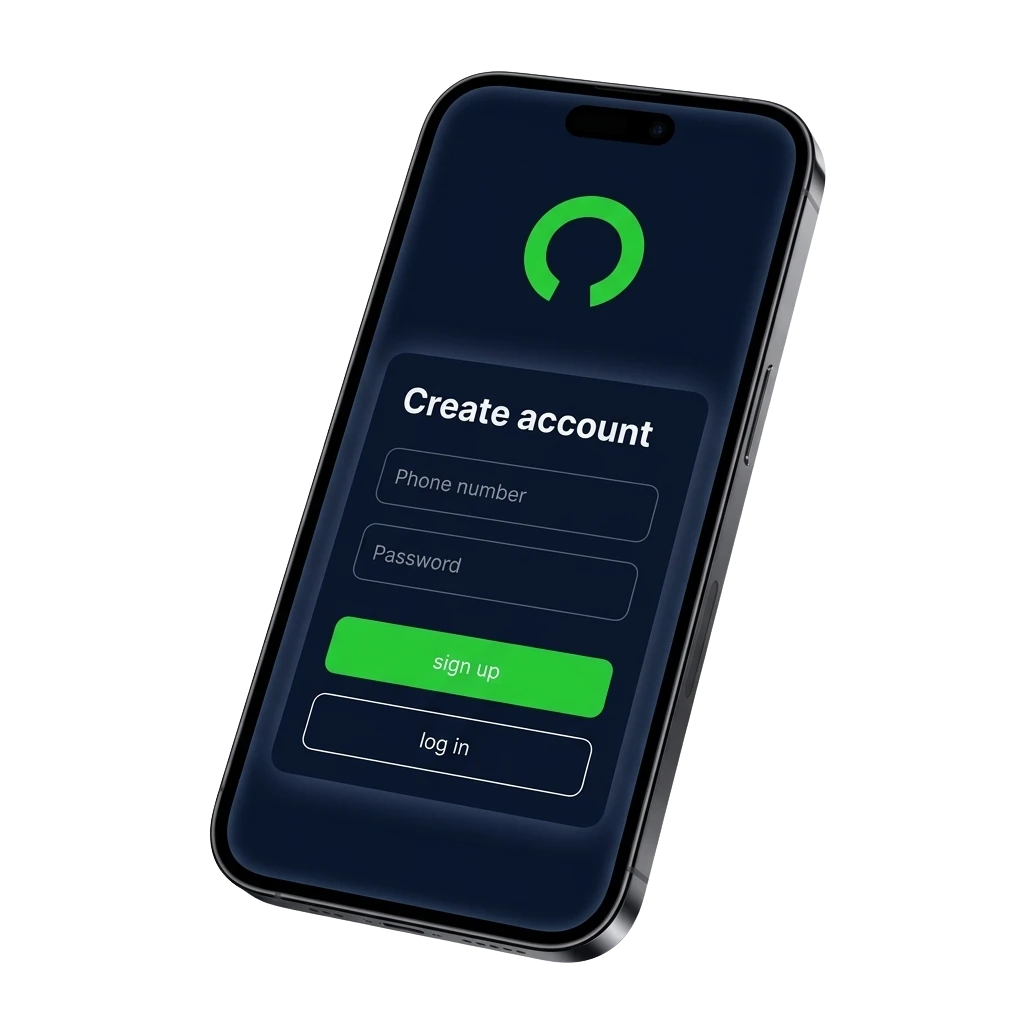
All Available Registration Options on Cybet
The platform gives you several ways to create a new account, so you can choose the method that suits you best. Here are all the available registration options:
- By Phone Number
- By Email
- Via Social Media
- One-Click Registration
Register by Phone Number
Registering by phone number is one of the quickest ways to create a Cybet account, as it links your profile directly to your mobile number and skips the need for a separate email address. You will receive a verification code via SMS to confirm your number during the sign up process.
- Open the Cybet website and click the “Register” button.
- Select the “Phone Number” registration option.
- Enter your mobile number and choose your country code for India (+91).
- Enter the OTP sent to your phone to verify your number.
- Set a secure password and complete any remaining profile fields.
- Click “Confirm” to finish creating your account.
Register by Email
Email registration lets you create a personal account using your existing email address, giving you a permanent login credential you can use across devices. This method also makes it straightforward to recover your account if you ever forget your password.
- Click the “Register” button on the Cybet website.
- Select the “Email” registration option.
- Enter a valid email address and choose a strong password.
- Fill in any required personal details such as your name and date of birth.
- Check your inbox for a confirmation email and click the verification link.
- Return to the site and log in to your new account.
Register via Social Media
Social media registration lets you create an account by connecting an existing Google or other supported social profile, reducing the number of steps needed to get started. Your social account details are used to pre-fill basic information, so you spend less time filling in forms.
- Click the “Register” button on the official Cybet website.
- Select the social media platform you want to use (for example, Google).
- Authorise the connection when prompted by the social platform.
- Review and confirm any pre-filled details in your new account profile.
- Set any additional required fields such as currency preference and complete the sign up.
One-Click Registration
One-click registration is the fastest way to create a new account on the platform, requiring only a currency selection to get started immediately. You can add further account details such as your email or phone number at any time after your initial sign up.
- Click the “Register” button on the Cybet website.
- Select the “One Click” registration option.
- Choose your preferred currency from the dropdown list.
- Click “Register” to create your account instantly.
- Save or note down the credentials displayed, then log in to your new account.
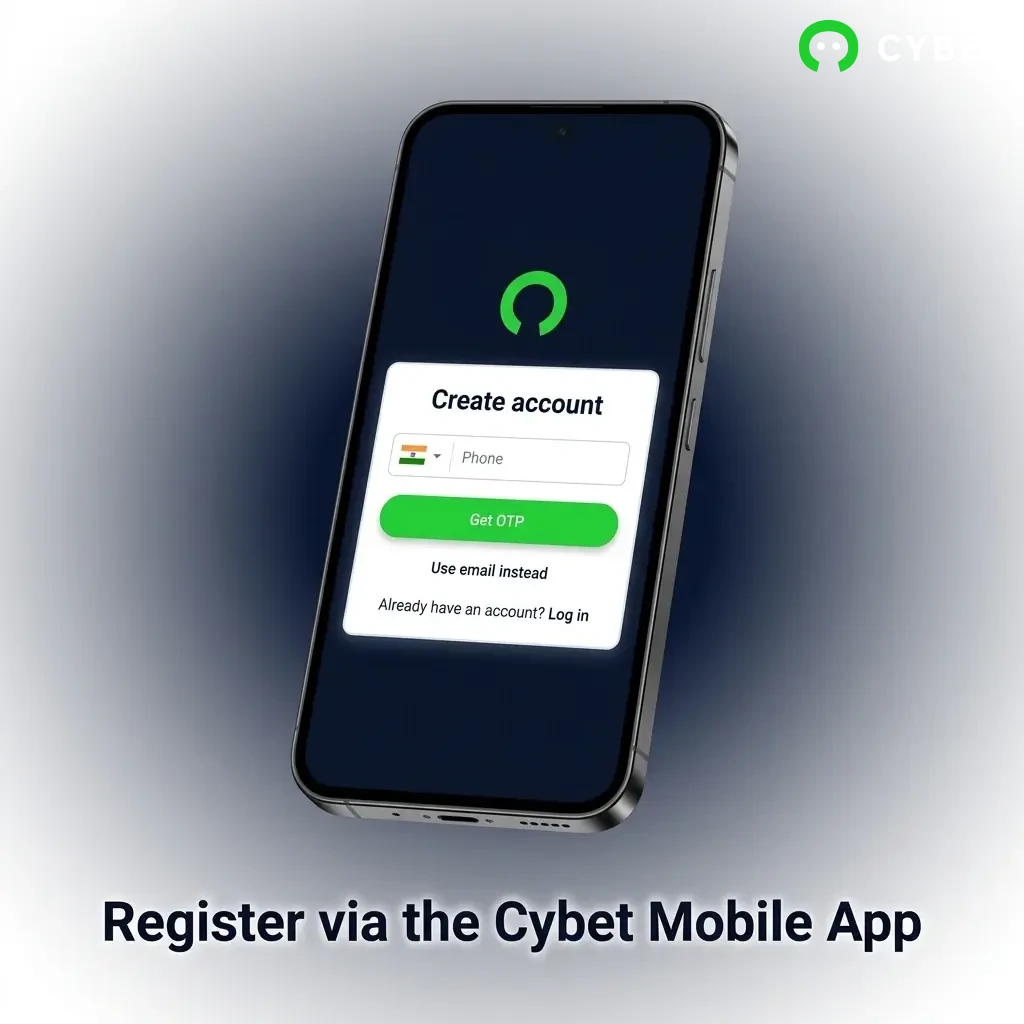
Register via the Cybet Mobile App
Registering through the Cybet mobile app follows a similar process to the website but gives you the convenience of completing the sign up entirely from your smartphone. The app supports all available registration methods, including by phone number, by email, via social media, and one-click, so you can choose whichever suits you.
- Download and install: Visit the official Cybet website on your mobile browser, navigate to the app download section, and install the Android APK or iOS app on your device.
- Open the app: Launch the app after installation and tap the “Register” button on the home screen.
- Choose your registration method: Select from phone number, email, social media, or one-click registration, and follow the on-screen instructions for your chosen method.
- Complete your profile: Enter any required personal details, set your preferred currency, and confirm your account through the verification step relevant to your chosen method.
- Start using your account: Once registration is complete, you can log in, make your first deposit, and access all casino and sports betting features from the app.
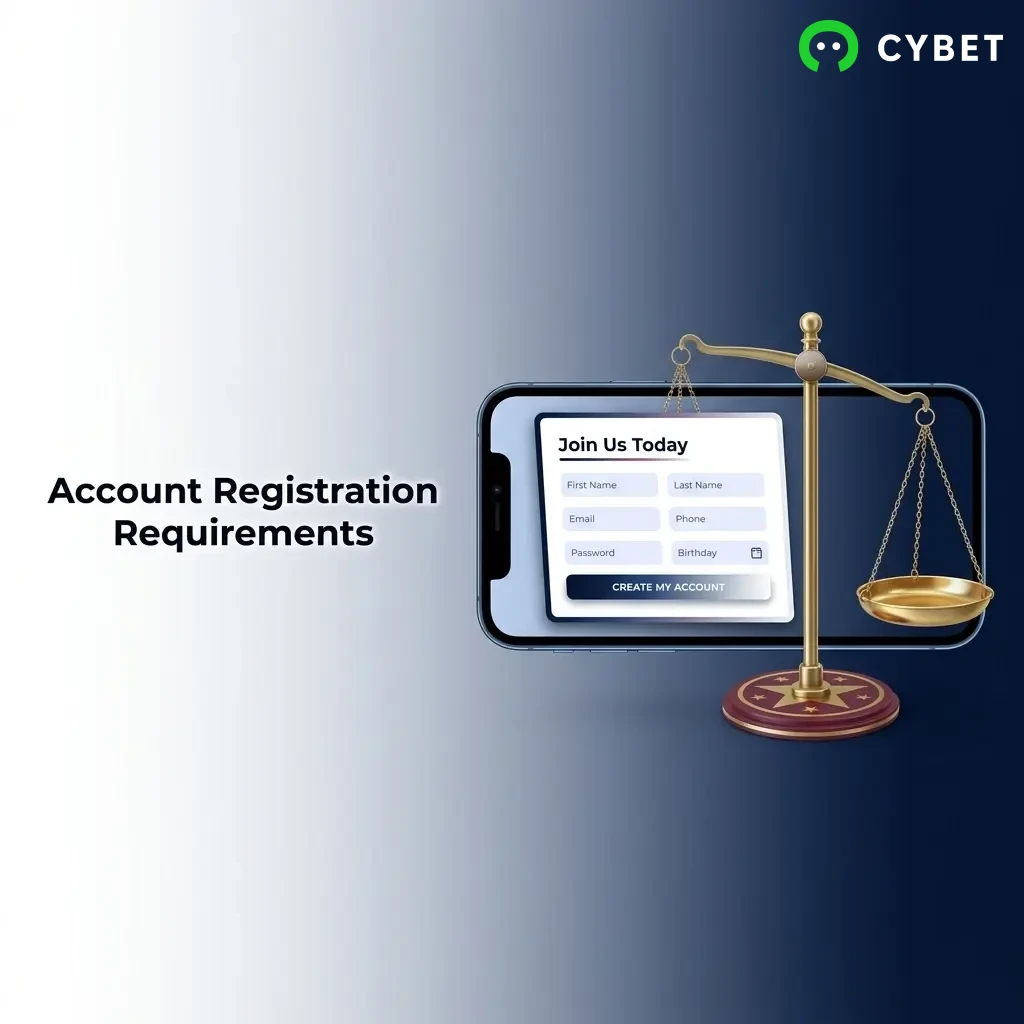
Account Registration Requirements
Before you complete the Cybet registration process, it is important to understand the eligibility rules that apply to all users in India. You must be at least 18 years of age to create an account and participate in any real-money gambling activity on the platform. Only one personal account is permitted per user, and providing accurate information during sign up is mandatory for verification and account security purposes. Using the platform is your confirmation that you meet the legal requirements applicable in your jurisdiction and that gambling is permitted under the laws of your region.
- You must be at least 18 years old to register and use the platform.
- You are required to provide accurate personal details, including your full name, date of birth, and contact information.
- Only one account per person is allowed; duplicate accounts may be suspended or closed.
- You are responsible for ensuring that online gambling is legal in your area before creating an account.
- You must not register on behalf of another person or use another individual’s identity or payment details.
Login to Cybet Account
Once your account is created, signing in takes only a few seconds from the official website or mobile app. Follow these steps to log in:
- Click the “Log In” button on this page to go to the sign in screen on the official platform.
- Enter the credentials linked to your chosen registration method: your phone number and password, your email address and password, or select your social media account to sign in.
- If two-factor authentication is enabled on your account, enter the verification code sent to your phone or email.
- Once your credentials are confirmed, you will be directed to your personal account dashboard where you can access all features.
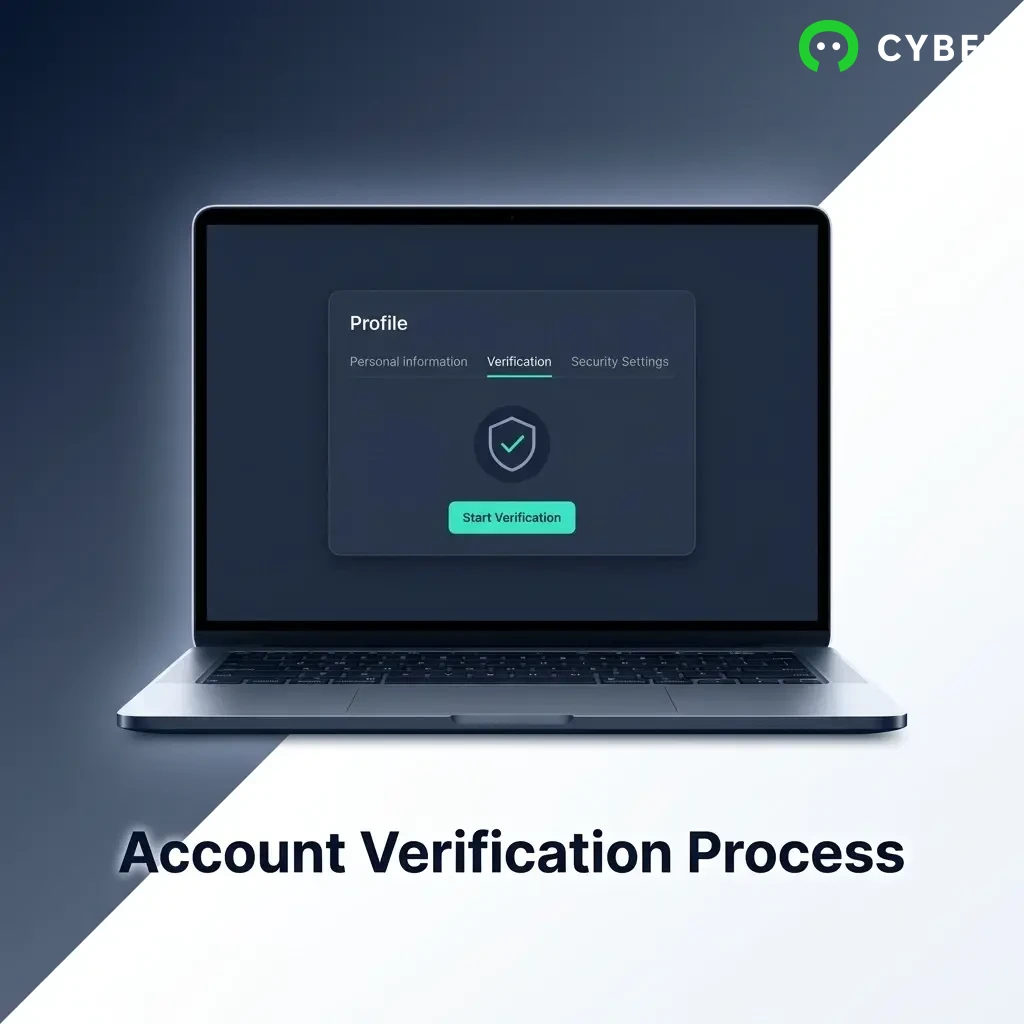
Account Verification Process
Account verification is a required step that protects your personal account and ensures compliance with anti-money laundering regulations. Completing the verification process gives you full access to withdrawal options and removes any limits that may apply to unverified accounts. The sooner you complete verification, the sooner you can manage your funds without restrictions.
- Log in to your personal account and navigate to the verification or KYC section in your profile settings.
- Submit proof of identity: upload a government-issued photo ID such as an Aadhaar card, passport, or driving licence.
- Submit proof of address: provide a recent utility bill, bank statement, or any official document showing your name and residential address.
- If requested, provide proof of payment method by uploading a photo or screenshot of the deposit card or e-wallet used.
- Wait for the verification review, which is typically completed within 24 to 72 hours. You will receive a notification once your account has been approved.
Welcome Bonuses for New Users from India
New users from India who complete registration and make their first deposit are eligible for a welcome offer of 100% up to 500 USDT plus 50 Free Spins. The welcome package is divided into separate offers for casino and sports betting, so you can benefit from both sections of the platform depending on your preference.
Casino Bonus
The casino welcome bonus rewards your first deposit with a 100% match, effectively doubling your starting balance for use on eligible slot and table games. The 50 Free Spins are also credited as part of this offer and can be used on selected slot titles.
| Detail | Information |
|---|---|
| Bonus Type | 100% deposit match + 50 Free Spins |
| Maximum Bonus Amount | Up to 500 USDT |
| Minimum Deposit | Check the promotions page for the current minimum deposit requirement |
| How to Claim | Register, make your first qualifying deposit, and the bonus is credited automatically |
| Wagering Requirements | Review the current terms on the promotions page before claiming |
Sports Betting Bonus
The sports welcome bonus is available for new users who prefer to place bets on cricket, football, kabaddi, and other sports available on the platform. This offer gives your first deposit additional value specifically for use in the sportsbook section.
| Detail | Information |
|---|---|
| Bonus Type | Welcome bonus for sports betting |
| Maximum Bonus Amount | Up to 500 USDT |
| Minimum Deposit | Check the promotions page for the current minimum deposit requirement |
| How to Claim | Register, select the sports bonus during or after deposit, and the funds are credited to your sports wallet |
| Wagering Requirements | Review the current terms on the promotions page before claiming |
Account Overview
After you complete the registration process, your personal account becomes the central hub for managing all activity on the platform. Here is what you can access as a registered user:
- Deposit Funds: Add money to your account using UPI, net banking, cards, cryptocurrencies, and other available payment methods supported for users in India.
- Withdrawal Management: Request payouts to your chosen payment method, track the status of pending withdrawals, and review your transaction history.
- Bonus Centre: View all active bonuses, check wagering progress, and opt in to new promotional offers available to your account.
- Bet History: Review a complete record of all sports bets placed, including settled and pending wagers, along with full match and odds details.
- Game History: Access a log of all casino sessions, including the games played, stakes used, and results from slots, live tables, and other games.
- Account Verification (KYC): Upload identity and address documents directly from your account dashboard to complete the verification process.
- Security Settings: Update your password, enable two-factor authentication, and manage login session activity to keep your account secure.
- Responsible Gambling Tools: Set deposit limits, session time limits, or request a self-exclusion period directly from your account settings.
Possible Problems and Their Solutions When Registering on Cybet
Most registration issues are easy to resolve once you know the cause. The table below covers the most common problems users encounter during the sign up process and what you can do to fix them.
| Problem | Solution |
|---|---|
| OTP not received during phone number registration | Check that the mobile number entered is correct and that your phone has network coverage. Wait a few minutes and use the “Resend OTP” option if available. |
| Confirmation email not received during email registration | Check your spam or junk folder. If it is not there, verify that the email address was entered correctly and request a new confirmation link from the account settings page. |
| Registration form not submitting | Ensure all required fields are filled in correctly, including date of birth format and country code. Try clearing your browser cache or switching to a different browser or device. |
| Error message stating the account already exists | This means an account is already registered with the details you entered. Use the “Forgot Password” option to recover access or contact customer support if you do not recognise the account. |
| Unable to complete social media sign up | Ensure you are allowing the required permissions when authorising the connection. Try disconnecting and reconnecting the social account, or switch to email or phone number registration as an alternative. |
Steps to Delete a Personal Account
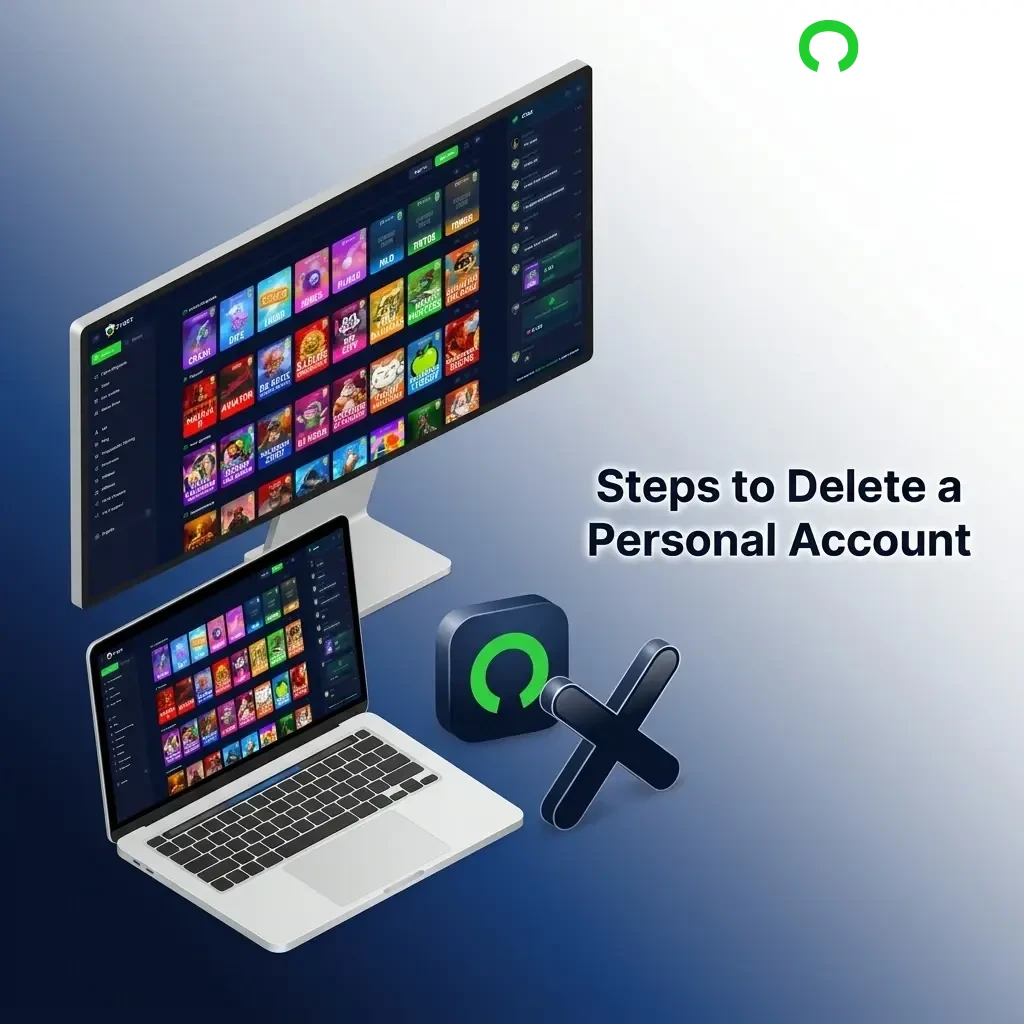
You may wish to delete your account for personal reasons, or as part of a responsible gambling decision. Before proceeding, ensure that any remaining balance has been withdrawn, as account deletion is typically permanent.
- Log in to your personal account and go to the account settings section.
- Navigate to the security or profile settings area and look for the account closure or deletion option.
- If a direct deletion option is not available in your settings, submit a request through the customer support chat or email available on this website, clearly stating that you wish to permanently close your account.
- Follow any additional confirmation steps required, such as verifying your identity, and wait for a confirmation message that your account has been closed.
FAQ
How long does it take to create a new account on Cybet?
The sign up process typically takes under two minutes if you use the one-click or social media registration option. Email and phone number registration may take slightly longer due to the verification step, but the overall process is quick.
Can I register from any state in India?
You are responsible for ensuring that online gambling is permitted in your state or region before creating an account. The platform is available to users across India, but local laws may vary, and it is your obligation to comply with the regulations applicable to your location.
Is it possible to have more than one account?
No. Only one personal account is allowed per user. If you create duplicate accounts, both may be suspended and any bonuses or winnings associated with them may be forfeited.
What currency can I use when registering from India?
During the registration process, you can select your preferred currency. The platform supports multiple currency options including USDT and other supported currencies. Check the available options in the currency dropdown during sign up.
What should I do if I forget my password after signing up?
Click the “Forgot Password” link on the sign in page and follow the steps to reset your password using your registered email address or phone number. A reset link or OTP will be sent to you to complete the process.
Updated: