1.
Step 1: Open the Registration Form
Click the button below to start the process.

Signing up on this platform gives you full access to casino games, sports betting, and exclusive promotions designed for India players. Your account is your gateway to real-money play and quick withdrawals. The verification process protects your funds and confirms your identity for safe transactions. You can register, log in, and complete verification on the website or through the mobile app. Support is available anytime if you need help with your account. New users get a welcome bonus of 100% up to 500 USDT + 50 Free Spins after signing up.
100% up to 500 USDT
+ 50 Free Spins
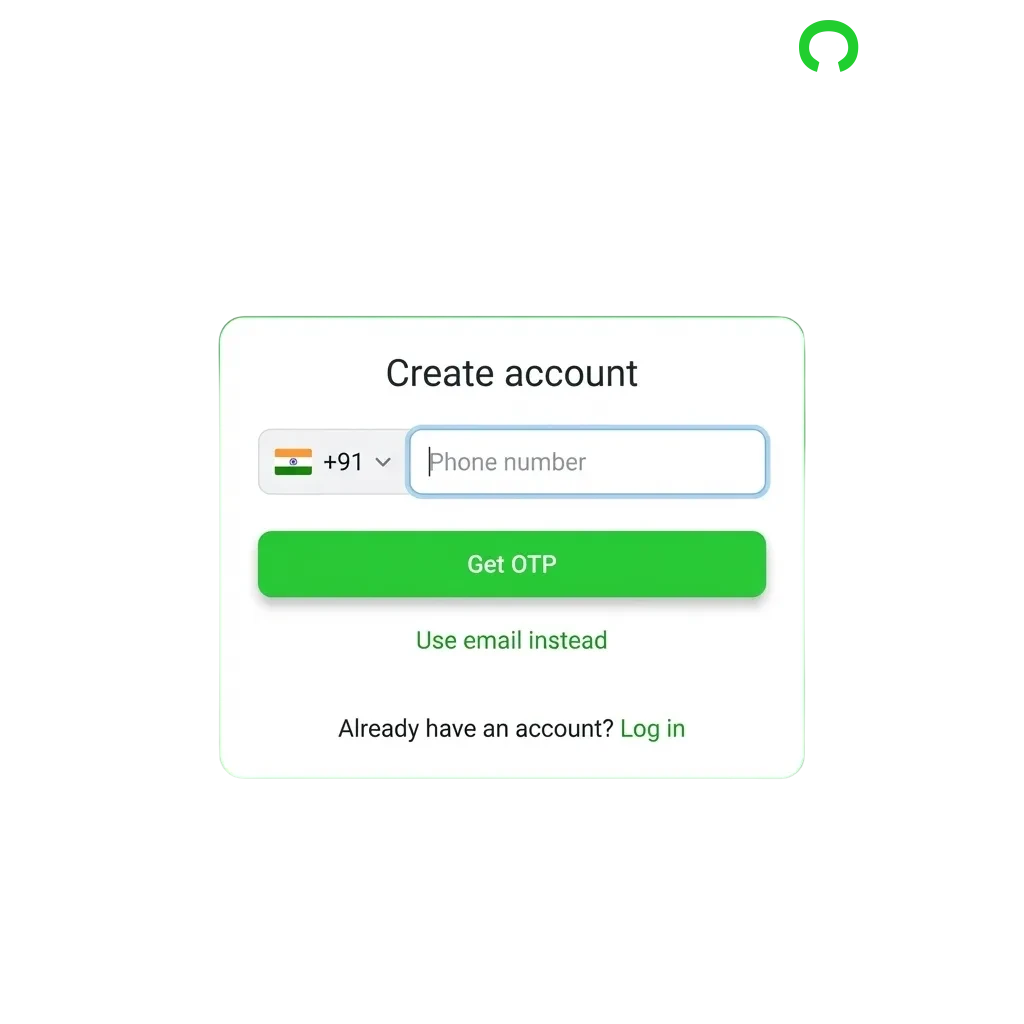
Signing up takes less than two minutes. You can choose from multiple methods to create your account.
Click the button below to start the process.
Select from one-click registration, email sign-up, or phone number registration based on your preference.
Enter your email address or phone number, choose a strong password, and select INR as your currency.
Accept the terms and conditions, then click the submit button to create your account.
Verify your email or phone number using the code sent to you.
The mobile app offers the same options as the site but optimised for your phone. You’ll find the process faster on a smaller screen.
Launch the app on your Android or iOS device.
You’ll see it on the home screen. Tap to begin.
Choose one-click, email, or phone number registration.
Enter your contact details, create a password, and choose INR as your account currency.
Confirm your email or phone number using the code sent to you.
You must meet specific conditions before you can create an account. These rules ensure legal compliance and protect all users on the platform.
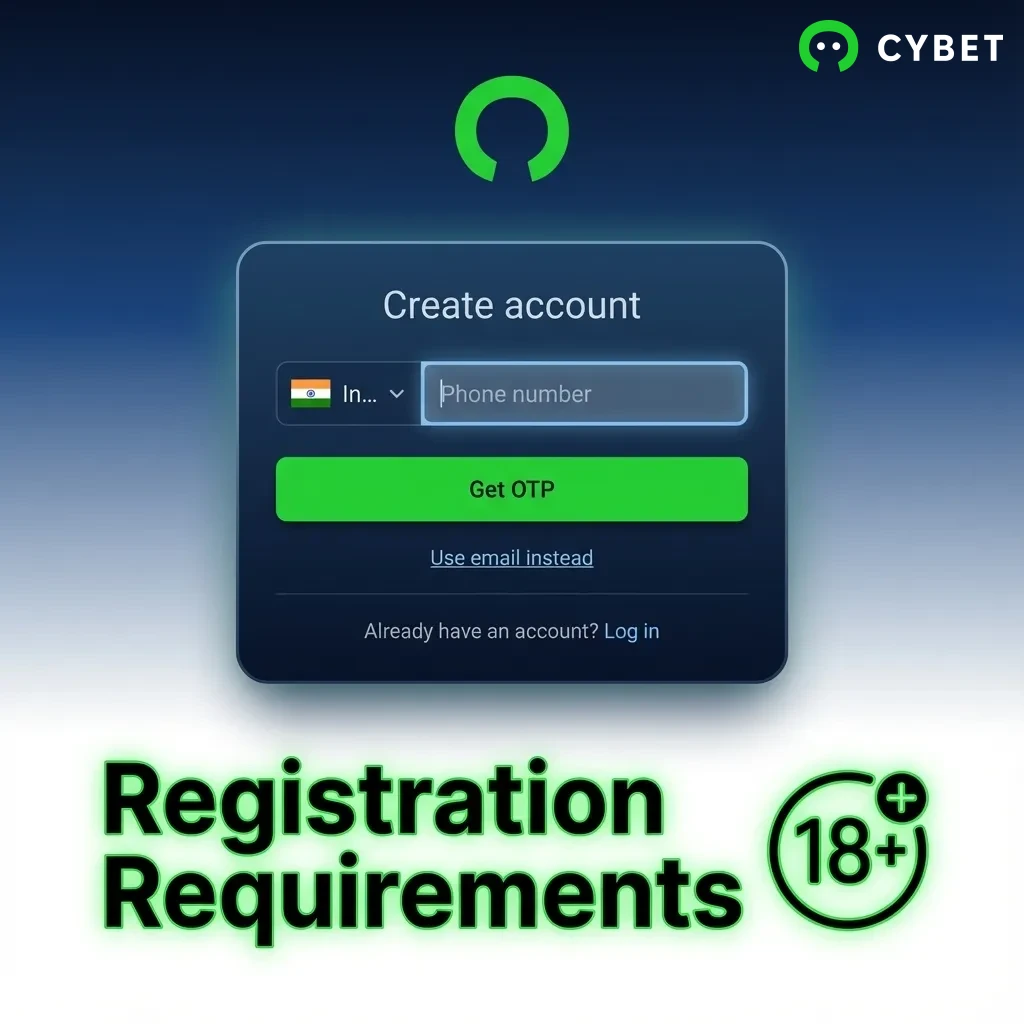
Verification confirms your identity and enables full access to deposits, bonuses, and withdrawals. India players must complete this step to comply with gambling regulations and protect their accounts. The process is straightforward and takes only a few minutes once you submit your documents.
Confirm your contact details using the code sent during registration.
Provide your full name, date of birth, and residential address in your account settings.
Submit a government-issued ID such as Aadhaar card, PAN card, or passport.
Upload a recent utility bill or bank statement showing your current address.
Wait for the support team to review your documents. Approval usually takes 24 to 48 hours.
Logging in gives you instant access to your balance, bets, and bonuses. The steps depend on how you registered.
Click the button below to open the login page on this site.
Type in your email address or phone number and your password.
Click the login button to enter your dashboard and start playing.
New users receive a 100% match bonus up to 500 USDT plus 50 Free Spins after their first deposit. This offer applies to both casino games and sports betting. You can choose to activate the bonus for either section based on your preference.
| Bonus Type | Amount | Minimum Deposit | Wagering Requirement |
|---|---|---|---|
| Casino Welcome Bonus | 100% up to 500 USDT + 50 Free Spins | 10 USDT | 35x |
| Sports Welcome Bonus | 100% up to 500 USDT + 50 Free Spins | 10 USDT | 5x |
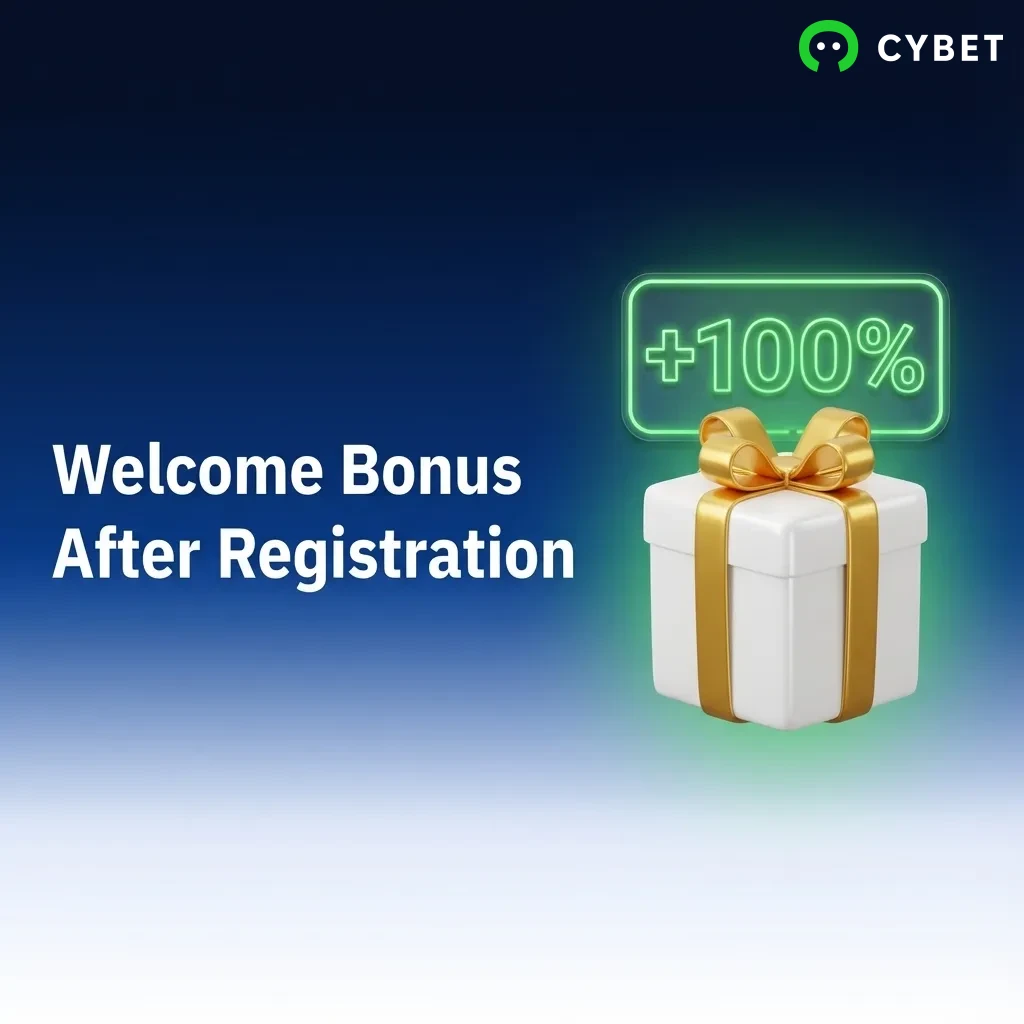
Claiming your welcome offer takes just a few clicks after you sign up. The bonus is credited automatically once you meet the requirements.
Create your account and log in to your dashboard.
Navigate to the cashier and select your preferred payment method.
Deposit at least 10 USDT to qualify for the bonus.
Choose whether you want the casino or sports bonus in the promotions section, then confirm your selection.
Some users face problems during the sign-up process. Here are common issues and how to solve them.
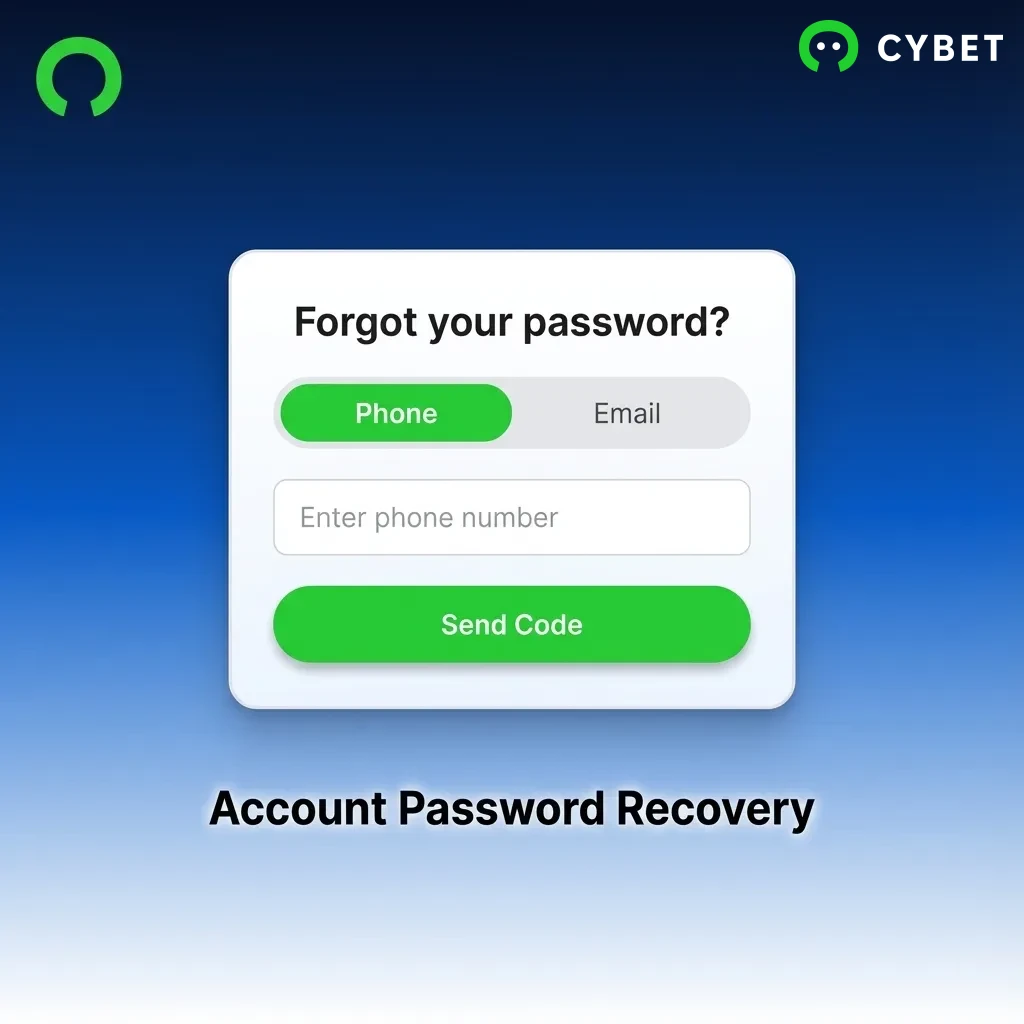
Forgot your password? You can reset it in a few simple steps.
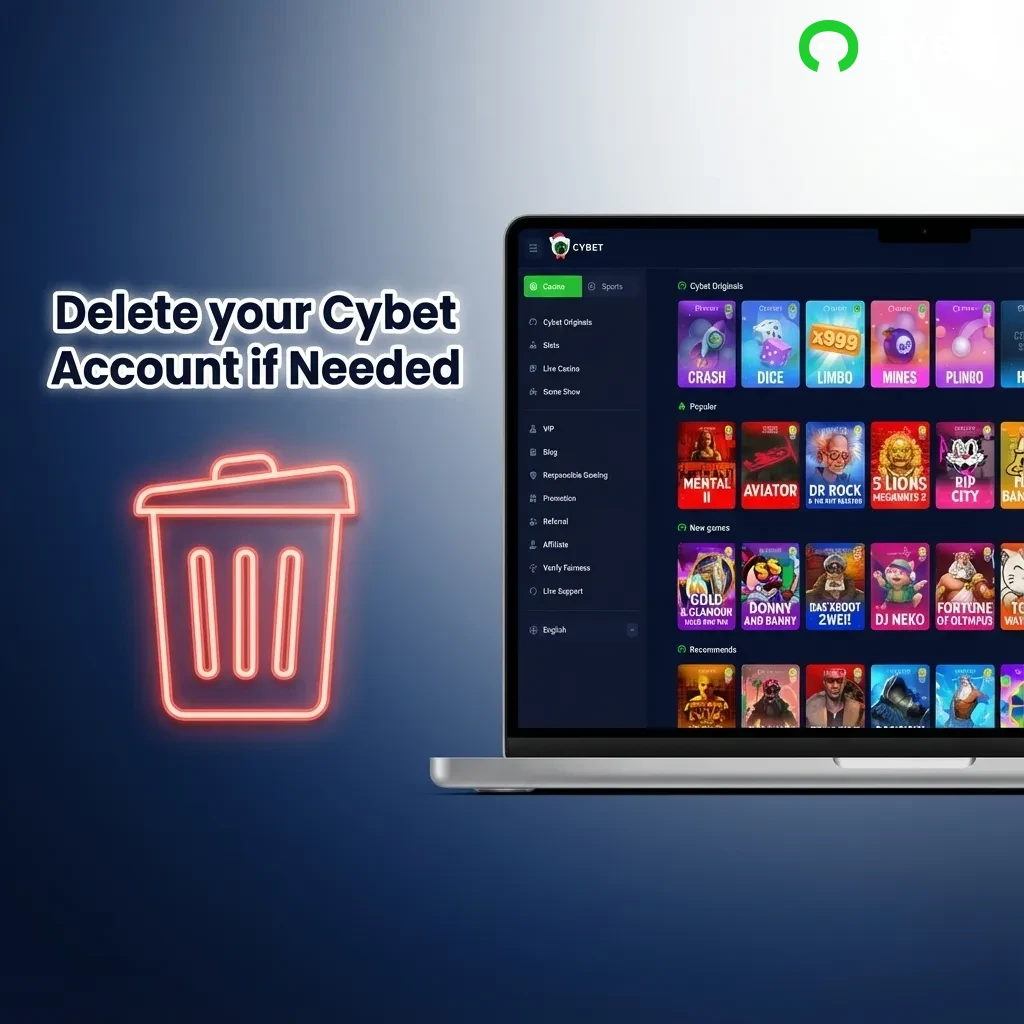
You can delete your account if you wish to stop using the platform. Reasons include self-exclusion, data privacy concerns, or closing an inactive account.
No. Only one account is allowed per person. Multiple accounts will be suspended.
Verification usually takes 24 to 48 hours after you submit your documents.
You can recover your password using the “Forgot Password” link on the login page.
Yes. You must complete identity verification before making your first withdrawal.
You can update your contact details in account settings or by contacting support for assistance.
Updated: