
1.
Cybet App for iOS Devices Latest Version for India
Download the Cybet iOS app and start playing casino games or placing sports bets directly from your iPhone or iPad. The app offers full access to all betting markets, live casino tables, and slot games optimised for mobile screens. Get started today and claim your 100% welcome bonus up to 500 USDT plus 50 Free Spins on selected slots. The download process takes less than a minute and does not require an App Store listing.
100% welcome bonus up to 500 USDT
+ 50 Free Spins
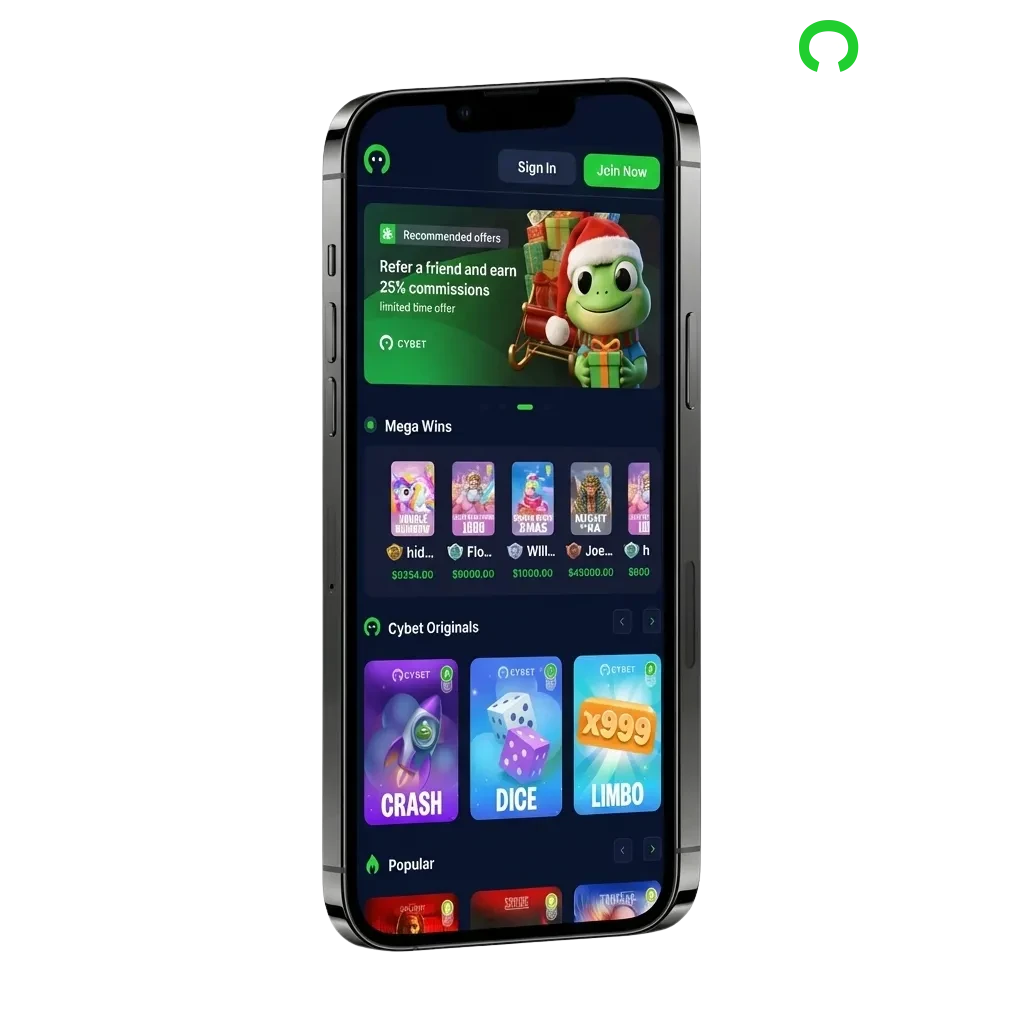
Cybet App Overview
The Cybet iOS app delivers a complete betting and casino experience designed for Indian players. You can access all features available on the desktop site, including instant deposits via UPI and Paytm. Here is what you need to know before downloading:
| App Size | 15 MB (web-based) |
| Last Update | January 2025 |
| Casino Welcome Bonus | 100% up to 500 USDT + 50 Free Spins |
| Sports Welcome Bonus | 100% up to 500 USDT |
| Supported Languages | English, Hindi |
| Payment Methods | UPI, Paytm, PhonePe, Google Pay, Bank Transfer, Crypto |
| Promo Code Required | No |
Cybet App Interface
Download Cybet App for iOS
Installing the Cybet app on your iPhone or iPad takes less than two minutes. You do not need to search the App Store or change any security settings. Follow these four steps to get started:
2.
Create Your Account
3.
Add the App to Your Home Screen
4.
Start Playing or Betting
System Requirements for Using iOS App
Your iPhone or iPad must meet these minimum specifications to run the Cybet app:
| Requirement | Minimum Specification |
|---|---|
| iOS Version | iOS 11.0 or later |
| Processor | A9 chip or newer |
| Memory (RAM) | 2 GB |
| Storage Space | 50 MB available |
| Internet Connection | 3G or faster |
Most devices released after 2016 meet these requirements without issues.
Supported iOS Devices
The Cybet app works on these Apple devices:
- iPhone 13 Pro Max
- iPhone 13 Pro
- iPhone 12
- iPhone 11
- iPhone XS
- iPhone XR
- iPhone 8
- iPhone 7
- iPad Pro (all models)
- iPad Air (3rd generation and later)
- iPod Touch (7th generation)
Older models may experience slower loading times but remain functional.
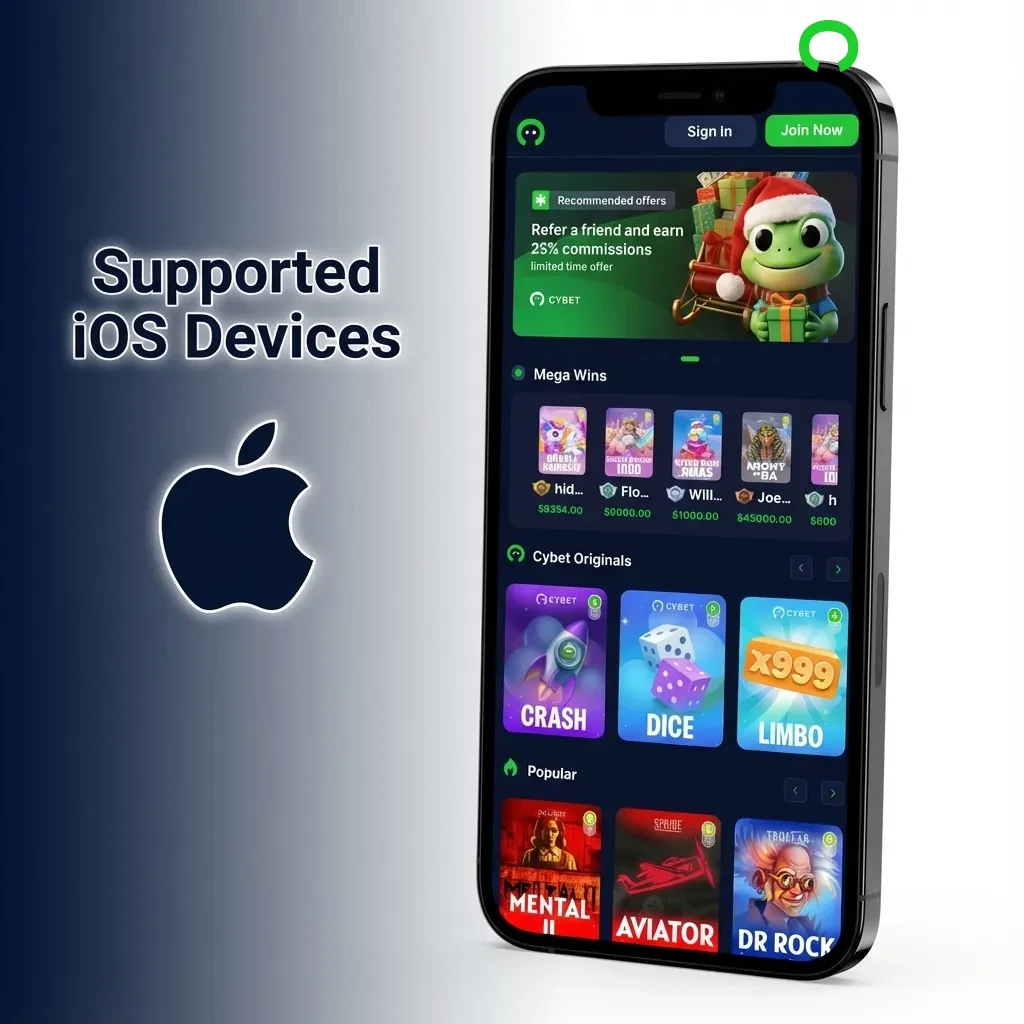
Cybet App (PWA)
The Cybet progressive web app (PWA) offers the same features as a native app without requiring App Store approval. You can install it directly from Safari in four quick steps:
1.
Click the Download for iOS Button Below
2.
Register an Account
3.
Tap the Share Button
4.
Tap Add to Home Screen
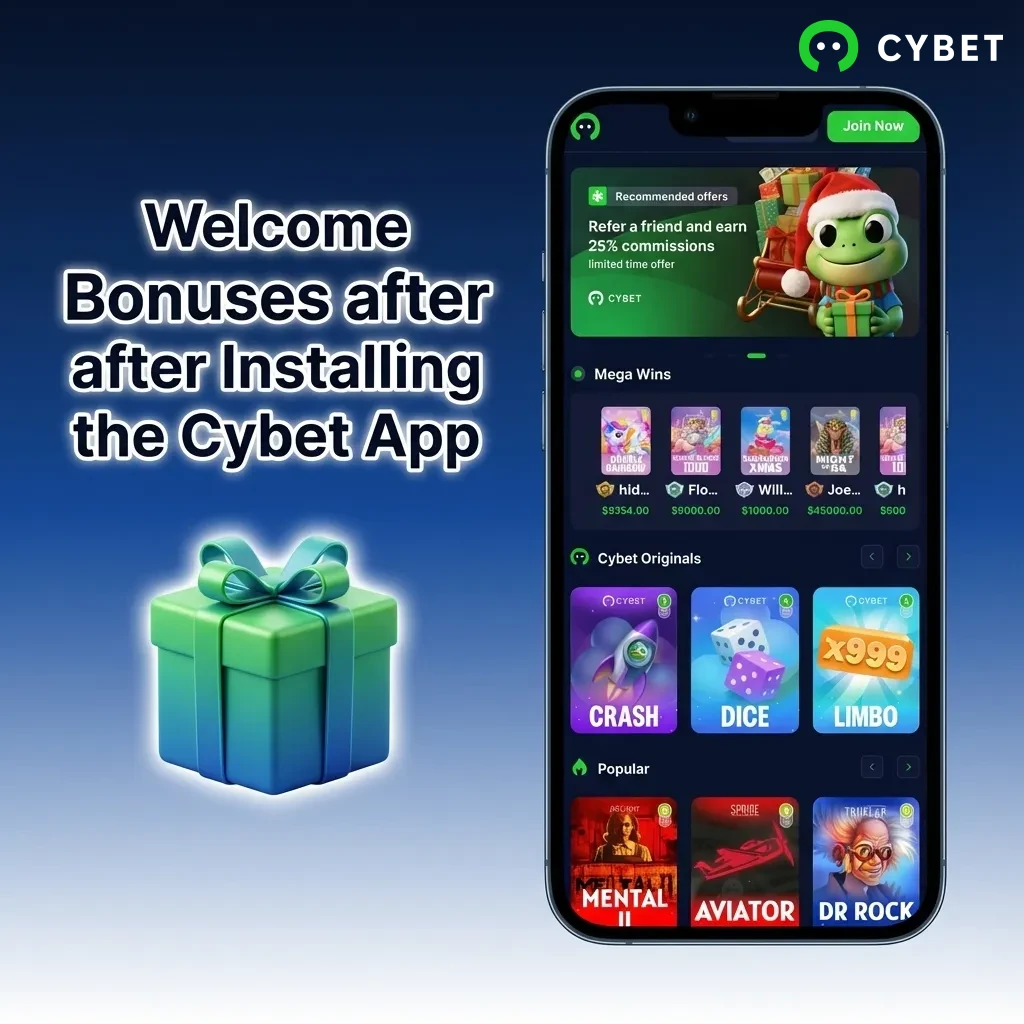
Welcome Bonuses after Installing the Cybet App
New players who download the Cybet app and make their first deposit receive a 100% match bonus up to 500 USDT plus 50 Free Spins on Book of Dead or Starburst. The bonus applies to both casino and sports betting accounts. Here are the available welcome offers:
- Casino Welcome Bonus: 100% match up to 500 USDT with 50 Free Spins on selected slots
- Sports Welcome Bonus: 100% match up to 500 USDT for your first sports bet
- Reload Bonuses: Weekly deposit bonuses up to 50% for existing players
- Cashback Offers: 10% weekly cashback on casino losses
- Free Bet Fridays: Get a free bet token every Friday after placing five or more bets
All bonuses have reasonable wagering requirements clearly explained in the terms section.
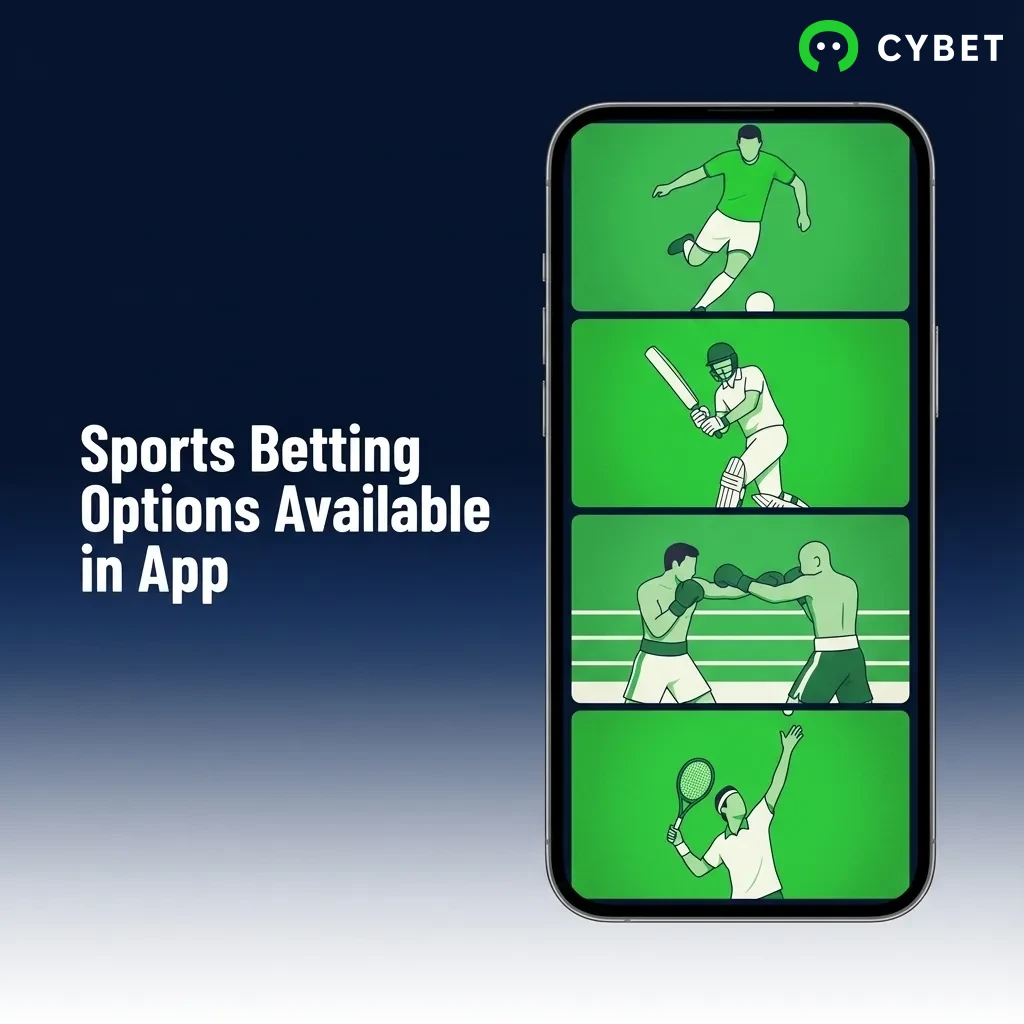
Sports Betting Options Available in App
The Cybet app covers all major sports popular in India plus international leagues and tournaments. You can place pre-match and live bets on thousands of events every day. Here are the sports available for betting:
- Cricket (IPL, T20 World Cup, Test matches)
- Football (Premier League, La Liga, Champions League)
- Tennis (Grand Slams, ATP, WTA)
- Kabaddi (Pro Kabaddi League)
- Basketball (NBA, EuroLeague)
- Badminton (BWF tournaments)
- Table Tennis (ITTF events)
- Esports (CS:GO, Dota 2, League of Legends)
- Horse Racing (Indian and international tracks)
- Virtual Sports (24/7 betting on simulated events)
Types of Bets Available at Cybet’s App
The app supports all standard bet types used by experienced and casual bettors. Here are the main betting options:
- Single Bet: Place a wager on one outcome from a single event.
- Accumulator: Combine multiple selections into one bet where all must win for a payout.
- Treble: A three-selection accumulator with higher odds than single bets.
- System Bet: Cover multiple combinations within a group of selections, reducing risk.
- Handicap Bet: Bet on a team with a virtual advantage or disadvantage to level the odds.
- Over/Under: Predict whether the total score or goals will be above or below a set number.
- Both Teams to Score: Bet on whether both teams will score during the match.
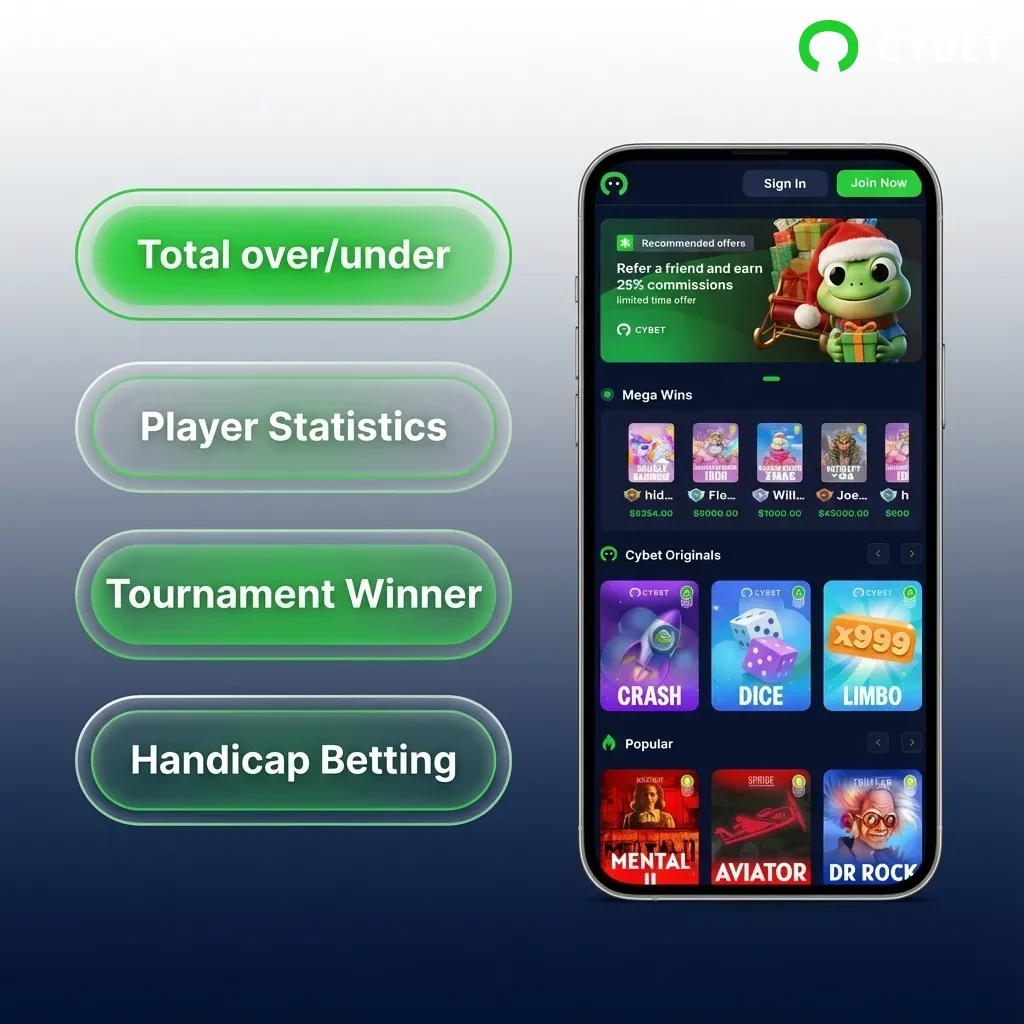
How to Start Betting via Mobile App
Placing your first bet through the Cybet app is straightforward. Follow these steps to get started:
- Open the Cybet app from your home screen and log in to your account.
- Navigate to the Sports section and select the sport you want to bet on.
- Choose an event and tap on the odds for your preferred outcome to add it to your bet slip.
- Enter your stake amount in the bet slip and review the potential payout.
- Tap “Place Bet” to confirm your wager. Your bet will appear in the My Bets section.
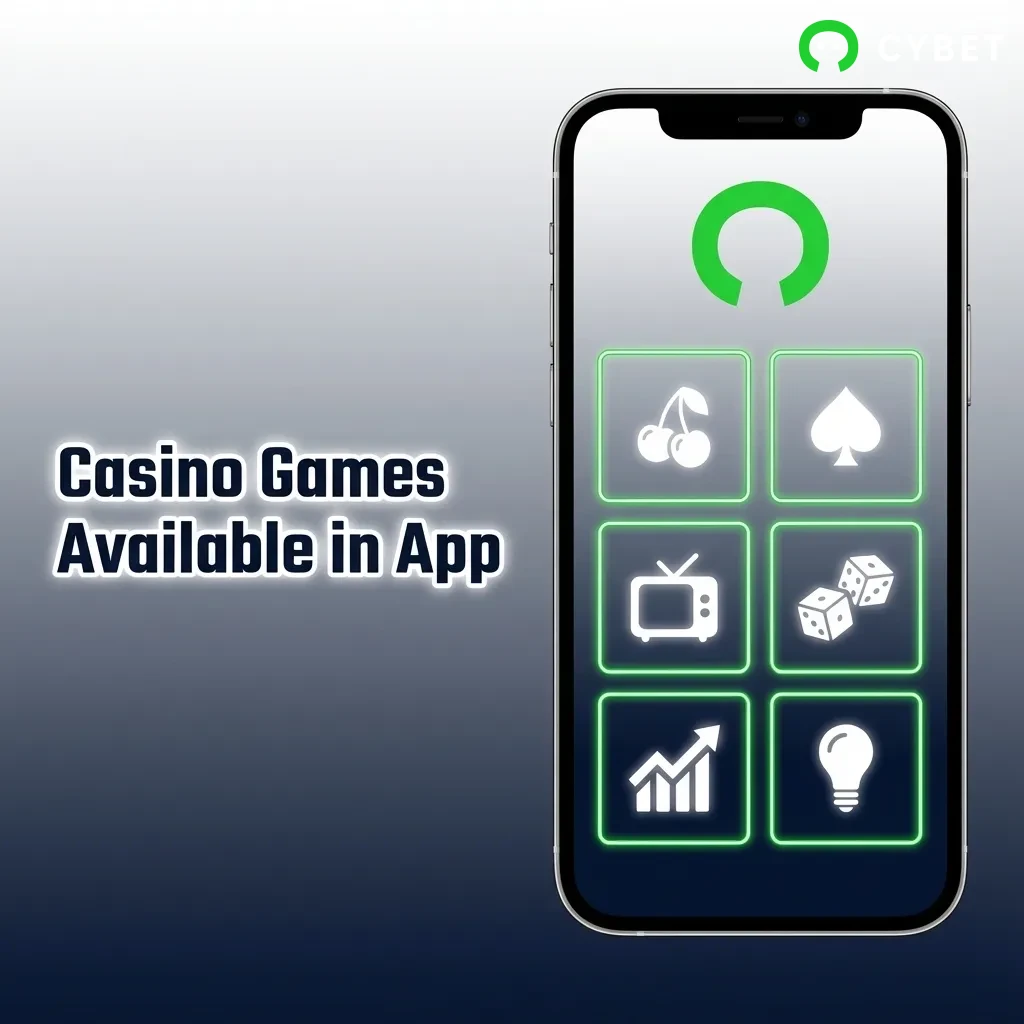
Casino Games Available in App
The Cybet app hosts over 3,000 casino games from top providers like Pragmatic Play, Evolution Gaming, and NetEnt. You can play slots, table games, and live dealer games directly from your iPhone. Here are some popular titles:
- Book of Dead (Play’n GO)
- Starburst (NetEnt)
- Sweet Bonanza (Pragmatic Play)
- Gonzo’s Quest (NetEnt)
- Lightning Roulette (Evolution Gaming)
- Mega Moolah (Microgaming)
- Blackjack Live (Evolution Gaming)
- Andar Bahar Live (Ezugi)
- Teen Patti Live (Evolution Gaming)
- Crazy Time (Evolution Gaming)
All games are optimised for mobile screens and support portrait and landscape modes.
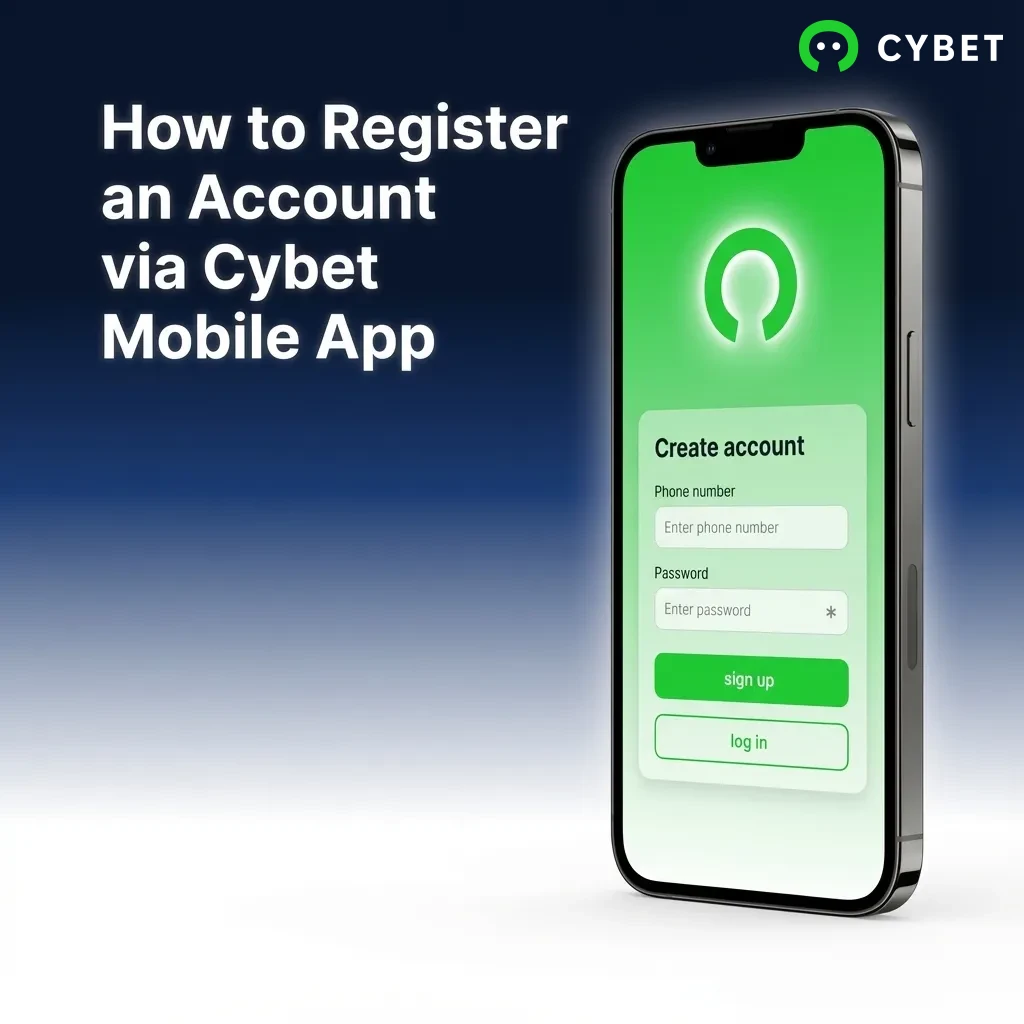
How to Register an Account via Cybet Mobile App
Creating an account takes less than two minutes. Here is how to register:
- Open the Cybet app and tap the “Register” button on the home screen.
- Enter your mobile number or email address in the registration form.
- Create a secure password and select INR as your currency.
- Enter the OTP code sent to your mobile number to verify your account.
- Complete your profile by adding your name and date of birth, then tap “Finish Registration”.
How to Login via Mobile App
Logging in to your Cybet account takes just a few seconds. Follow these steps:
- Open the Cybet app from your home screen.
- Tap the “Login” button at the top right corner.
- Enter your registered mobile number or email address and your password.
- Tap “Sign In” to access your account and start betting or playing.
How to Update the Cybet App to the Latest Version
You do not need to update the Cybet app manually because it functions as a progressive web app (PWA). Every time you open the app, it loads the latest version directly from the server. This means you always have access to new features, game releases, and security improvements without downloading updates. The app automatically refreshes in the background when you close and reopen it. If you notice any performance issues, simply close the app completely and reopen it to force a refresh.
Payment Methods for Mobile App Users of Cybet in India
The Cybet app supports all major payment methods used in India. Minimum deposits start at ₹500, and minimum withdrawals begin at ₹1,000. Maximum limits depend on your chosen payment method. Here are the available options:
- UPI (Google Pay, PhonePe, Paytm)
- Bank Transfer (NEFT, IMPS, RTGS)
- Paytm Wallet
- PhonePe Wallet
- Netbanking (all major banks)
- Cryptocurrency (Bitcoin, Ethereum, Tether)
- AstroPay Card
- Jeton Wallet
How to Make a Deposit via Mobile App
Adding funds to your account through the app is quick and secure. Follow these steps:
- Open the Cybet app and tap the “Deposit” button in the top menu.
- Select your preferred payment method from the list (UPI, bank transfer, or wallet).
- Enter the amount you want to deposit and tap “Continue”.
- Complete the payment through your chosen method. Funds appear in your account within seconds for UPI and instant payment methods.
How to Withdraw your Winnings on Mobile
Withdrawing your winnings from the Cybet app is straightforward. Here is how to cash out:
- Tap the “Withdraw” button in the app menu.
- Select your preferred withdrawal method (bank transfer, UPI, or wallet).
- Enter the amount you want to withdraw and provide any required account details.
- Confirm the withdrawal request. Most withdrawals are processed within 24 hours, though bank transfers may take up to 3 business days.
Key Features of Cybet Mobile App
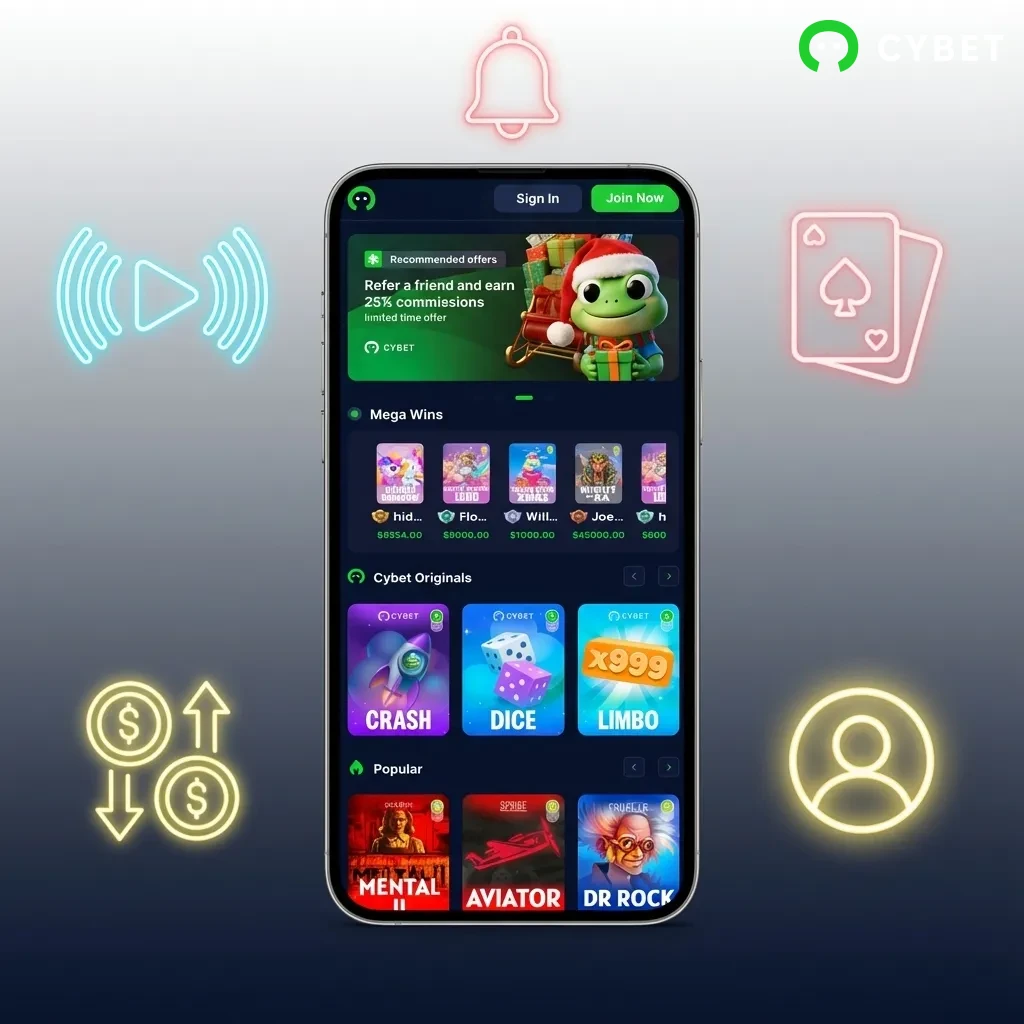
The Cybet iOS app combines convenience, speed, and security for Indian players. Here are the standout features:
- Full support for Indian payment methods including UPI, Paytm, and PhonePe
- Betting and gaming in Indian Rupees (INR)
- Welcome bonus of 100% up to 500 USDT plus 50 Free Spins
- Over 3,000 casino games from top providers
- Live betting on cricket, football, and other sports
- 24/7 customer support via live chat and email
- Fast withdrawals processed within 24 hours
- Secure SSL encryption for all transactions
- No App Store installation required
- Automatic updates without manual downloads
Customer Support
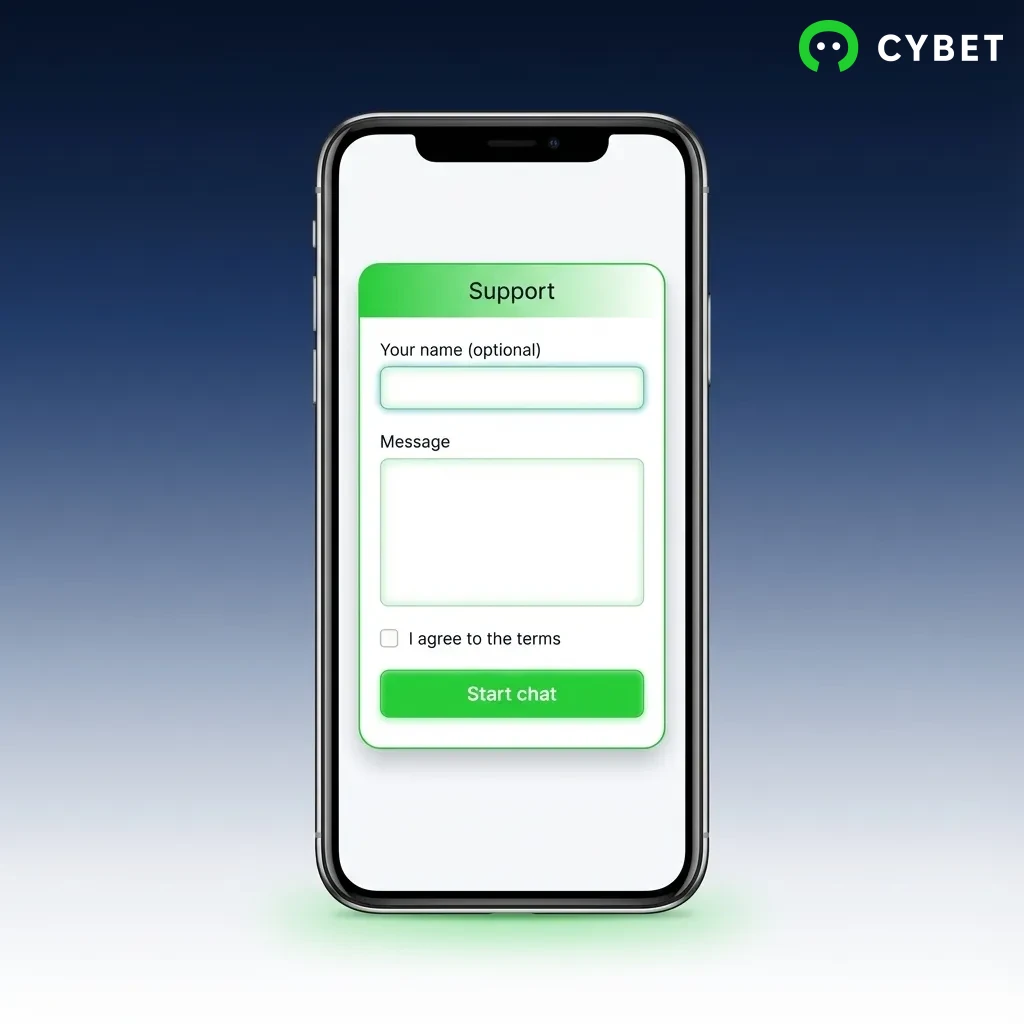
Cybet provides round-the-clock customer support to help with account issues, payment queries, and technical problems. The support team is available in English and Hindi. Here are the ways to contact support:
| Contact Method | Availability | Response Time |
|---|---|---|
| Live Chat | 24/7 | Instant |
| 24/7 | Within 2 hours | |
| Phone Support | 24/7 | Instant |
| Telegram | 24/7 | Within 30 minutes |
You can access live chat directly from the app by tapping the support icon in the menu.
FAQ
Is the Cybet iOS app legal to use in India?
Yes. The Cybet app operates under a valid Curacao gaming licence. Indian players can legally register, deposit, and play casino games or place sports bets through the app.
Can I claim the welcome bonus after downloading the app?
Yes. New players who register through the app and make their first deposit receive a 100% welcome bonus up to 500 USDT plus 50 Free Spins. The bonus is credited automatically after your first deposit.
How long does it take to withdraw winnings to my bank account?
Most withdrawals are processed within 24 hours. Bank transfers may take 1-3 business days to appear in your account, while UPI and wallet withdrawals are usually instant.
Do I need to provide documents to verify my account?
You may need to verify your account before making your first withdrawal. Upload a copy of your government ID and proof of address through the app. Verification usually takes less than 24 hours.
Can I use the same account on both the app and desktop site?
Yes. Your Cybet account works across all platforms. You can log in on your iPhone, iPad, and desktop computer using the same credentials, and your balance and bets sync automatically.
Updated: