1.
Access the Download Section
Click the button below to open the download area on this page.
The Cybet desktop application gives you access to live casino tables, roulette, slots, and sports betting markets directly from your computer. It runs on both Windows and MacOS systems and is free to download. The functionality matches the web platform, but the desktop version offers faster load times, a full-screen interface, and fewer connection interruptions.
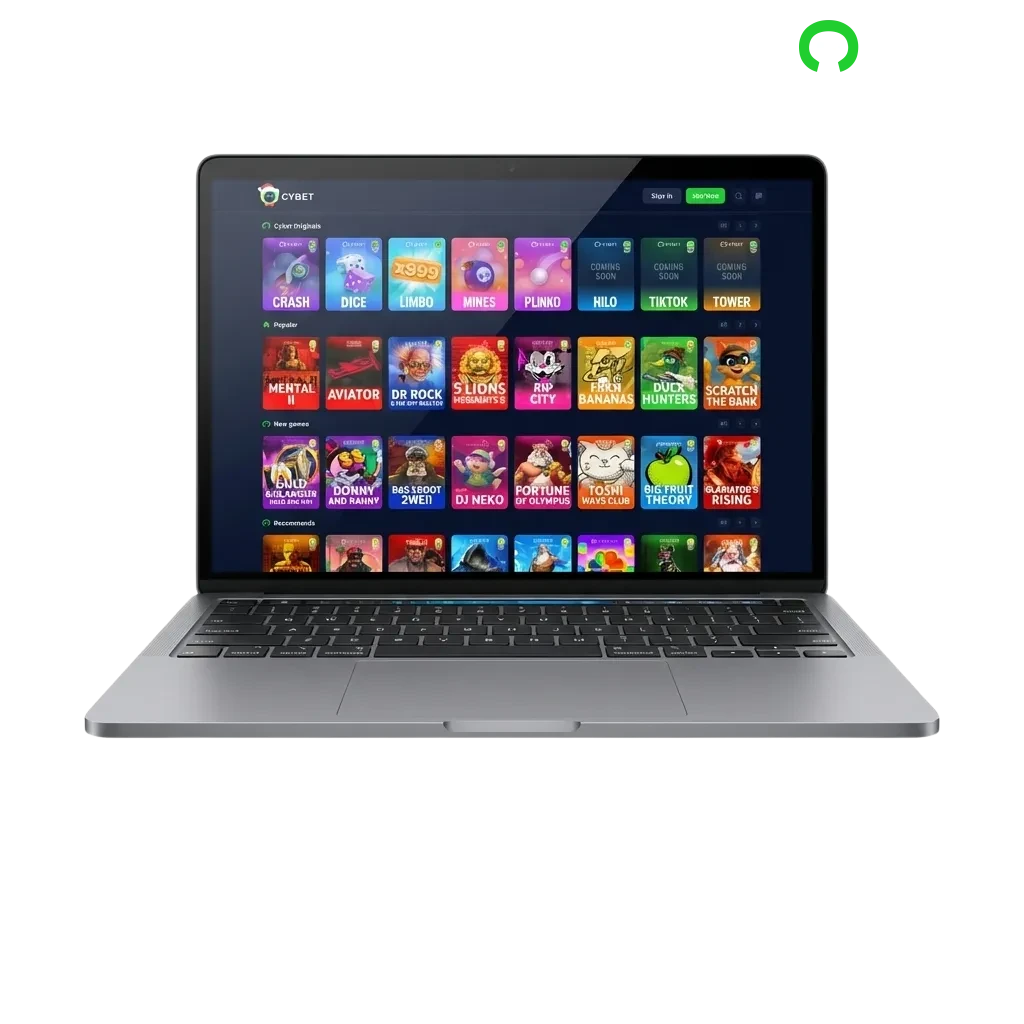
The Cybet desktop client provides a stable and responsive betting environment. Key advantages include faster game loading, uninterrupted gameplay, and a dedicated interface that eliminates browser distractions.
| PC Client Size | 85 MB |
| Available Languages | English, French, Spanish, German, Portuguese |
| Category | Sports Betting, Online Casino, Live Dealer Games, Table Games, Slots, Game Shows |
| Compatible with Windows | Windows 7, Windows 8, Windows 10, Windows 11 |
| Compatible with macOS | macOS 10.13 (High Sierra) and later |
Installing the desktop application offers several performance and usability benefits, though it does require a small amount of storage space. Below is a comparison of the main advantages and minor drawbacks.
| Pros | Cons |
|---|---|
| Faster game loading and smoother navigation | Requires 85 MB of storage |
| Dedicated full-screen interface without browser clutter | Updates must be installed manually |
| More stable connection during live betting | Not portable like mobile apps |
| Lower memory usage compared to multiple browser tabs | |
| Quick access via desktop shortcut | |
| No need to search for the website URL | |
| Better performance on older computers |
The Cybet application for Windows has minimal system requirements and works across all modern versions of the operating system. Most computers running Windows 7 or later can run the app without any performance issues.
Click the button below to open the download area on this page.
Select the Windows version and save the installer file to your computer.
Open the downloaded file and follow the on-screen instructions to complete the installation process.
Find the Cybet icon on your desktop or in your Start menu and open the application to begin.
The Cybet application for Mac is compatible with devices running macOS 10.13 (High Sierra) and later versions. Installation takes only a few minutes.
Click the button below to reach the Mac download area on this page.
Select the macOS version and save the installation package to your computer.
Locate the downloaded file in your Downloads folder and double-click to start the installation.
Drag the Cybet icon into your Applications folder when prompted.
Open your Applications folder and click the Cybet icon to start using the app.
The Cybet desktop application receives regular updates to improve performance, add new features, and maintain security. Keeping the app current ensures you have the best betting experience.
Click the Cybet icon on your desktop to launch the app.
Navigate to the settings menu and select “Check for Updates” or wait for an automatic notification.
If an update is available, click “Download” and allow the installation process to complete.
Close and reopen the application to apply all changes.
Creating an account through the desktop application is quick and gives you immediate access to welcome bonuses, sports markets, and casino games. The registration process takes less than five minutes.
Launch the Cybet app on your computer.
Click the “Register” button on the main screen. You can sign up using email, phone number, or social media accounts.
Provide the required details, including your name, date of birth, and contact information.
Confirm your account through the verification link or code sent to your email or phone, then log in to start betting.
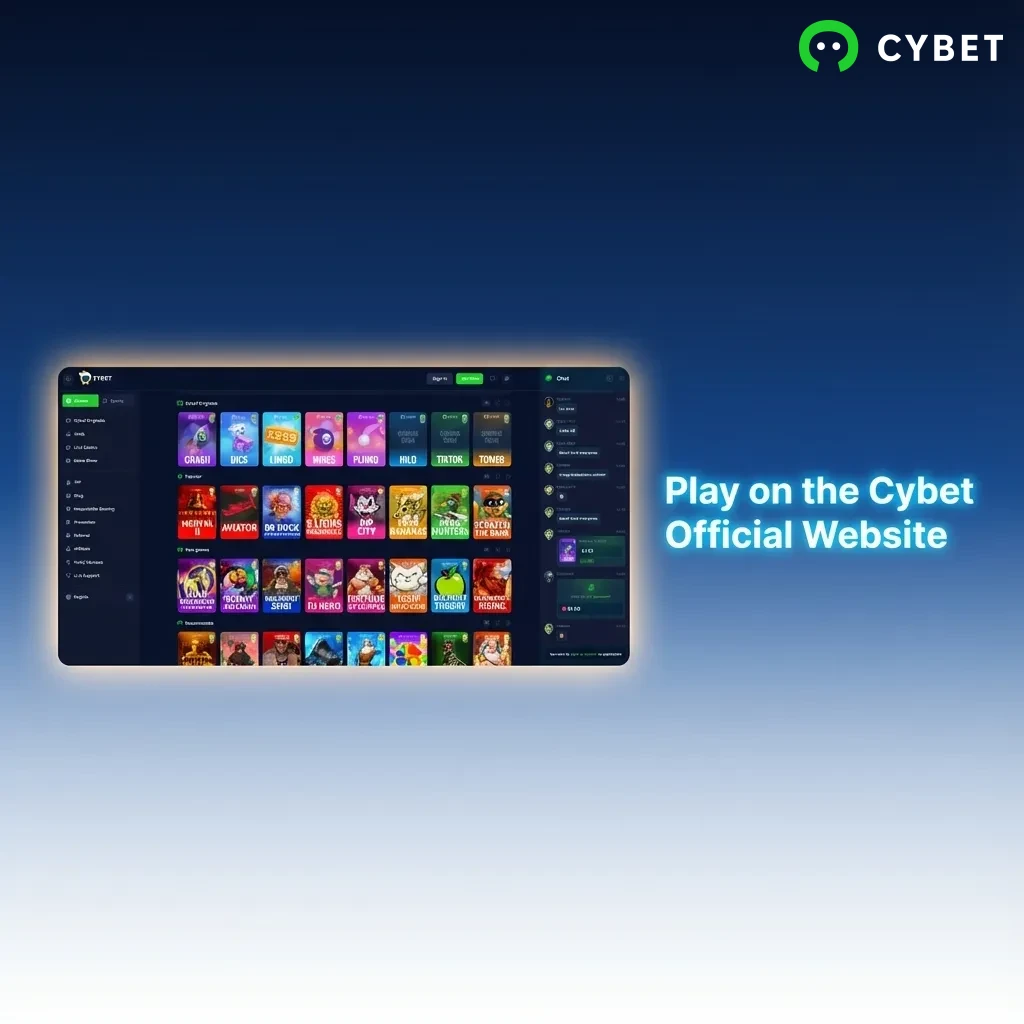
You do not need to install the desktop app to enjoy all the features that Cybet offers. If you prefer not to download software onto your computer, you can access the full range of betting markets and casino games directly through the official website. The web platform provides the same account management, payment methods, and game selection as the PC client. This flexibility allows you to choose the option that best suits your preferences and device capabilities.
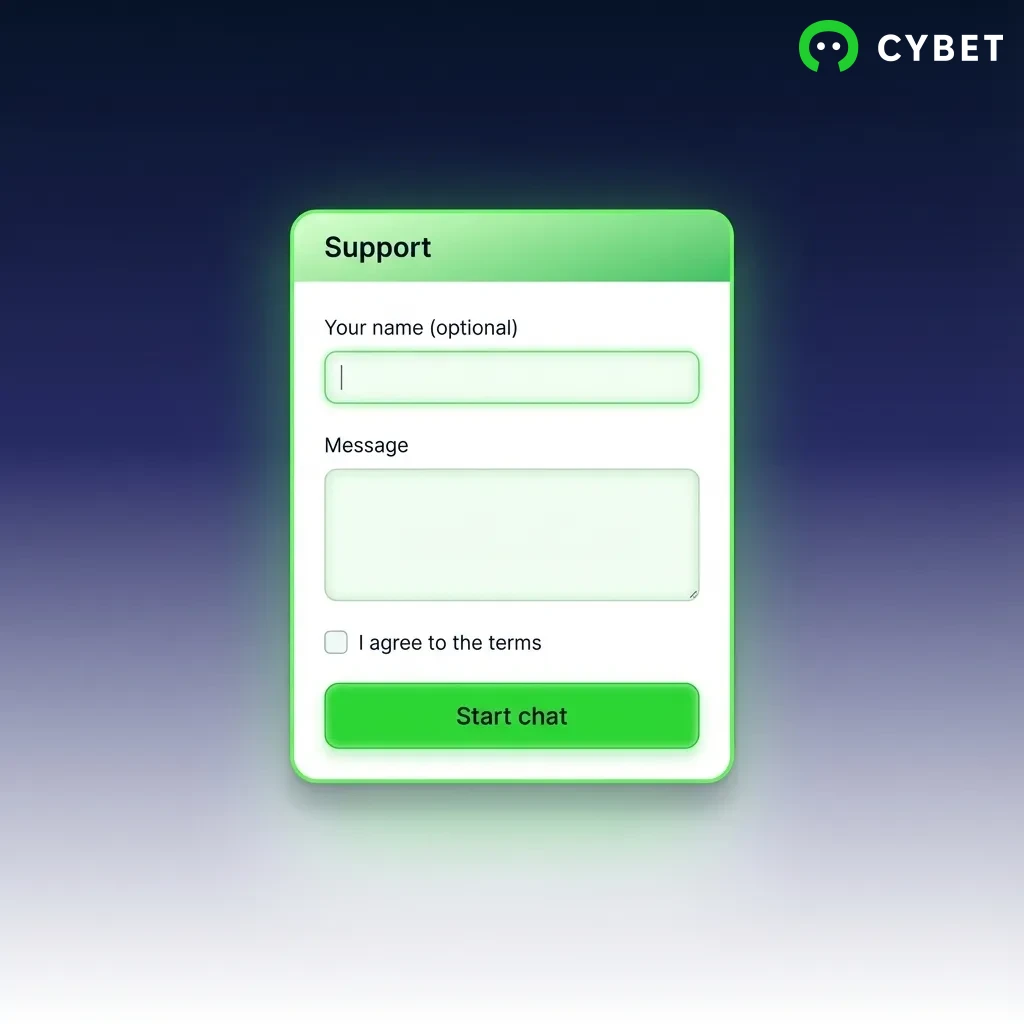
Cybet provides multiple support channels for users who need assistance with the desktop application or any account-related questions. Contact methods include:
| Method | Details |
|---|---|
| Live Chat | Available 24/7 through the app or website |
| [email protected] (response within 24 hours) | |
| Phone | +1-800-CYBET-01 (toll-free for Canada) |
| Social Media | Facebook, Twitter, Instagram (direct message support) |
Support staff can help with installation issues, account verification, payment questions, and technical troubleshooting.
Yes. Your login credentials work across all platforms, including the desktop application, mobile app, and website.
Yes. The app needs a stable internet connection to access live betting markets, stream casino games, and sync your account information.
The installer file is 85 MB. After installation, the app uses approximately 120 MB of storage on your computer.
Yes. You can download and install the application on as many devices as you need using the same account credentials.
Restart your computer and try launching the app again. If the problem continues, check that your operating system meets the minimum requirements or contact support through live chat.
Updated: