Click the Download for Android Button
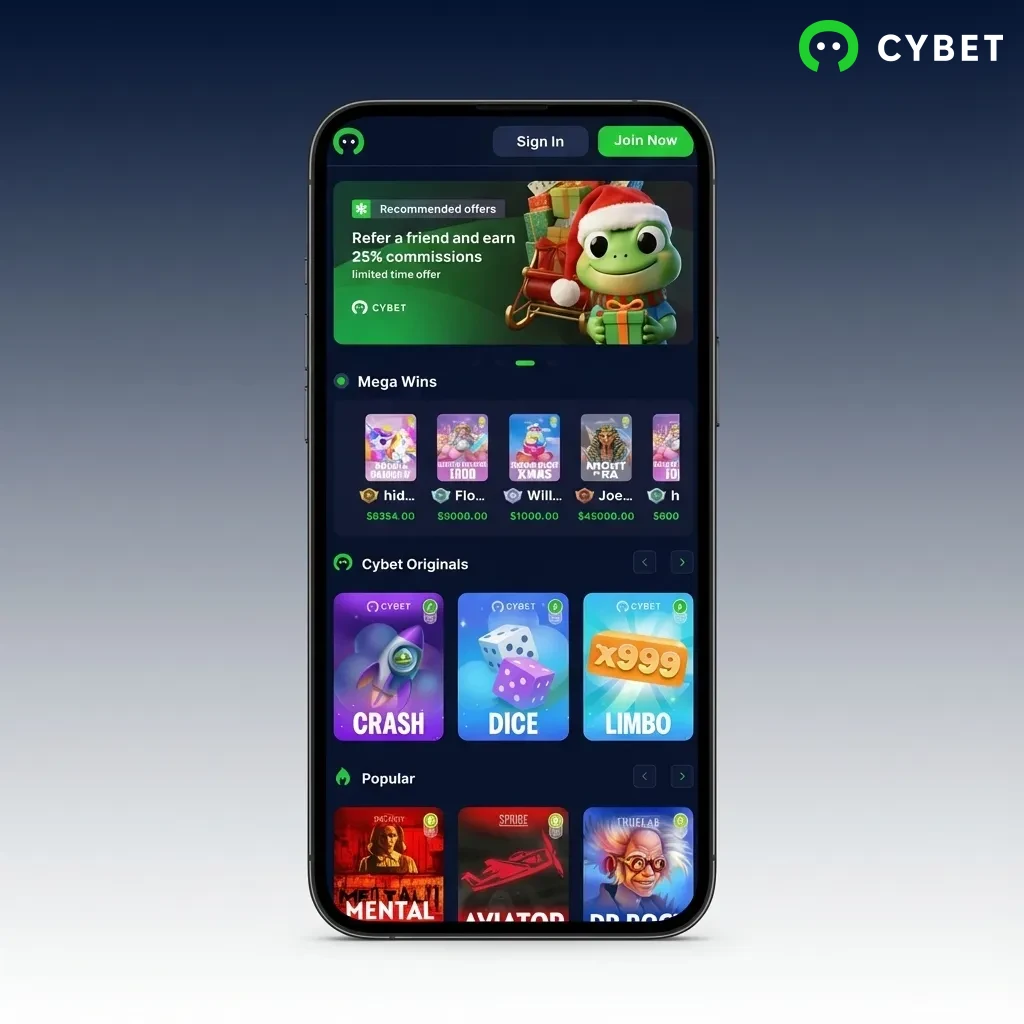
Tap the “Download Android App” button on this page. Your browser will load the Cybet mobile site optimized for installation.
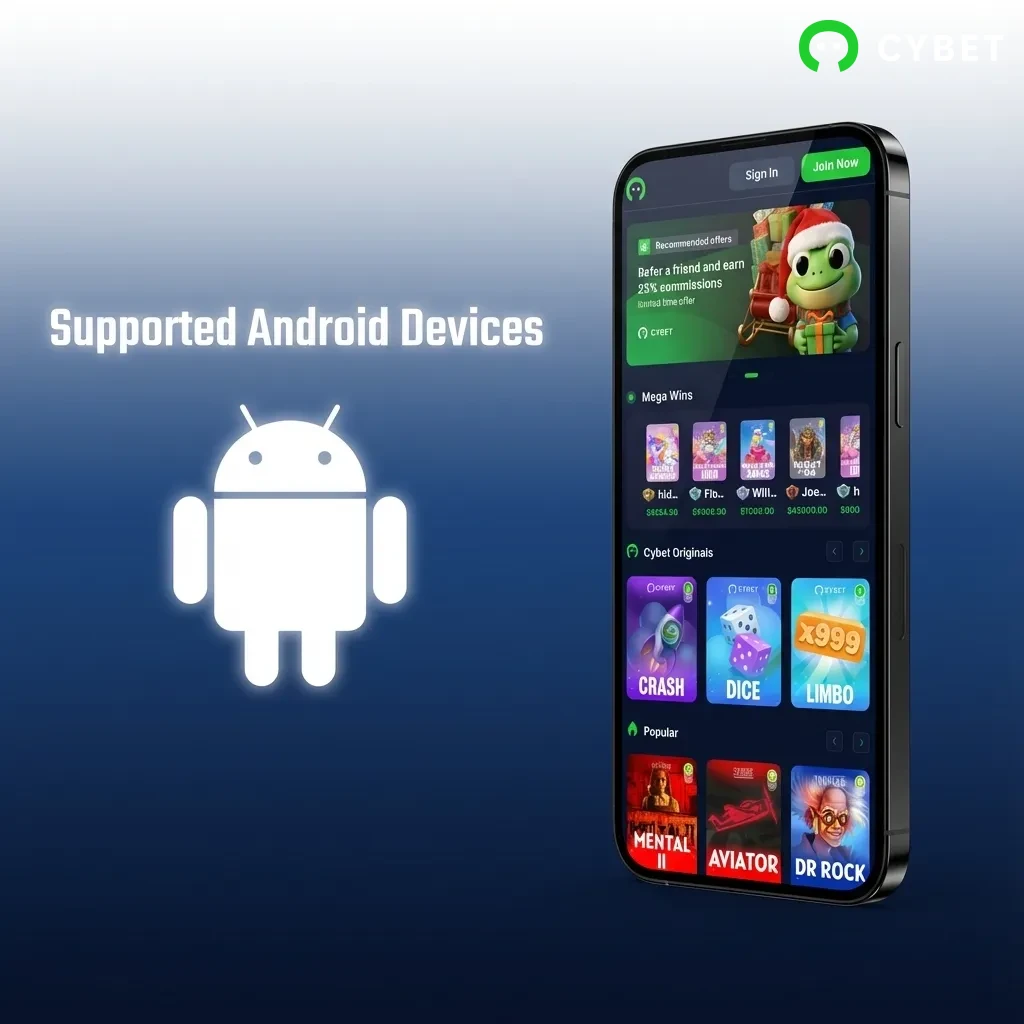
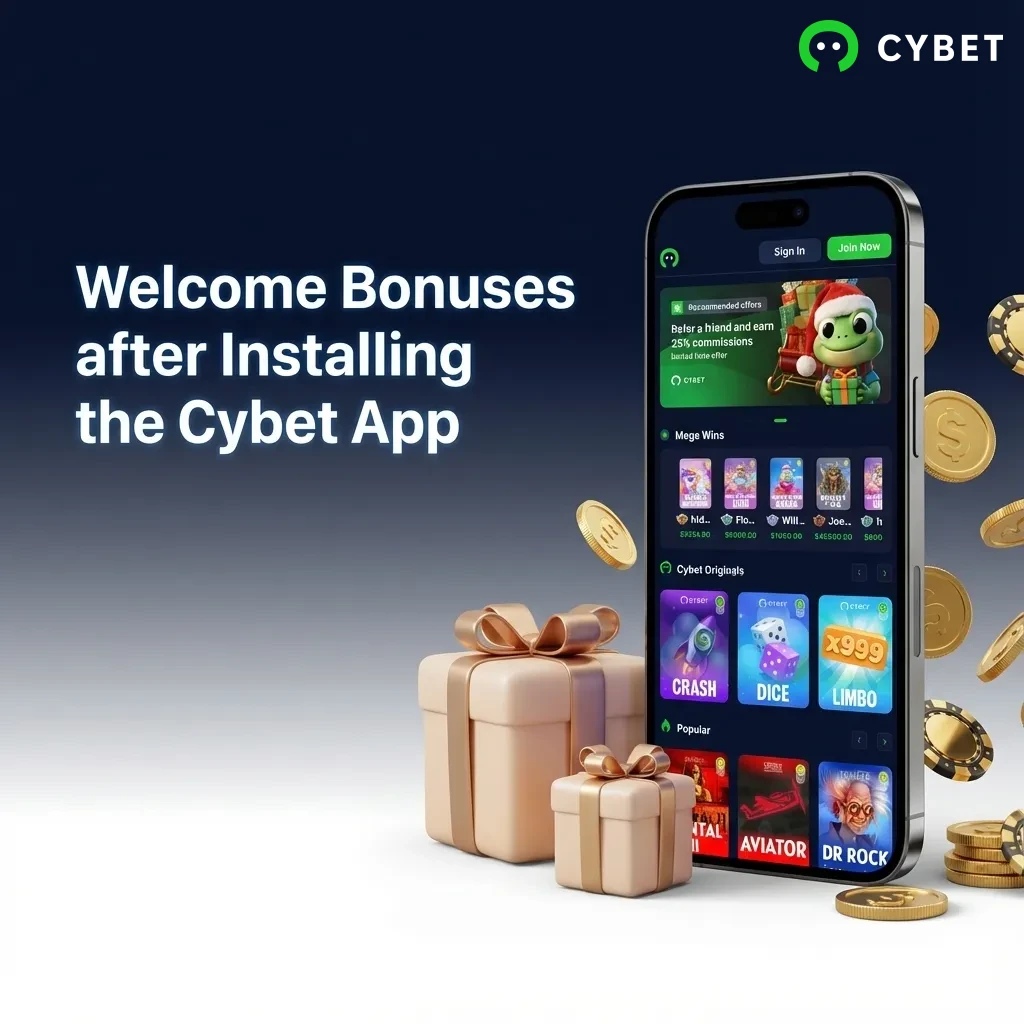
The Cybet native app is currently in development, and no APK file is available yet. However, you can access the full platform through our Progressive Web App (PWA), which offers the same features and performance as a native application. Install the Cybet PWA on your Android or iOS device and claim your welcome offer: 100% up to 500 USDT + 50 Free Spins. Start playing casino games and betting on sports right from your mobile browser.
The Cybet app provides Canadian players with instant access to casino games and sports betting through a Progressive Web App. You get all the features of a native app without downloading an APK file. Below is a breakdown of key specifications:
| App Size | No download required (PWA) |
| Last Update | Automatic updates (real-time) |
| Casino Bonus | 100% up to 500 USDT + 50 Free Spins |
| Supported Languages | English, French, Spanish, Portuguese, German |
| Payment Methods | Crypto: USDT (ERC20/TRC20/BEP-20/SOL), BTC, ETH, BNB, TRX, DOGE, XLM, SOL, XRP |
| Promo Code Required | No |
| Minimum Deposit | 10 USDT |
| Minimum Withdrawal | 20 USDT |
| Platform Compatibility | Android 6.0+, iOS 12.0+ |
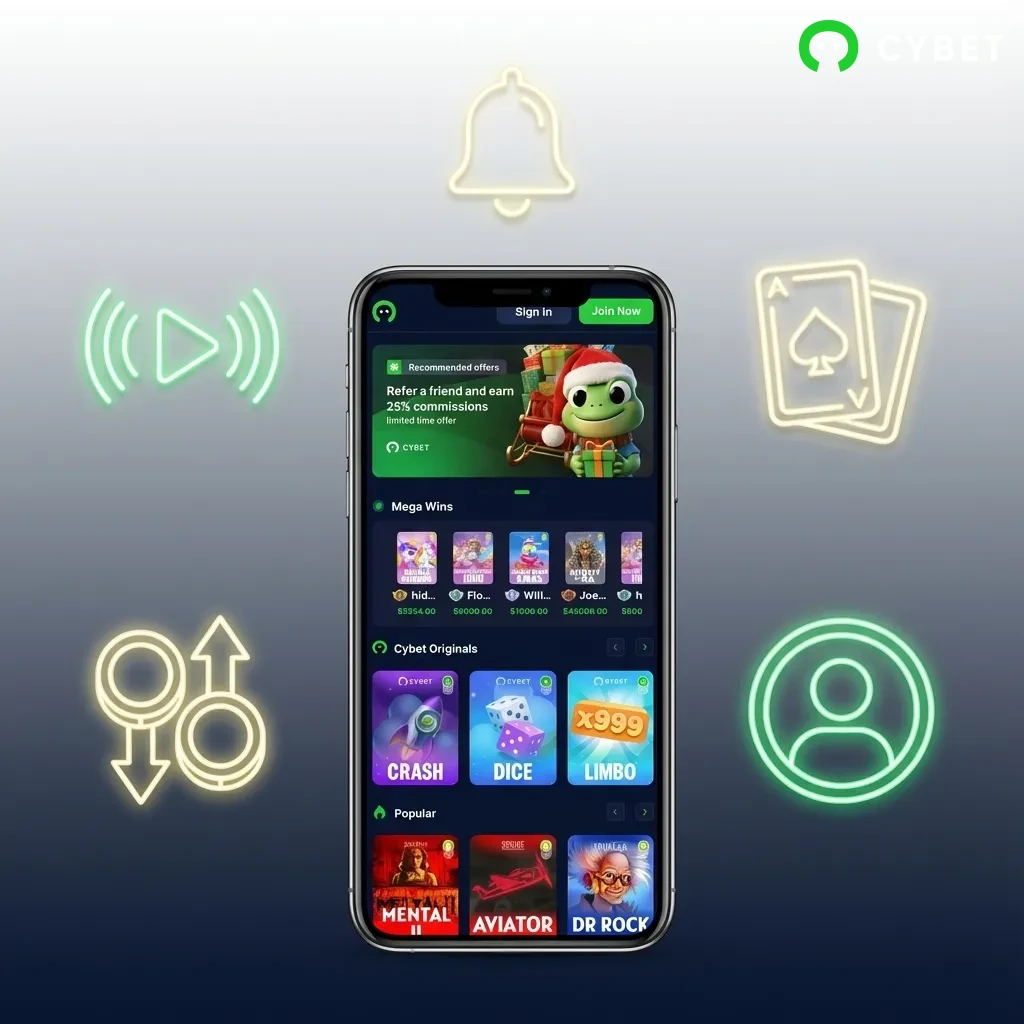
The Cybet interface is built for mobile-first navigation, featuring a clean layout that prioritizes quick access to sports markets and casino games. You can switch between betting and casino sections through a bottom navigation bar, while the top menu displays your balance and account options.
Installing the Cybet PWA on your Android device takes less than two minutes. Follow these steps to get started:
Tap the “Download Android App” button on this page. Your browser will load the Cybet mobile site optimized for installation.
Complete the registration form by entering your email, creating a password, and selecting your preferred currency. Verify your email address to activate your account.
Once registered, you can bookmark the site or add it to your home screen through your browser’s menu. This creates a shortcut that opens Cybet like a native app, giving you instant access to all features.
Your Android device needs to meet these minimum specifications to run the Cybet PWA:
| Requirement | Minimum Specification |
|---|---|
| Operating System | Android 6.0 (Marshmallow) or higher |
| CPU Frequency | 1.2 GHz dual-core processor |
| RAM | 2 GB |
| Storage | 100 MB free space |
| Browser | Chrome 80+, Firefox 75+, or Samsung Internet 11+ |
The Cybet PWA works on most Android devices released in the past five years. Compatible models include:
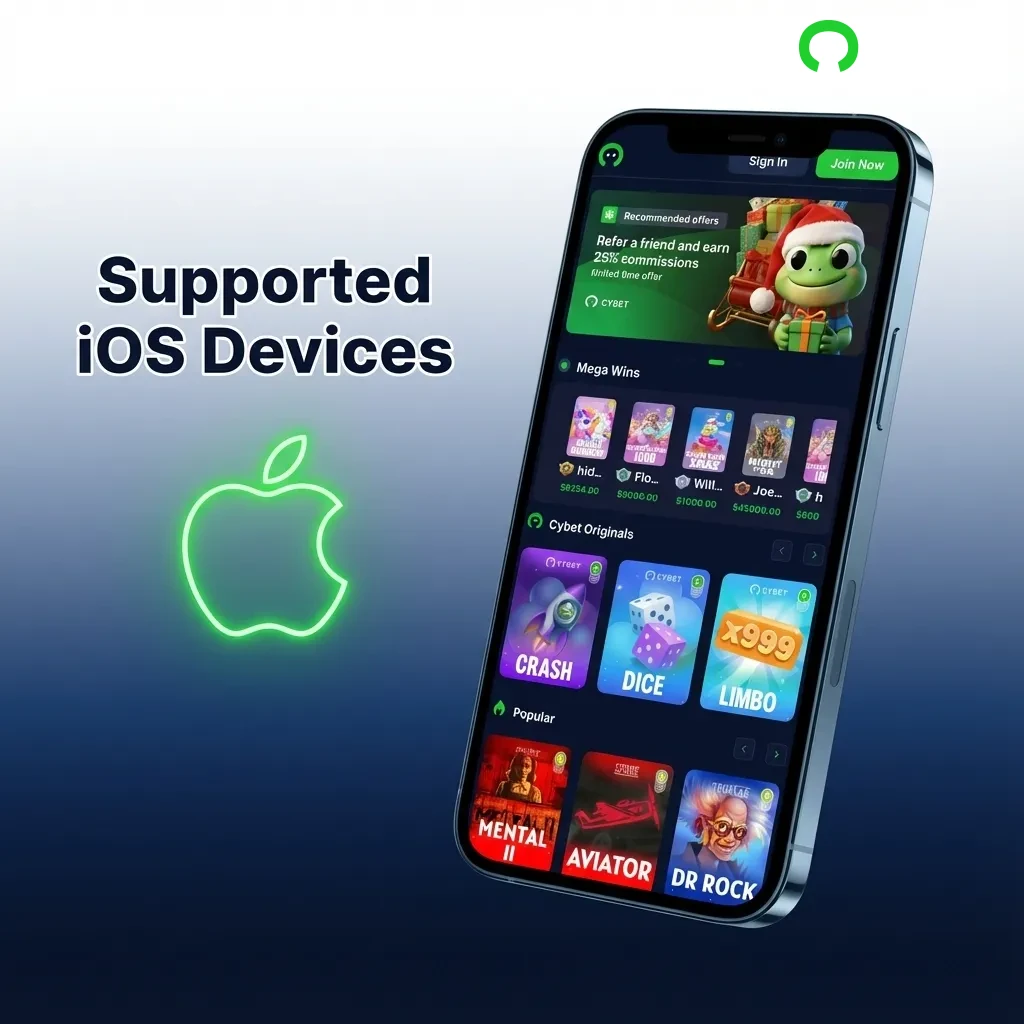
Installing the Cybet PWA on your iPhone or iPad requires using Safari’s built-in feature. Here’s how to do it:
Tap the “Start using!” button on this page. Safari will open the Cybet mobile site.
Fill out the registration form with your email, password, and currency preference. Check your inbox and confirm your email address to complete account setup.
In Safari, tap the Share icon at the bottom of your screen (the square with an arrow pointing up).
Scroll down in the Share menu and select “Add to Home Screen.” Name the shortcut “Cybet” and tap “Add.” The icon will appear on your home screen and function like any other app.
Your iOS device must meet these specifications to run the Cybet PWA:
| Requirement | Minimum Specification |
|---|---|
| Operating System | iOS 12.0 or later |
| Processor | Apple A9 chip or newer |
| RAM | 2 GB |
| Storage | 100 MB free space |
| Browser | Safari 12+ (PWA features require Safari) |
The Cybet PWA runs on recent iPhone and iPad models:
You can claim a generous welcome package when you register through the Cybet app:
The bonus is credited automatically after your first deposit. Free spins are added to your account within 24 hours.
The Cybet app covers major sports leagues and events from around the world. You can place pre-match and live bets on these sports:
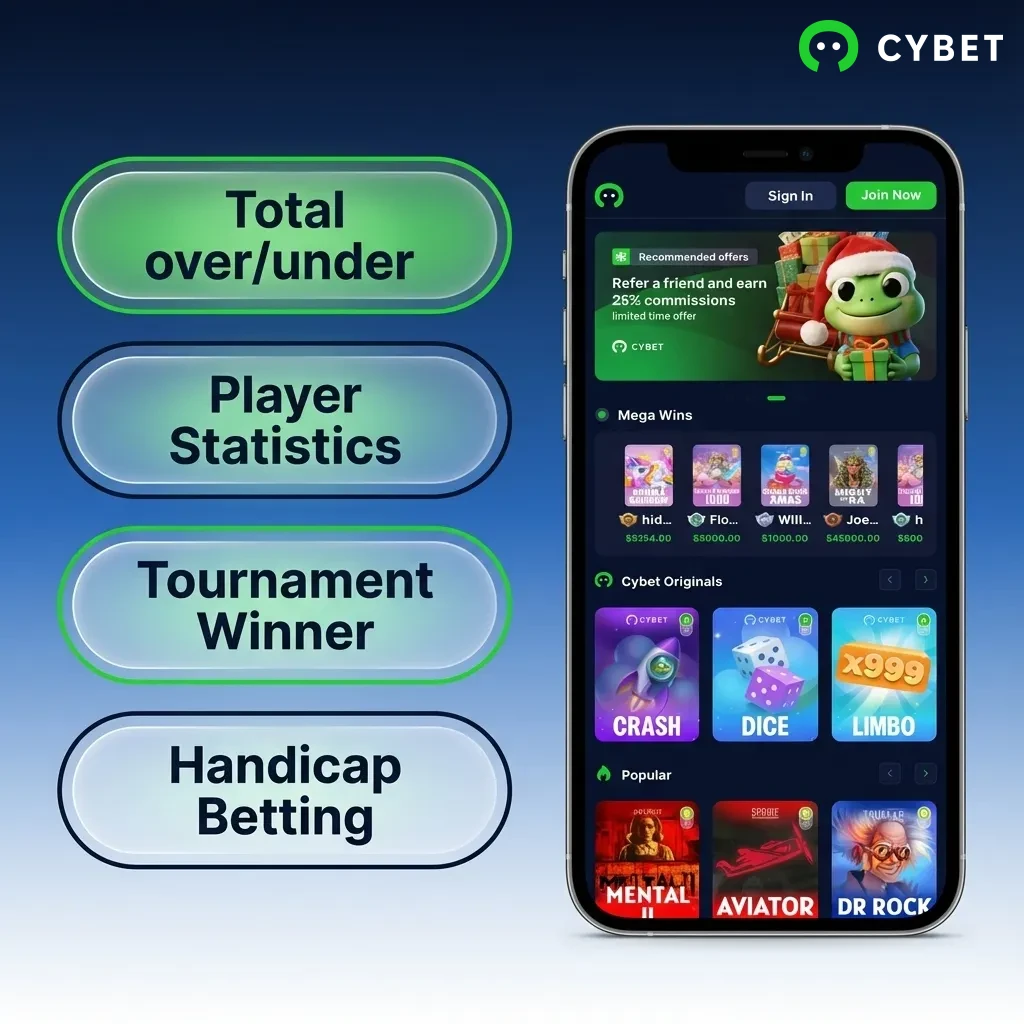
You can choose from multiple bet types depending on your strategy:
Placing your first bet on Cybet takes just a few taps. Here’s the process:
Open the Cybet app and log in to your account.
Tap the “Sports” tab at the bottom of your screen to view available markets.
Select a sport, league, and match. Tap on the odds for your chosen outcome to add it to your bet slip.
Enter your stake amount in the bet slip panel that appears at the bottom.
Review your selection and tap “Place Bet” to confirm. Your wager is placed instantly.
The Cybet casino library features hundreds of titles from top providers like Pragmatic Play, Evolution Gaming, and NetEnt. You can play these popular games:
Creating your Cybet account through the mobile app is quick and straightforward:
Open the Cybet app and tap the “Sign Up” button in the top right corner.
Enter your email address and create a strong password. Select your preferred currency from the dropdown menu.
Check the box to confirm you are 18+ and agree to the Terms and Conditions.
Tap “Register” to create your account. Check your email inbox for a verification link.
Click the verification link in the email to activate your account and start playing.
Accessing your Cybet account on mobile takes just a few seconds:
Open the Cybet app on your device.
Tap the “Login” button at the top of the screen.
Enter your registered email address and password in the login form.
Tap “Sign In” to access your account. You can enable biometric login (fingerprint or Face ID) in your account settings for faster access next time.
You don’t need to manually update the Cybet app. Because you’re using the web-based Progressive Web App version, all updates happen automatically on the server side. Every time you open the app, you’re accessing the latest version of the platform. This means you never have to worry about downloading new files, clearing cache, or reinstalling the app. New features, security patches, and performance improvements are delivered instantly.
Cybet supports cryptocurrency deposits and withdrawals, offering fast transactions and low fees. The minimum deposit is 10 USDT, and the minimum withdrawal is 20 USDT. You can use these payment options:
Funding your Cybet account through the mobile app is fast and secure:
Log in to your Cybet account and tap the “Deposit” button in the top menu.
Select your preferred cryptocurrency from the list of available payment methods.
Enter the deposit amount (minimum 10 USDT) and tap “Continue.”
Copy the wallet address or scan the QR code provided. Send the exact amount from your crypto wallet to complete the deposit. Funds appear in your account within minutes.
Cashing out your winnings from the Cybet app is straightforward:
Tap the “Withdraw” button in your account menu.
Choose your preferred cryptocurrency and enter the withdrawal amount (minimum 20 USDT).
Paste your wallet address where you want to receive the funds. Double-check the address to avoid errors.
Tap “Submit Withdrawal.” Your request is processed within 24 hours, and funds are sent to your wallet once approved.
The Cybet app delivers a complete betting and gaming experience optimized for mobile devices. Here’s what sets it apart:
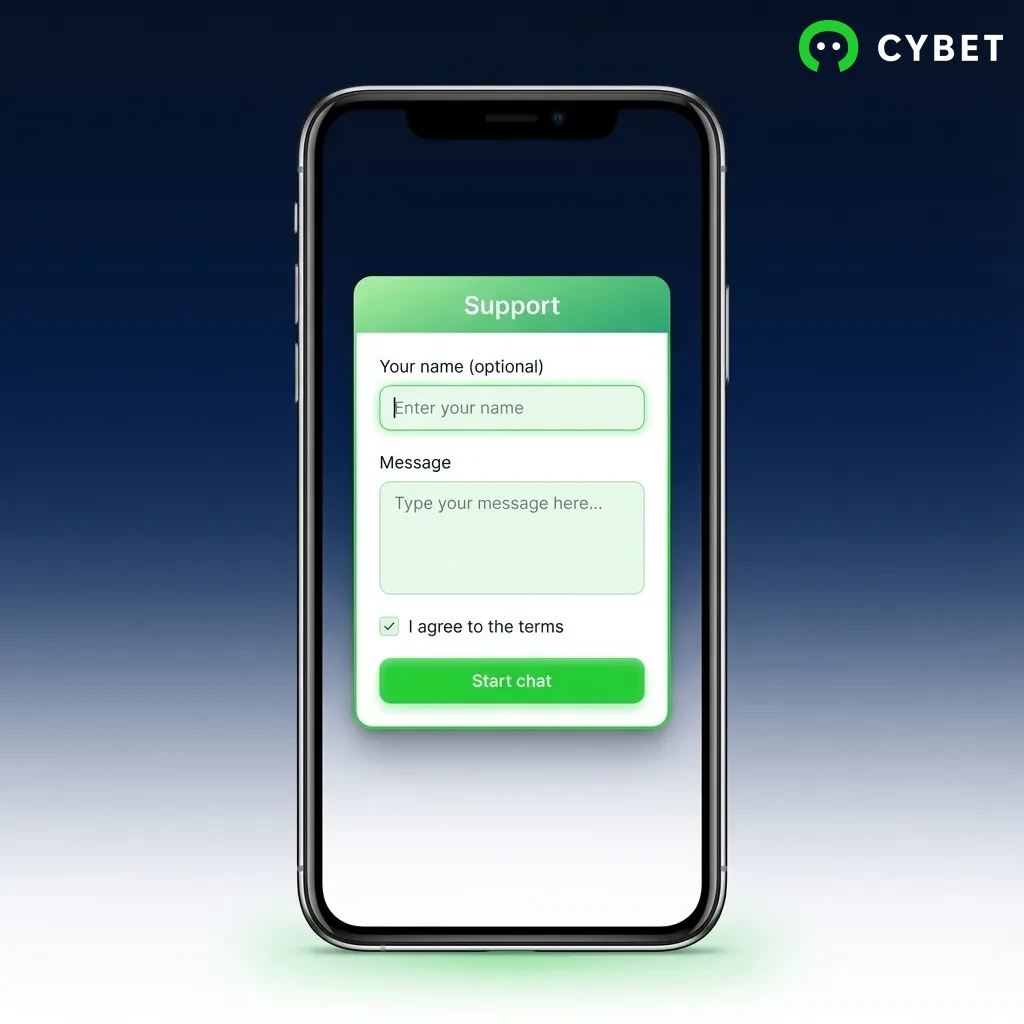
You can reach Cybet’s support team through multiple channels:
| Support Channel | Availability | Response Time |
|---|---|---|
| Live Chat | 24/7 | Instant |
| [email protected] | Within 24 hours | |
| FAQ Section | 24/7 | Immediate access |
The live chat feature is built into the mobile app, letting you contact support without leaving the platform. The FAQ section covers common questions about deposits, withdrawals, bonuses, and account verification.
Yes. Cybet operates under an international gaming licence and accepts players from Canada. You can legally play casino games and place sports bets through the platform.
No. Cybet’s Terms and Conditions allow only one account per person. Creating multiple accounts can result in account suspension and forfeiture of funds.
Tap “Forgot Password” on the login screen. Enter your registered email address, and you’ll receive a password reset link. Click the link and create a new password.
Yes. Cybet requires identity verification before processing withdrawals. Upload a government-issued ID and proof of address through your account dashboard.
Most casino games offer a demo mode that lets you play without depositing. However, live dealer games and sports betting require real money to participate.
Updated: