1.
Cybet Login Page for Canada Users
Log in to your account through the website or mobile app using your registered email and password. The process takes seconds, and you can access your profile any time after completing registration and verification. Two-factor authentication adds extra security to protect your personal information and funds. Once logged in, you can place sports bets, play casino games, claim bonuses, and manage deposits and withdrawals.
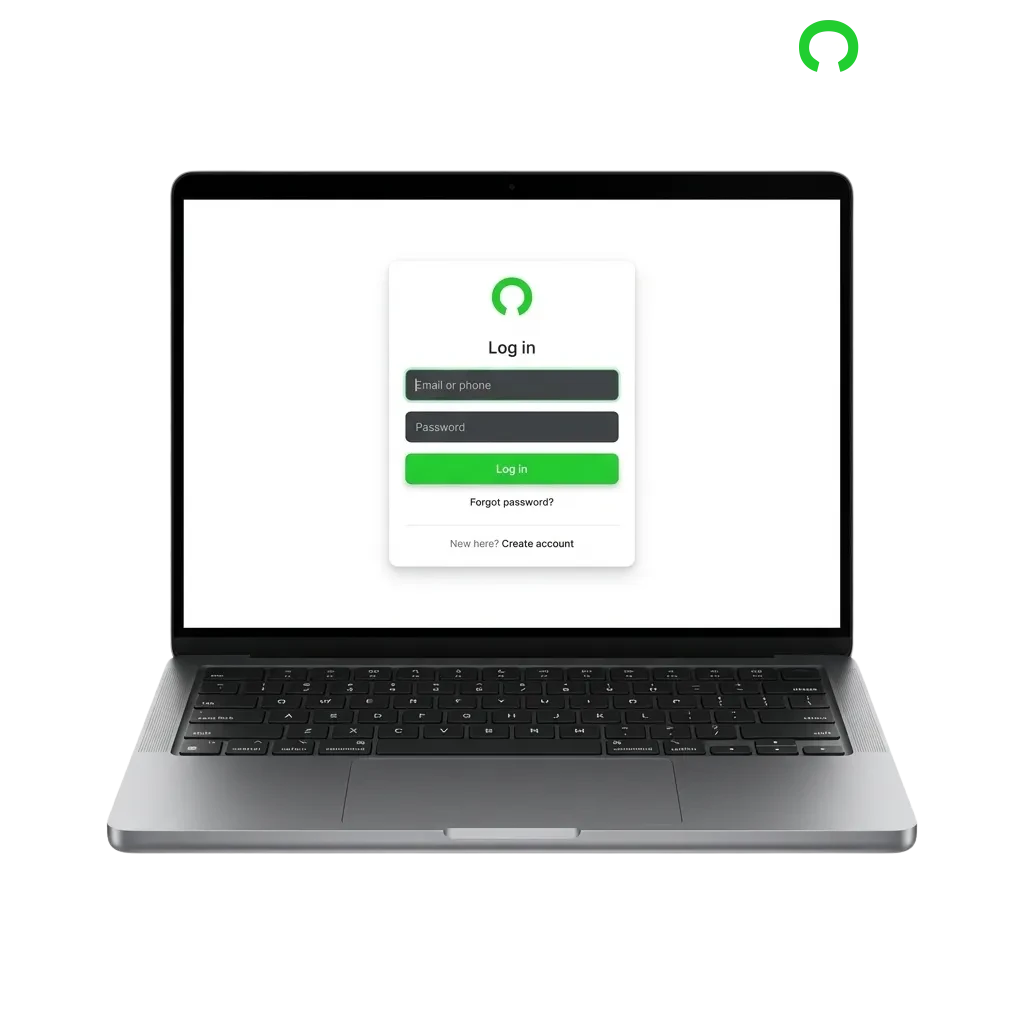
Cybet Account Login Options in Canada
You can access your profile using several methods depending on your device and preferences. Available options include email and password login, mobile app login, and browser-based login on desktop or mobile.
Email and Password Login
This is the standard method used by most players. Enter your registered email address and the password you created during sign-up. Follow these steps to log in:
- Open the official website or mobile app
- Click the “Login” or “Sign In” button at the top of the screen
- Enter your email address in the first field
- Type your password in the second field
- Click “Log In” to access your account
Login at Cybet via App
The mobile app offers faster access and stores your credentials for quicker entry. You can use biometric login (fingerprint or face recognition) if your device supports it, which speeds up the process compared to typing credentials each time.
2.
Open the app and tap the “Login” button on the home screen
3.
Enter your registered email and password, or use biometric authentication if enabled
4.
Tap “Log In” to access your profile
5.
Enable biometric login in the app settings for faster future access
Possible Account Login Problems on Cybet and their Solutions
Technical issues or simple mistakes can prevent you from accessing your profile. Here are the most common problems and how to fix them.
| Problem | Solution |
|---|---|
| Incorrect password error | Check for caps lock, typos, or extra spaces. Use the “Forgot Password” link to reset your credentials if needed. |
| Account locked after multiple failed attempts | Wait 15–30 minutes before trying again, or contact customer support to unlock your profile immediately. |
| Email not recognized | Verify you’re using the exact email address registered during sign-up. Check for typos or try an alternate email if you registered with more than one. |
| Two-factor authentication code not received | Check your spam folder, request a new code, or verify your phone number is correct in your profile settings. |
| Website or app not loading | Clear your browser cache or app data, check your internet connection, or try accessing from a different device or browser. |
Recovering a Forgotten Password
You can reset your password through the official website or mobile app in minutes. The platform sends a recovery link to your registered email, and you can create a new password right away.
1.
Click the “Forgot Password” link on the login page
2.
Enter your registered email address in the recovery form
3.
Check your inbox for a password reset email (check spam if it doesn’t arrive within a few minutes)
4.
Click the reset link in the email and enter your new password twice to confirm
5.
Return to the login page and use your new credentials to access your profile
FAQ
Can I stay logged in on multiple devices?
Yes, you can remain logged in on your phone, tablet, and computer at the same time. The platform does not limit active sessions, but logging out from one device does not affect others.
Do I need to verify my account before logging in?
You can log in immediately after registration, but you must complete identity verification before making your first withdrawal. Upload your ID and proof of address through your profile settings.
What should I do if my account is locked?
Contact customer support through live chat or email. They will verify your identity and unlock your profile within a few hours. Avoid creating a second account, as this violates the terms of service.
Can I change my login email address?
Yes, but you need to request the change through customer support. Provide your current email, new email, and a copy of your ID for verification. The process usually takes 24–48 hours.
Is it safe to save my password in the browser?
Browser-saved passwords are generally secure if you use a strong master password and keep your device protected. For extra security, enable two-factor authentication and avoid saving credentials on shared or public devices.
Updated: