Download the Cybet App for Android & iOS and Claim Your Bonus

Get the mobile application and start betting on sports or playing casino games in seconds. The app delivers faster loading times and instant access to live betting markets. New players receive a 100% welcome bonus up to 500 USDT plus 50 Free Spins on their first deposit.

Cybet mobile app download screen showing sports betting and casino games with welcome bonus offer of 500 USDT

Cybet App Overview

The mobile application gives you full access to sports betting and casino games from your phone. You get the same account, bonuses, and payment methods as the desktop version. The interface is optimized for touchscreens and works on both Android and iOS devices.

App Category Sports Betting & Casino
Licence Curaçao eGaming
Supported OS Android 5.0+, iOS 12.0+ (PWA)
Latest Version 2.4.1 (Android)
Release Date March 2024
Cost of Downloads Free
App Languages English, French, Spanish, Portuguese
Supported Countries Canada, Brazil, India, others
Welcome Bonus for Sports 100% up to 500 USDT
Welcome Bonus for Casino 100% up to 500 USDT + 50 Free Spins
Bet Types Single, Accumulator, System, Live
Customer Support 24/7 Live Chat, Email

Interface of Cybet App

The interface uses a dark theme with bright accent colours for key actions like placing bets or making deposits. Navigation tabs at the bottom let you switch between sports, live betting, and casino sections in one tap.

Cybet APK Overview

The APK file installs directly on Android devices without needing Google Play. You download it from this website, allow installations from unknown sources, and complete the setup in under two minutes. The file size is small enough to download over mobile data. Updates arrive faster than standard app stores, giving you new features and fixes as soon as they’re ready.

Property Value
Application Title Cybet
Version Number 2.4.1
Release Date March 15, 2024
File Size 28 MB
Application Category Sports Betting & Casino
Ratings 4.6/5
Last Updated Date April 10, 2024
Developer Name Cybet Ltd
OS Compatibility Android
Minimum Android Version 5.0
Required Android Version 6.0+ recommended

Download Cybet APK for Android in 3 steps

Installing the APK takes less than three minutes. You only need to enable one permission in your phone settings before the installation begins.

1.

Click the ‘App’ Button

Scroll to the top of this page and tap the download button. Your browser will show a prompt asking you to confirm the APK file download.

Download App
2.

Download the Cybet APK

The file starts downloading to your device automatically after you confirm.

3.

Install the Application

Open the downloaded file from your notifications and follow the on-screen instructions to complete installation.

System Requirements for Android

Your phone needs Android 5.0 or higher to run the application. Older devices may experience slower loading times or reduced functionality during live betting.

Requirement Specification
Operation System Android 5.0+
RAM 2 GB minimum, 4 GB recommended
Storage Space 100 MB free space

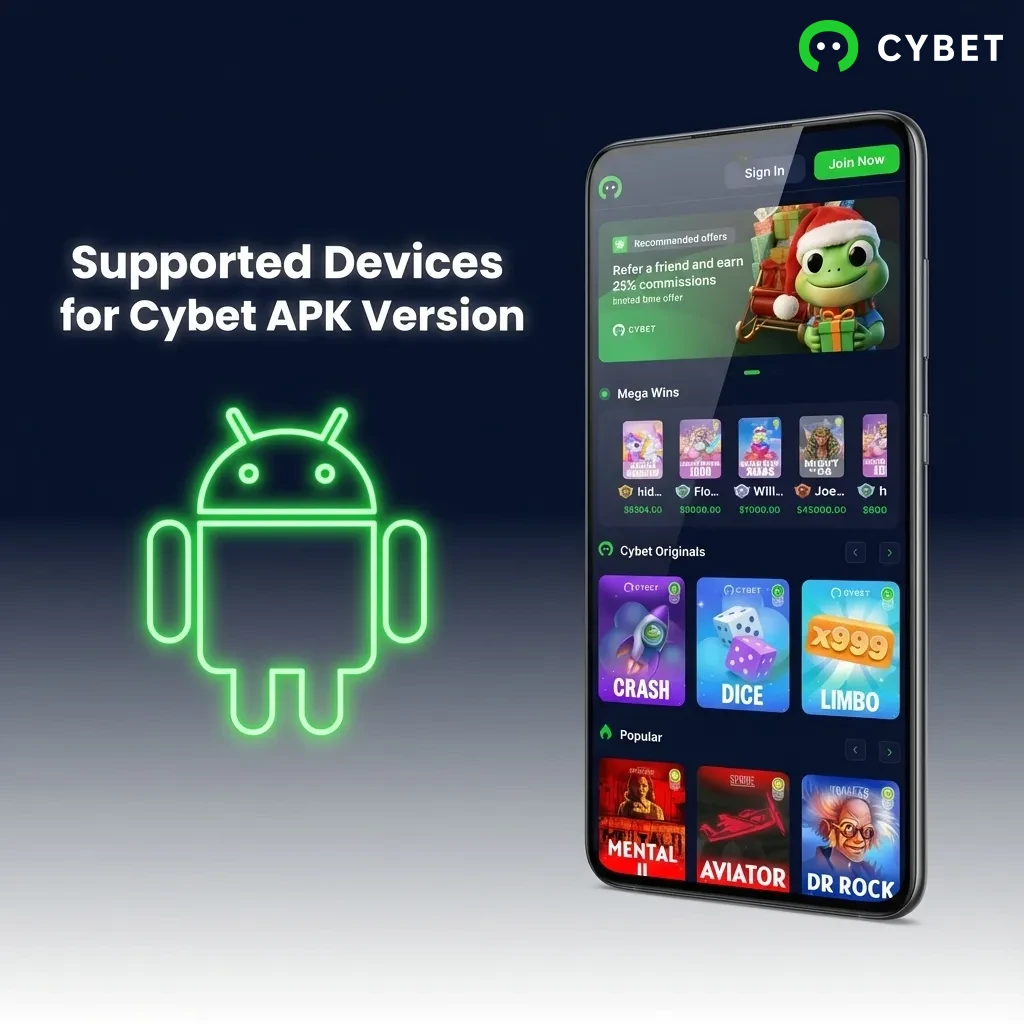
Supported Devices for Cybet APK Version

The Android version works on most phones released after 2016. Devices with larger screens provide better visibility for live betting markets and in-play statistics.

Brand Models
Samsung Galaxy S21, S22, S23, A52, A53, A72
Sony Xperia 1 IV, Xperia 5 IV, Xperia 10 IV
Huawei P50 Pro, P40, Mate 40 Pro, Nova 9
OnePlus 9 Pro, 10 Pro, 11, Nord 2, Nord CE 3
Oppo Find X5, Reno 8, Reno 9, A96
Google Pixel 6, Pixel 7, Pixel 7 Pro, Pixel 6a
Xiaomi 12 Pro, 13, Redmi Note 11, Poco X4 Pro
Poco F4, X5 Pro, M5
Table showing compatible Android phone brands and models for Cybet APK, including Samsung, Sony, Huawei, OnePlus, and others.

Download Cybet App for iOS (PWA) in 5 steps

The iOS version installs as a progressive web application through Safari. You don’t need the App Store, and the process takes about 90 seconds from start to finish.

1.

Click Download for iOS

Tap the iOS download button at the top of this page to open Safari.

2.

Login or Sign Up

Enter your credentials or create a new account if you don’t have one.

3.

Click Share

Tap the Share icon at the bottom of your Safari browser.

4.

Select ‘Add to home Screen’

Choose ‘Add to Home Screen’ from the menu, then tap ‘Add’ to confirm.

5.

Begin Exploring

Open the new icon on your home screen and log in to start placing bets or playing games.

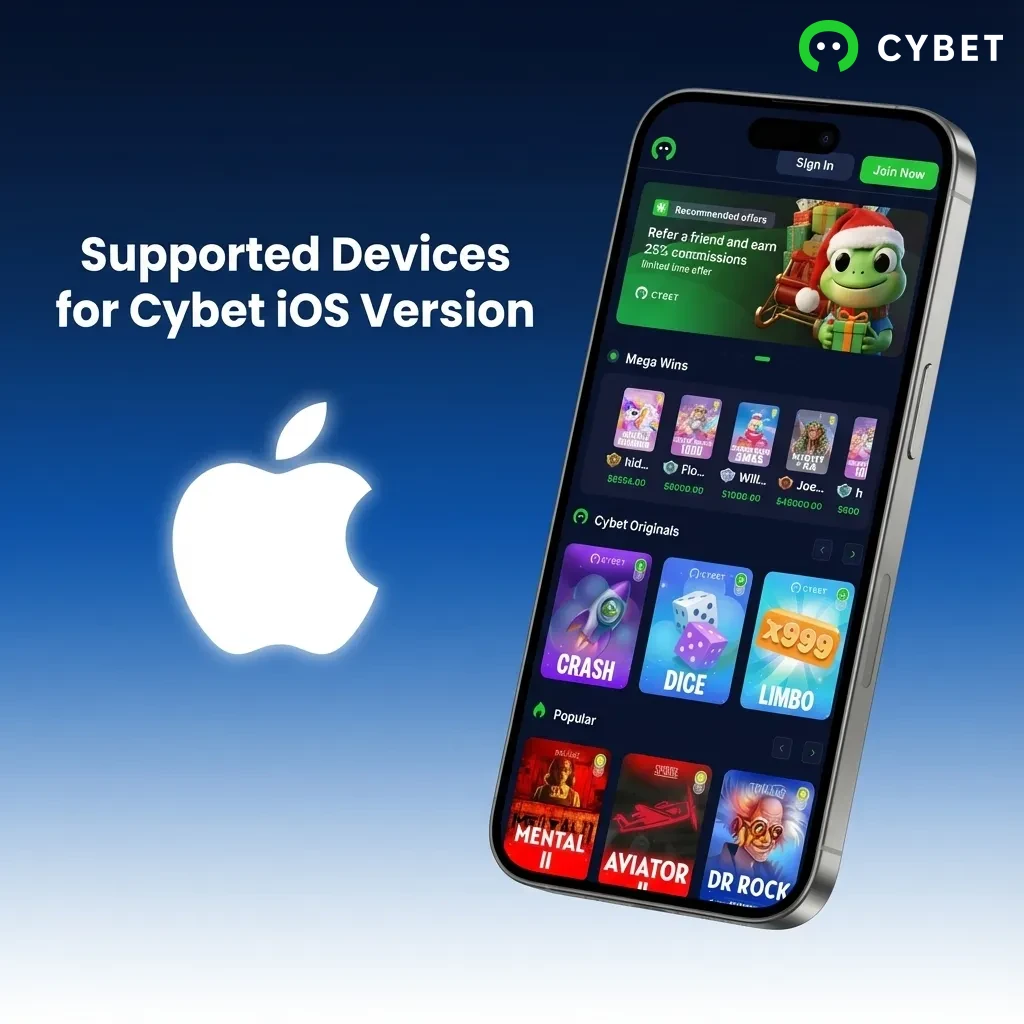
Supported Devices for Cybet iOS Version

The progressive web application runs on any iPhone with iOS 12.0 or newer. iPad users can also install it for a larger betting interface.

Brand Models
Apple iPhone 12, 13, 14, 15, SE (2022), 11 Pro, XR, iPad Pro, iPad Air
Cybet iOS app compatibility chart showing supported Apple devices including iPhone models 12-15 and iPad Pro/Air

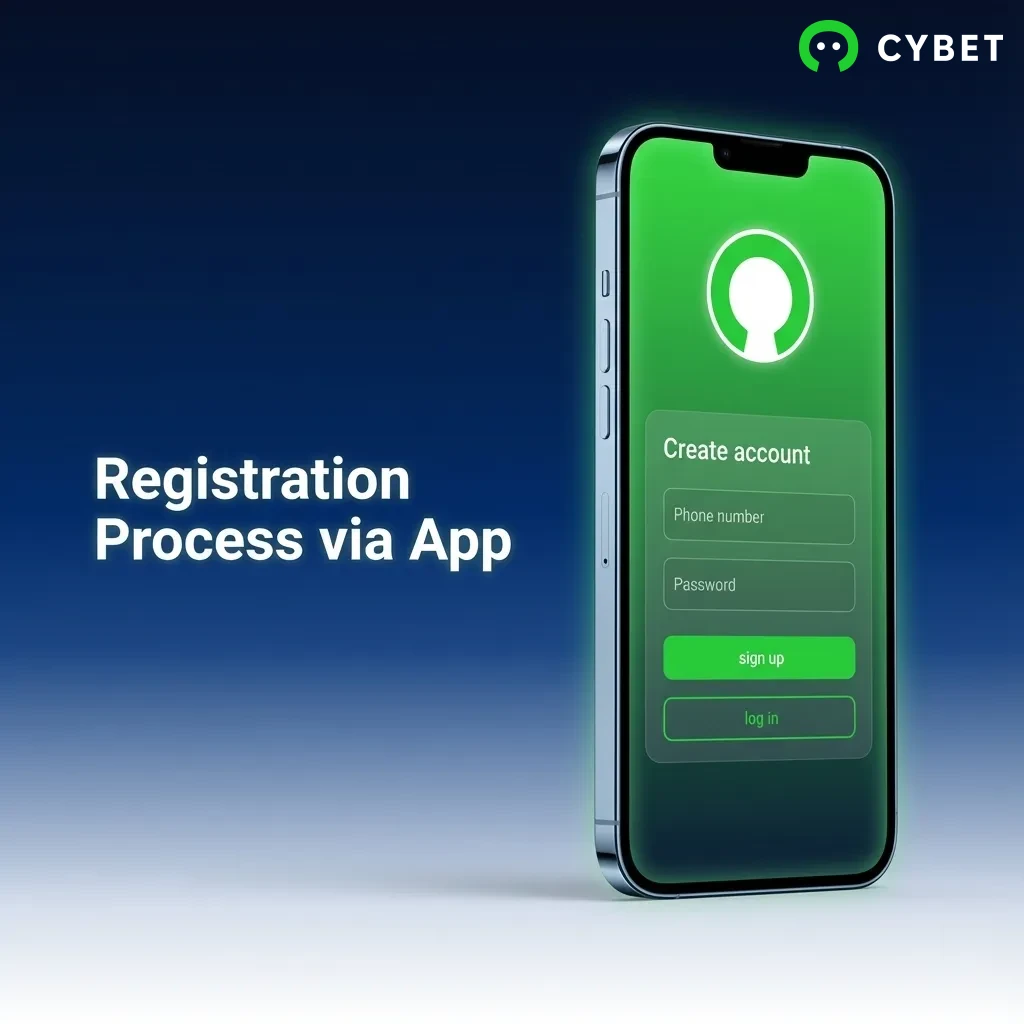
Registration Process via App

Creating an account through the mobile application follows the same steps as the desktop site. You need basic personal information and a valid email address or phone number.

  1. Open the application and tap the ‘Sign Up’ button on the home screen.
  2. Enter your email address or phone number and create a strong password.
  3. Fill in your personal details including full name, date of birth, and country of residence.
  4. Agree to the terms and conditions, then tap ‘Register’ to complete the process.
  5. Verify your account by clicking the link sent to your email or entering the SMS code.
Register Cybet
Mobile app registration screen showing sign-up button, form fields for email, password, and personal details

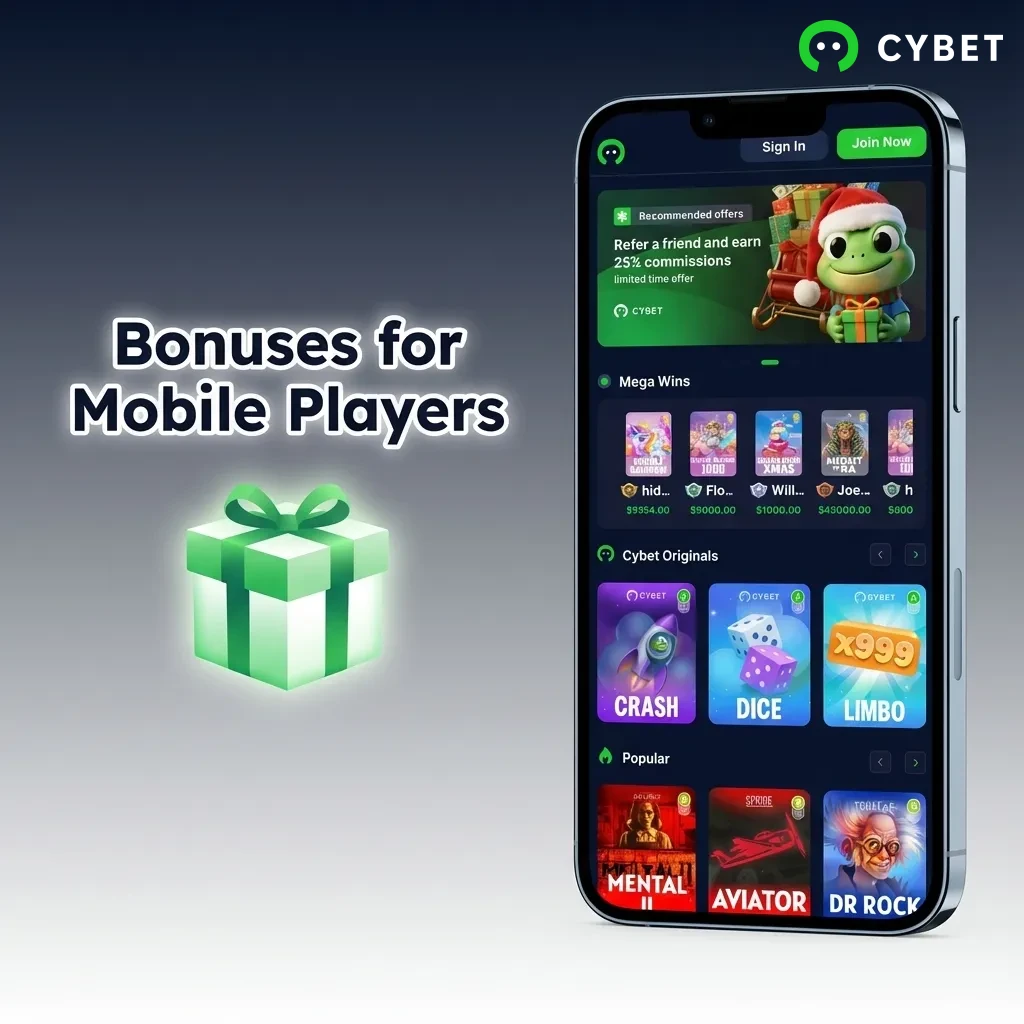
Bonuses for Mobile Players

Mobile users receive the same promotions as desktop players. The welcome bonus applies to your first deposit regardless of which platform you use. All bonus funds appear in your account balance immediately after you meet the minimum deposit requirement. You can track wagering progress through the ‘Bonuses’ tab in your profile.

Welcome Bonus

Type: First Deposit Bonus

Amount: 100% up to 500 USDT + 50 Free Spins

Terms and Conditions: Minimum deposit 20 USDT, 30x wagering requirement, maximum bet 5 USDT per spin during wagering

Validity Period: 30 days from activation

Eligible Games: All slots from Pragmatic Play, NetEnt, and Evolution Gaming live casino games

Reload Bonus

Type: Weekly Deposit Bonus

Amount: 50% up to 200 USDT

Terms and Conditions: Available every Friday, minimum deposit 30 USDT, 25x wagering requirement

Validity Period: 7 days from activation

Eligible Games: Slots and live casino games only

Free Bet

Type: Sports Betting Free Bet

Amount: 10 USDT

Terms and Conditions: Awarded after first sports bet of 50 USDT or more, minimum odds 1.80, single bets only

Validity Period: 14 days from issue date

Eligible Games: Pre-match and live sports betting on football, basketball, tennis

Mobile casino bonuses display on smartphone showing welcome, reload, and free bet promotions with terms

How to Update Cybet App to the Latest Version?

Android users receive update notifications directly in the application when a new version becomes available. Tap the notification to download the updated APK file, then install it over your existing version without losing any data. Your login credentials and betting history remain intact after the update. iOS users don’t need to manually update the progressive web application because changes apply automatically when you refresh the page. You can check your current version number in the ‘Settings’ menu under ‘About’ to confirm you’re running the latest release.

Person tapping update notification on smartphone to download latest Cybet app version with settings menu visible

Importance of Updating Cybet App

Updates fix security vulnerabilities and improve app stability during high-traffic events like major football matches. New versions often add payment methods or expand the range of betting markets available. Performance optimizations reduce loading times and prevent crashes when switching between live betting and casino sections. Bug fixes address issues with deposit processing or withdrawal requests that users report. Staying current ensures you have access to the latest promotional offers and bonus features.

Users updating Cybet app on smartphone to access security fixes, new features, and improved performance

How to Place a Bet?

Placing a bet takes seconds once you’ve funded your account.

1.

Open the application and tap ‘Sports’ to browse available markets

2.

Select your sport, league, and match from the menu

3.

Tap the odds for your chosen outcome to add it to your bet slip

4.

Enter your stake amount and tap ‘Place Bet’ to confirm

How to Delete Cybet App?

Android users can uninstall the application by long-pressing the app icon and selecting ‘Uninstall’ from the menu. iOS users remove the progressive web application by long-pressing the home screen icon and tapping ‘Remove App’. Your account remains active after deletion, so you can reinstall anytime and log in with your existing credentials.

Smartphone screen showing app uninstall process with finger pressing app icon and uninstall menu option visible

How to Login via Cybet App?

Logging in requires your registered email or phone number and password.

1.

Open the application and tap ‘Login’ on the home screen

2.

Enter your email address or phone number in the first field

3.

Type your password in the second field

4.

Tap ‘Login’ to access your account

5.

Enable biometric authentication in settings for faster future logins

Cybet App Features

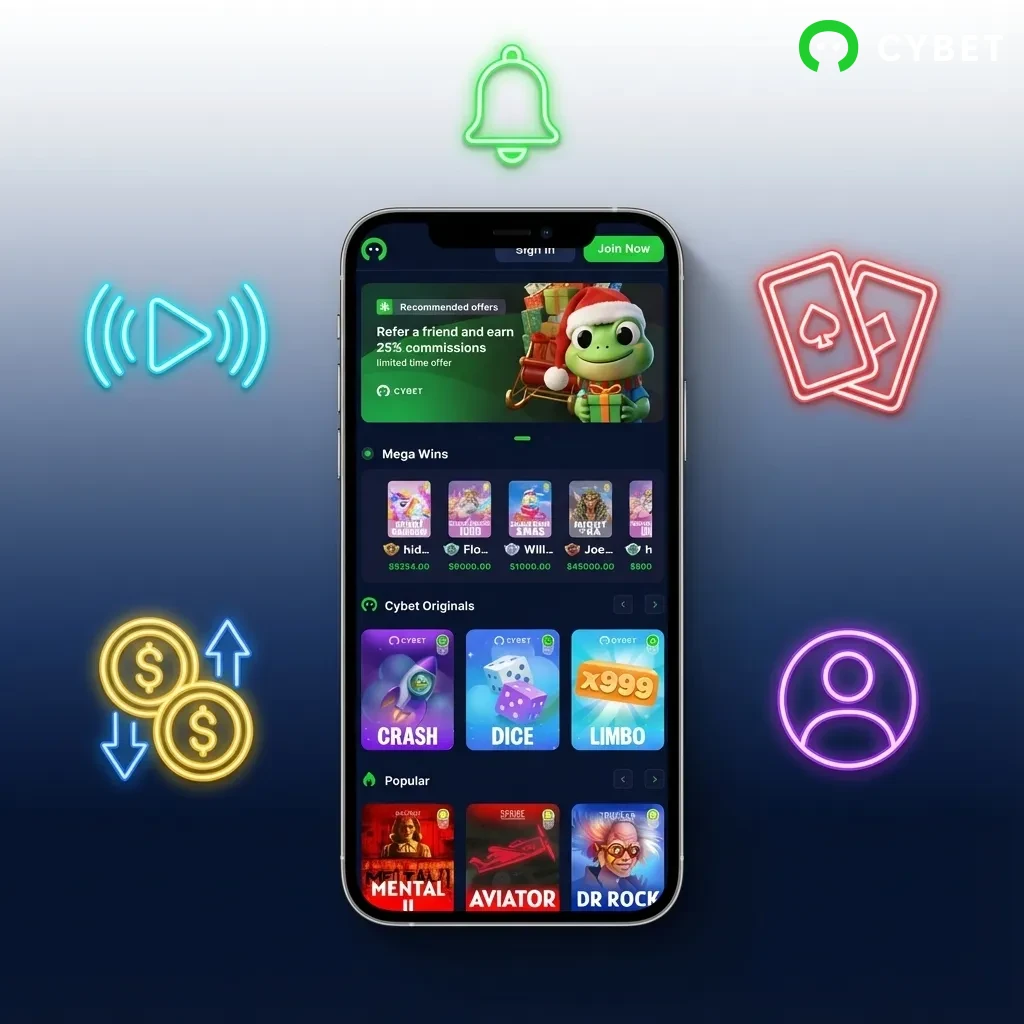
The mobile application includes all desktop features in a streamlined interface designed for touchscreens. You get instant access to live betting markets, casino games, and account management tools. Push notifications alert you to bet settlements, bonus credits, and important account updates. The app runs smoothly on both Android and iOS devices without requiring high-end hardware. Battery usage stays reasonable even during extended live betting sessions.

Live Betting Features

Availability: Live betting covers football, basketball, tennis, cricket, and esports with markets updating in real-time. You can place bets during matches on outcomes like next goal scorer, total corners, or set winners. The live betting section displays current scores and match statistics alongside available odds. In-play markets appear seconds after key events like goals or red cards. The interface groups markets by category to help you find specific bet types quickly.

Latency: Odds update within 2-3 seconds of events happening on the field. The delay stays consistent across all sports and matches. You won’t experience significant lag when placing bets during fast-paced games.

Supported Sports: Football dominates the live betting section with leagues from Europe, South America, and Asia. Cricket coverage includes international matches and domestic tournaments like the IPL. Basketball and tennis round out the major sports offerings. Kabaddi appears during major tournaments.

User Interface Elements: The live betting screen shows match time, current score, and available markets in a vertical scroll layout. Quick bet buttons let you add selections to your slip in one tap. A live tracker displays match events like goals, corners, and yellow cards. You can filter markets by popularity or bet type using the menu at the top.

Live Streaming Availability: Selected matches offer live video streaming directly in the application. Streaming requires an active account balance of at least 10 USDT. Video quality adjusts automatically based on your connection speed.

Casino Games Features

Game Selection: The casino section hosts over 2,000 slot titles from providers including Pragmatic Play, NetEnt, Play’n GO, and Microgaming. Table games include multiple variations of blackjack, roulette, and baccarat. Video poker and scratch cards fill out the game library. New releases appear in a dedicated section on the home screen.

Game Loading Speed: Slots and table games load in 3-5 seconds on a standard mobile connection. Larger games with advanced graphics may take slightly longer. Once loaded, gameplay runs smoothly without stuttering or frame drops. You can demo most games without logging in to test performance.

Live Casino Integration: The live casino section features real dealers streaming from professional studios. You’ll find tables for blackjack, roulette, baccarat, and game show-style options like Crazy Time. Multiple camera angles give you clear views of the dealer and the game table. Chat functions let you interact with dealers and other players.

Game Providers Available: Pragmatic Play supplies the majority of slot content including popular titles like Sweet Bonanza and Gates of Olympus. Evolution Gaming powers the live casino with exclusive tables and game shows. NetEnt contributes classic slots like Starburst and Gonzo’s Quest. Other providers include Playtech, Red Tiger, and Push Gaming.

Deposit Features

Funding your account through the mobile application takes less than five minutes. The deposit screen lists all available payment methods with minimum and maximum limits displayed. Transaction fees appear before you confirm the payment. Most methods credit your account instantly, letting you start betting right away. Cryptocurrency deposits require blockchain confirmations before the funds become available.

Payment Method Minimum Maximum Processing Time
Credit/Debit Card 10 USDT 5,000 USDT Instant
Interac 20 CAD 10,000 CAD Instant
Cryptocurrency (BTC, ETH, USDT) 20 USDT No limit 10-30 minutes
Bank Transfer 50 USDT 50,000 USDT 1-3 business days

Transaction Security: All deposit transactions use SSL encryption to protect your payment information. The platform doesn’t store full card details on its servers. Two-factor authentication adds an extra security layer for larger deposits. Payment processors comply with PCI DSS standards.

Withdrawal Features

Withdrawing winnings follows the same process as deposits but requires identity verification for amounts over 2,000 USDT. You can only withdraw to payment methods you’ve previously used for deposits. Pending withdrawals appear in your transaction history with estimated completion times. The platform processes most requests within 24 hours on business days.

Withdrawal Method Minimum Maximum Processing Time
Credit/Debit Card 20 USDT 5,000 USDT per transaction 1-3 business days
Interac 30 CAD 5,000 CAD per transaction 1-2 business days
Cryptocurrency (BTC, ETH, USDT) 50 USDT No limit 1-6 hours
Bank Transfer 100 USDT 50,000 USDT 3-5 business days

Transaction Security: Withdrawal requests trigger verification emails to prevent unauthorized access. Large withdrawals may require additional documents like photo ID or proof of address. The security team reviews suspicious activity patterns before approving payouts. Cryptocurrency withdrawals use cold wallet storage for added protection.

User Profile Features

Account Settings: The profile section lets you update personal information, change your password, and manage communication preferences. You can set deposit limits or self-exclusion periods through responsible gambling tools. Language and currency options appear in the general settings menu. Notification preferences control which alerts you receive on your device.

Balance Display: Your account balance appears at the top of every screen showing available funds and bonus money separately. Tap the balance to view a detailed breakdown of pending bets and locked bonuses. The display updates in real-time as you place bets or receive winnings.

Transaction History: A complete record of deposits, withdrawals, bets, and bonus credits lives in the ‘History’ tab. You can filter transactions by date range, type, or status. Export options let you download statements for your records. Each entry shows the amount, timestamp, and current status.

Personal Details Management: Update your email address, phone number, or residential address without contacting support. Changes to sensitive information require password confirmation. The platform sends verification emails when you modify contact details. You must complete identity verification before making certain profile updates.

Notification Features

Notification Types: The application sends push notifications for bet settlements, deposit confirmations, withdrawal approvals, and bonus credits. Promotional alerts inform you about new offers and enhanced odds. System notifications warn about maintenance periods or important account updates. You receive alerts when your bets win or lose.

Customization Options: Disable individual notification categories in the settings menu if you only want specific alerts. Set quiet hours to prevent notifications during sleep. Choose between banner-style or badge-only notifications. Sound options let you assign different tones to various alert types.

Delivery Reliability: Notifications arrive within seconds of the triggering event. The system doesn’t send duplicate alerts for the same transaction. Battery optimization settings on your device won’t block critical notifications. Offline notifications queue and deliver when you reconnect to the internet.

Push Notification Settings: Enable or disable push notifications entirely from the main settings screen. Individual toggles control sports results, casino bonuses, and payment updates separately. Test notifications help you verify that alerts work correctly. The app respects your device’s system-wide notification preferences.
Mobile betting app interface showing live markets, casino games, and account management tools on touchscreen devices

Cybet App Security Protocols

The application uses multiple security layers to protect your personal information and funds. All data transmission between your device and the servers happens through 256-bit SSL encryption. Your login credentials never travel in plain text across the network. Two-factor authentication adds verification codes to the login process when you enable it in settings. Biometric authentication options include fingerprint scanning and face recognition on supported devices. The platform monitors login attempts and flags suspicious activity patterns. Your password undergoes hashing before storage, making it unreadable even if someone accessed the database. Payment information stays with certified processors and doesn’t get saved on betting servers.

Cybet App Device Permissions

The Android version requests several device permissions during installation to provide full functionality. Storage access lets the application save your preferences and cache game data for faster loading. Network permissions enable betting features and live updates from sports events. Location services help the platform confirm you’re betting from an allowed jurisdiction. Camera access supports document uploads during identity verification. Notification permissions deliver alerts about bet settlements and bonus offers. You can revoke any permission through your device settings, but some features may stop working. The iOS progressive web application requires fewer permissions because it runs through Safari. Browser-level security controls what information the app can access.

FAQ

Is the application legal to use in Canada?

Yes, the application operates under a Curaçao eGaming licence and accepts players from Canada. Canadian players can legally use the platform to bet on sports and play casino games.

Can I use the same account on mobile and desktop?

Your account works across all platforms without creating separate logins. Bets placed on mobile appear in your desktop history and vice versa. Your balance and bonuses sync automatically between devices.

What happens if I lose internet connection during a bet?

Bets confirmed before the disconnection remain valid and settle normally. Pending bets that didn’t finish processing get cancelled automatically. You can check your bet history after reconnecting to verify which wagers went through.

Do I need to verify my identity before withdrawing?

Identity verification becomes mandatory when you request your first withdrawal or reach certain deposit thresholds. You’ll need to upload a photo ID and proof of address. The verification process typically completes within 24 hours.

Can I set betting limits through the application?

Deposit limits, loss limits, and session time limits are available in the responsible gambling section. You can also request temporary account freezes or permanent self-exclusion. All limits take effect immediately after confirmation.

Why do odds change while I’m viewing them?

Live betting odds update constantly based on match events and betting patterns. The odds displayed when you add a selection to your slip may differ from the final odds at confirmation. You can enable automatic bet acceptance to skip confirmation screens.

How do I contact support through the mobile application?

Tap the menu icon and select ‘Support’ to access live chat, email, and FAQ sections. Live chat connects you to a support agent within 2-3 minutes during business hours. Email responses typically arrive within 6-8 hours.

Will downloading the APK harm my Android device?

The APK file is safe to install and doesn’t contain malware or unwanted software. Only download from this official website to avoid fake versions. Your device’s security scan may flag it because it’s from an unknown source, but this is a standard warning for all APK files.

Updated: